OSD (On-Screen Display) menu 37
English
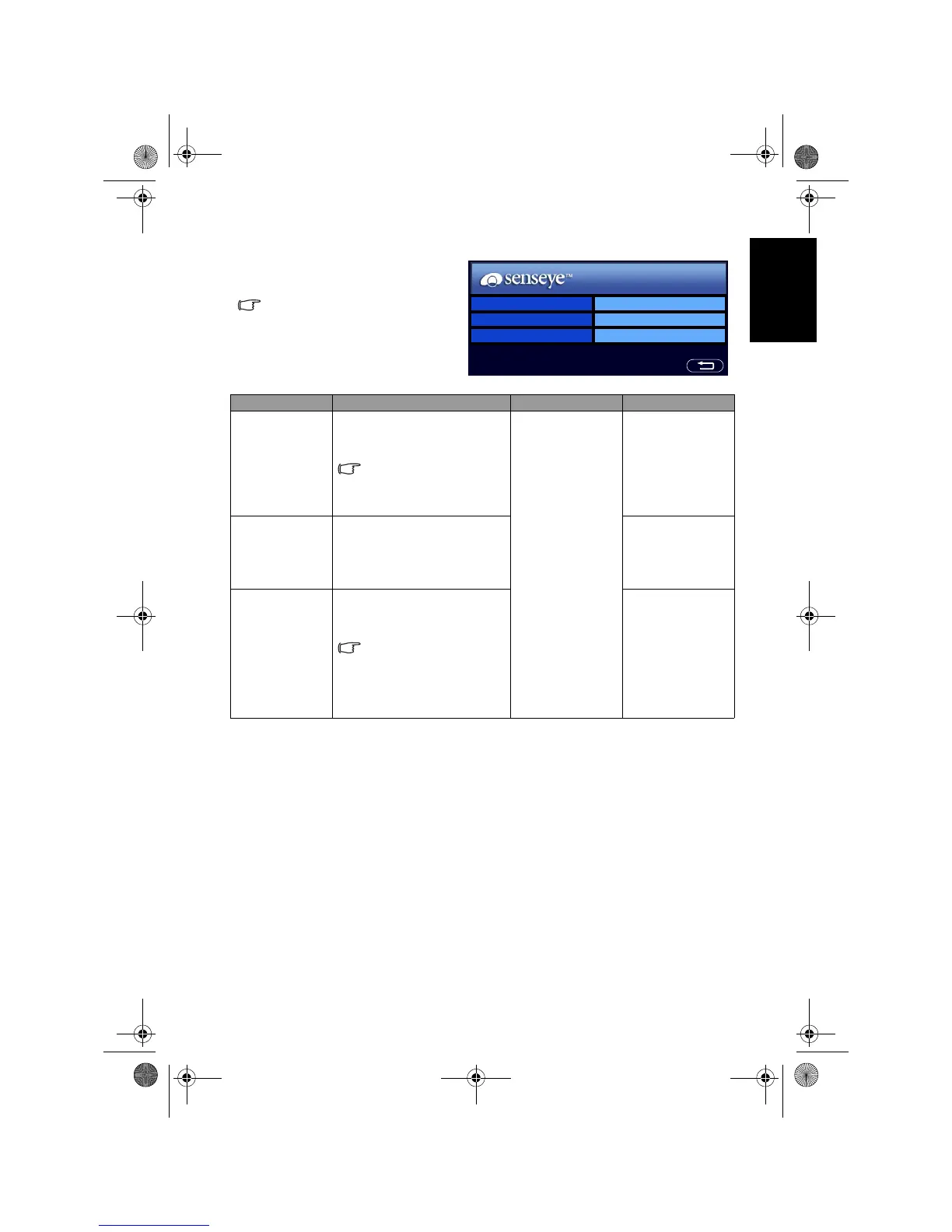
Senseye menu
The available menu items are
dependent on the input source
being selected.
The illustration is for reference
only.
Item Function Operation Range
Black
Extension
Enhances the contrast among
details when viewing dark
images.
This option will not be
available if the ACE
function is set to Low,
Middle or High.
Press + or - to
change selection.
• Low
• Middle
• High
• Off
ACE (Auto
Contrast
Enhancement)
Adjusts the auto contrast
enhancement function that
optimizes the image contrast
ratio for dark scenes.
• Low
• Middle
• High
• Off
Noise
Reduction
Adjusts the image noise
reduction function that helps
to remove noise in images.
This function is only
available when AV1 or
AV2 (AV2-S) is the input
source with the
resolution no higher than
480i and 576i.
• Low
• Middle
• High
• Off
Black Extension Low
ACE Off
Noise Reduction Low
V32B_V37B_EN.book Page 37 Wednesday, January 23, 2008 10:55 AM



 To Next Page