65
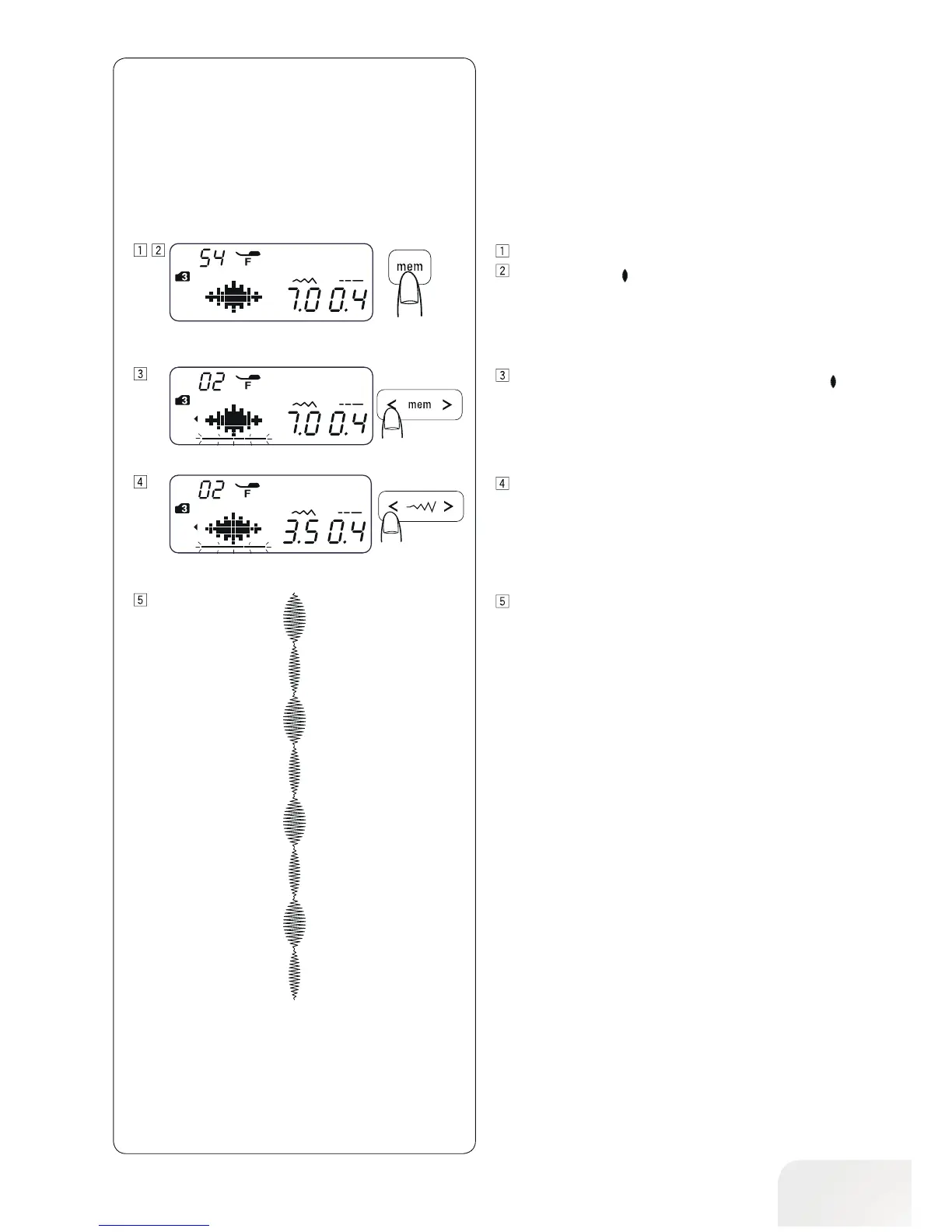
Enter the mode 3.
Select pattern 54 (
54
).
Press the memory button twice.
Move the cursor under the second stitch pattern of 54 (
54
).
Example:
To alter the stitch width individually
Press the stitch width button to alter the stitch width (3.5).
A pattern series will be sewn.
The stitch width of programmed patterns will be 7 mm and
3.5 mm.



 To Next Page