My bernette
13
2022-08 EN 5020077.40A.04
Number Operating
Component
Name Purpose
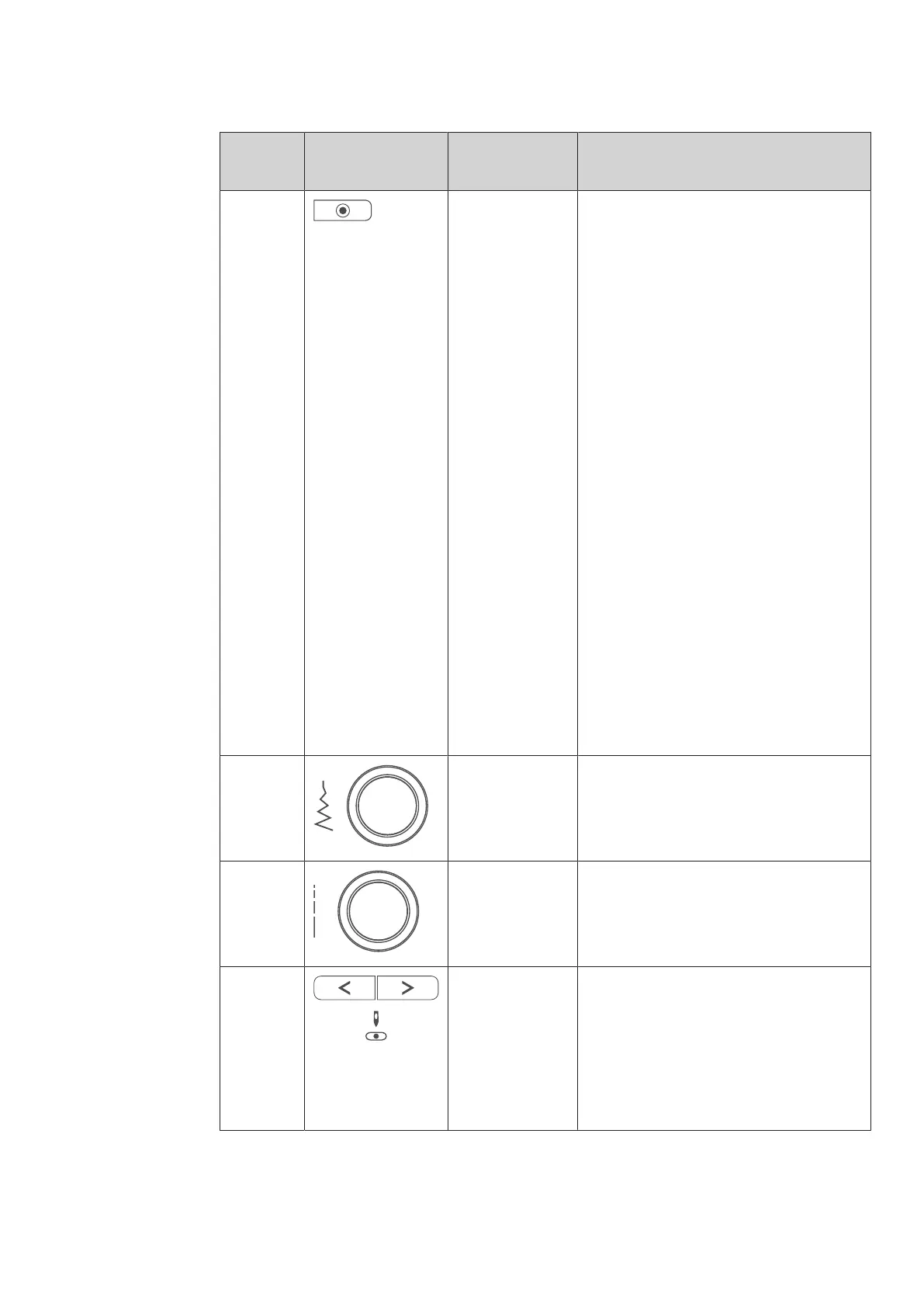
6 Securing Stitches The function «Securing at Sewing Start» is
activated in the Setup by default and can be
deactivated by pressing the button
«Securing».
When the function «Securing at Sewing
Start» is not activated in the Setup, it can be
programmed by pressing the button
«Securing».
A securing icon which appears on the display
during sewing indicates that the function is
activated.
The number of securing stitches can be
programmed in the Setup-Program.
> To sew the securing stitches first, press
the button «Securing» before you start
sewing.
> To sew the securing stitches at the
pattern end, press the button «Securing»
while sewing.
> To sew securing stitches within a stitch
pattern combination, press the button
«Securing».
– The selected pattern of the
combination is secured according to
the setting.
7 Upper Multi-
function Knob
Settings can be changed with the «Upper
Multifunctional knob» and the Lower
Multifunctional knob.
8 Lower Multi-
function Knob
Settings can be changed with the «Lower
Multifunctional knob» and the Lower
Multifunctional knob.
9 Needle Left/Right There is a total of 15 needle positions. The
needle position is indicated by the needle
position number in the display.
> Press the «Needle Left» button to move
the needle to the left.
> Press the «Needle Right» button to move
the needle to the right.



 To Next Page