Errors and Faults
81
2022-08 EN 5020070.40A.04
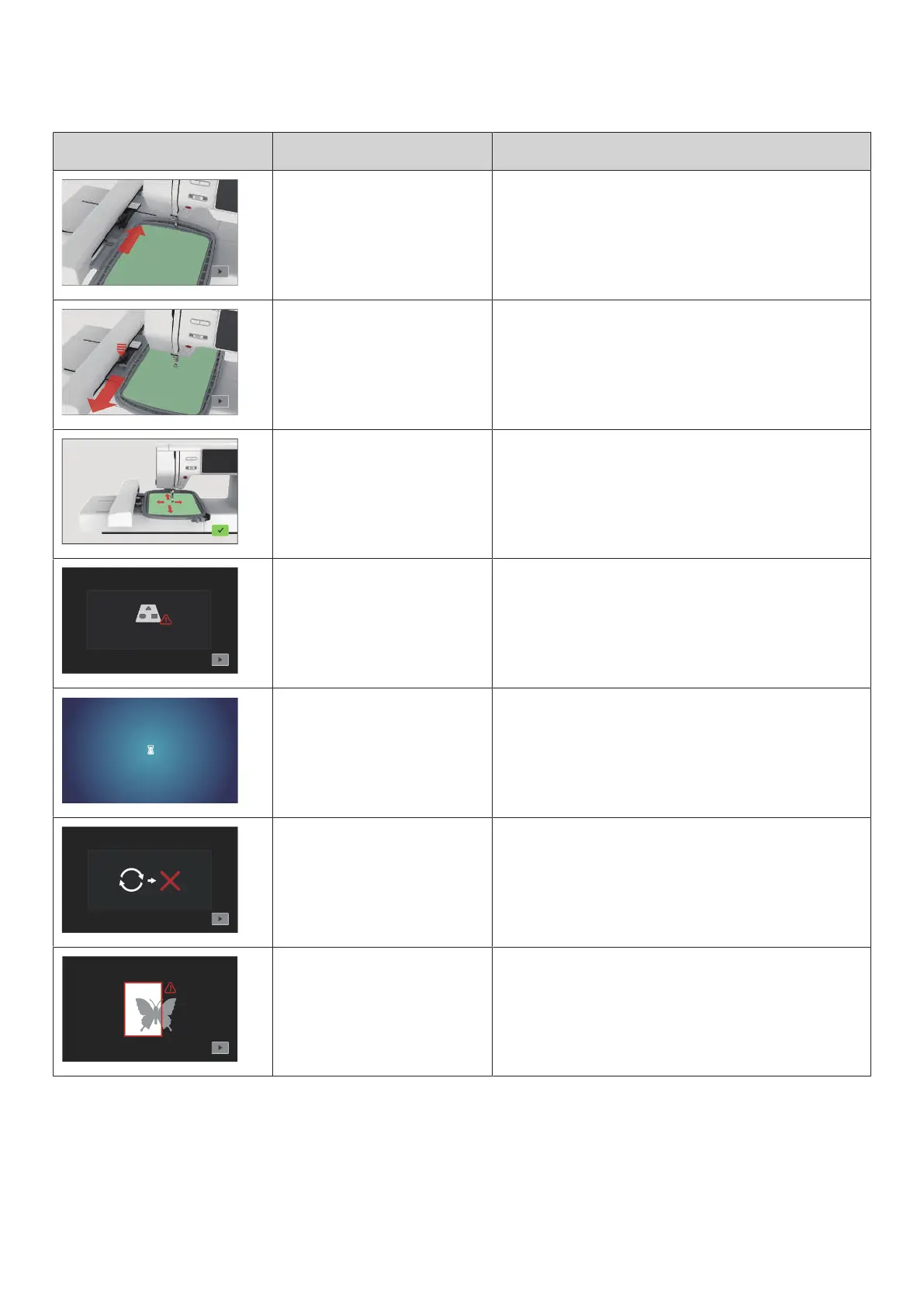
Message on the Display Cause Repair
The hoop is not attached. > Attach the hoop.
The hoop is attached. > Remove the embroidery hoop.
The embroidery hoop is
calibrated.
> Tap «Confirm».
The maximum number of stitches
of 120,000 is reached.
> Select another embroidery design with less stitches.
Files are being loaded. > Wait for processing process.
Firmware update failed. > Check the update file on the USB stick.
> Tap «Cancel» and try the update again.
The embroidery design is partially
outside the embroidery hoop
and/or is too large for the hoop.
> Reduce the size of the embroidery design.
> Reposition the embroidery design.
> Attach a larger hoop.



 To Next Page