116
Maintenance
Cleaning
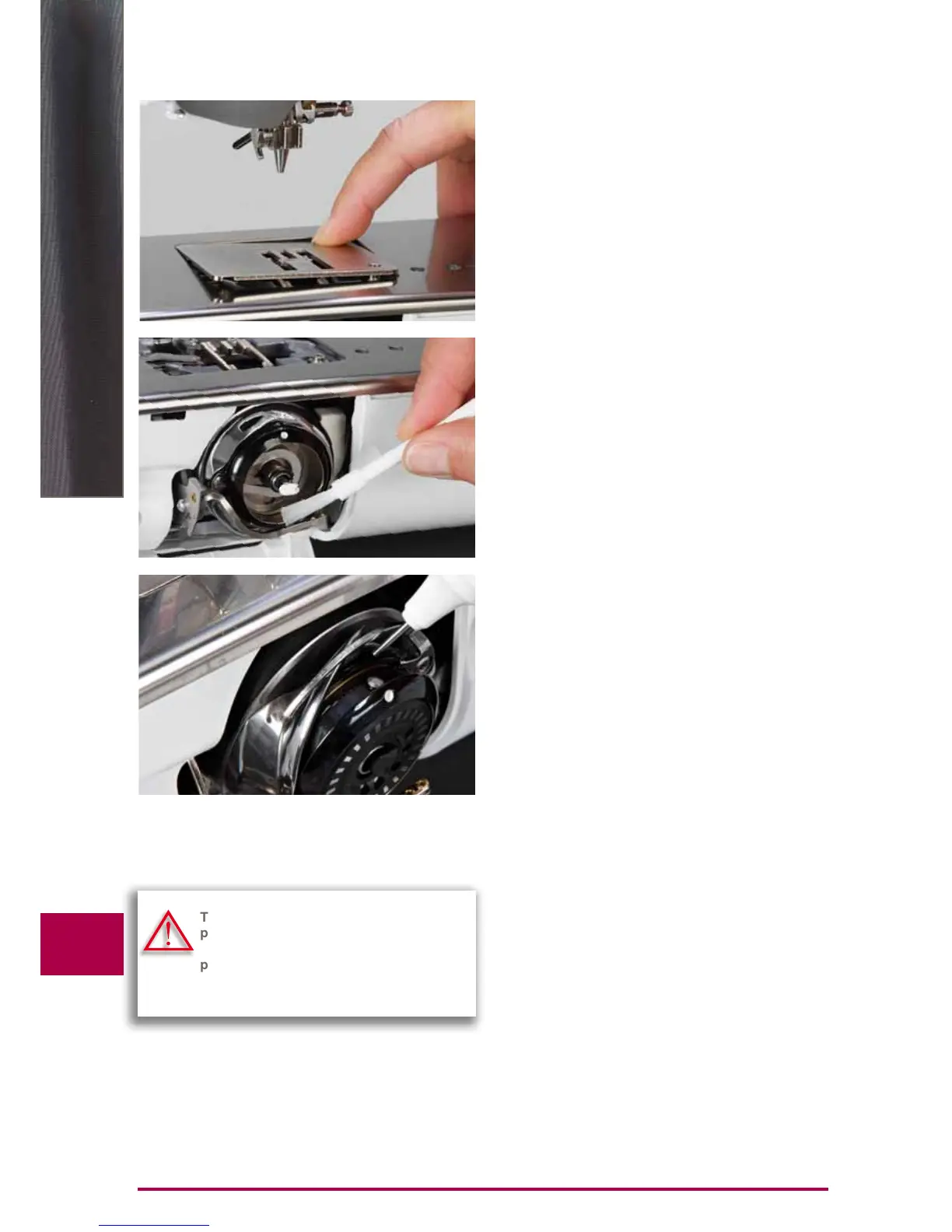
Cleaning the stitch plate and the hook
Remove thread remnants and lint from under the stitch
plate.
► remove presser foot and needle
► press the stitch plate down at the back right corner and
remove
► open bobbin cover door
► remove the bobbin
► clean the stitch plate and the lower thread indicator with
the lint brush or use a vacuum cleaner
► clean the hook and hook race with the lint brush. Do not
use sharp instruments for cleaning!
► insert the bobbin
► close the cover
► replace the stitch plate
Cleaning the automatic thread cutter
► see page 46
Lubricants
► open bobbin cover door
► with your left hand, hold the bobbin-case; with your right
hand, turn the hand wheel clockwise until the hook race
is visible
► apply a tiny amount of universal sewing machine oil in
the hook race
► close bobbin cover door
► briefly run the sewing computer in idle, so sewing
project is not soiled
Cleaning the Screen and the Sewing
Computer
► wipe with a soft, damp cloth
Turn power switch to «0» (off) and remove
plug from electrical outlet when perfor-
ming maintenance. Never use alcohol,
petrol, white spirit or any type of solvent to
clean the sewing computer.



 To Next Page