40
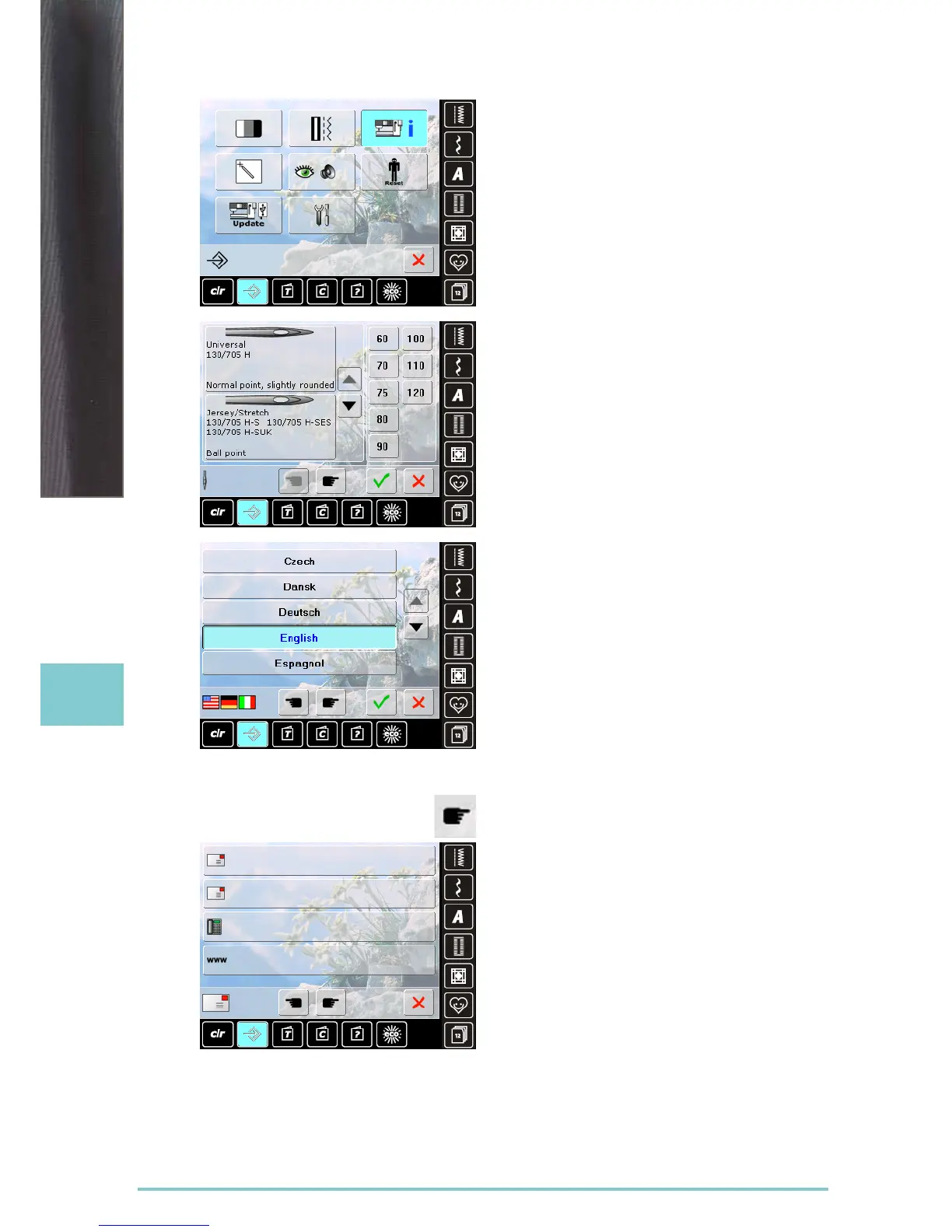
Needle Chart
► select the needle inserted
► when the sewing computer is switched on, the needle
selected will be displayed
► touch the arrow icon to scroll through to the needle
types
Language
► scroll through the languages by touching the arrow
icons and select the language required
Dealer Details
► by pressing the respective gray bar the following
information about your BERNINA dealer can be entered:
‣ store name
‣ last name, first name
‣ telephone number
‣ website or e-mail address
Information
Setup Program



 To Next Page