12
Preparation
Power Switch/Power Cable
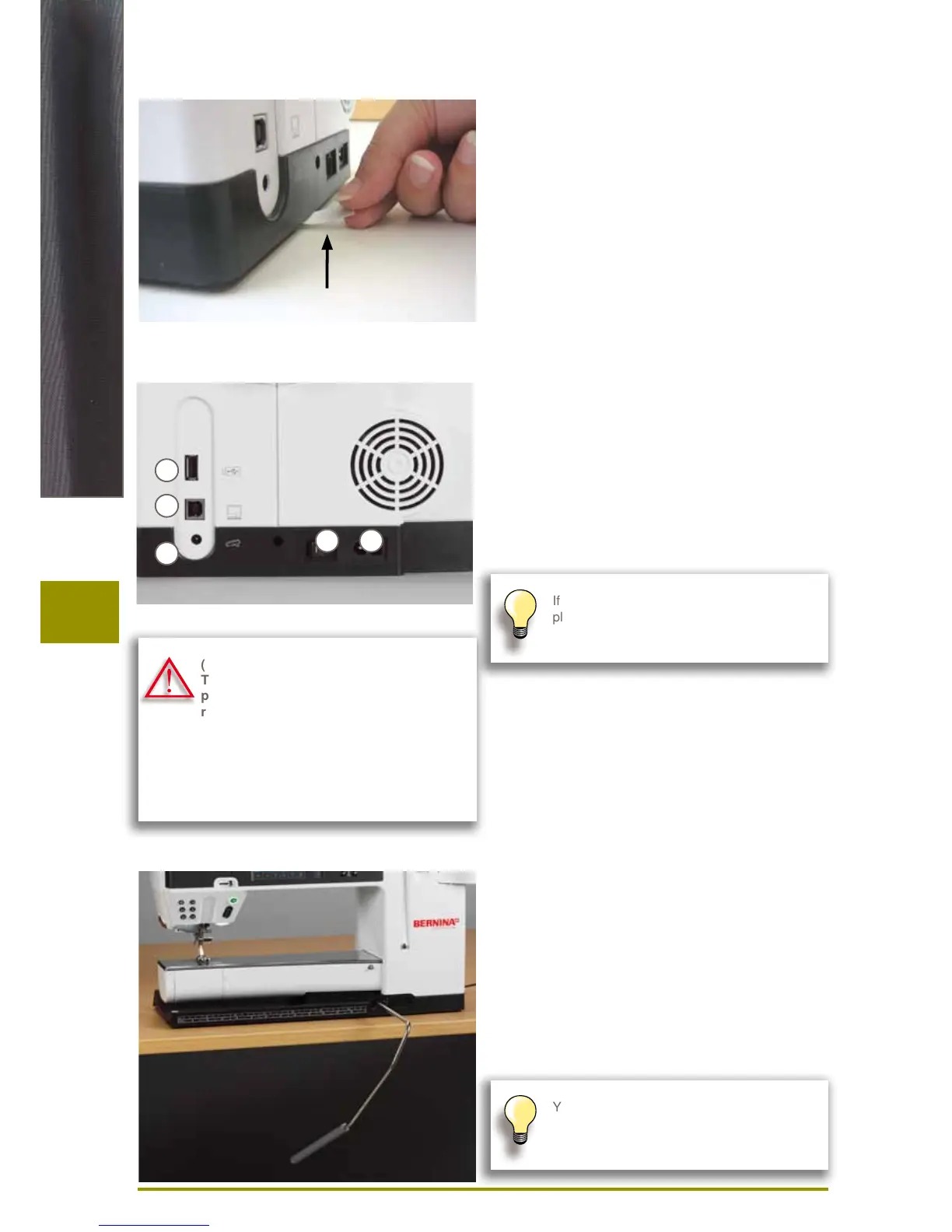
A Power Switch
The sewing computer is switched on («I») and off («0»)
with the power switch.
I the sewing computer is switched on
0 the sewing computer is switched off
B Power connection
C Foot control connection
D PC connection
E USB stick connection
Free-Hand-System (FHS) Presser Foot Lifter
The FHS is used to raise and lower the Presser Foot.
Attaching the Free Hand System
► insert into the opening; you should be able to operate
the FHS with your knee in your normal sitting position
Raising and Lowering the Presser Foot
► with knee push FHS to the right
► the presser foot is raised and the feed-dog is lowered
simultaneously. Tension is released
► the feed-dog is raised as soon as the first stitch is sewn
If the sewing computer is kept in a cold room,
place it in a warm room for 1 hour before use.
(USA/Canada only):
The sewing computer has a polarized
plug (one blade wider than the other). To
reduce the risk of electrical shock, this
plug is intended to fit in a polarized outlet
only one way. If the plug does not fit fully
in the outlet, reverse the plug. If it still
does not fit, contact a qualified electrician
to install the proper outlet. Do not modify
the plug in any way!
Your dealer can adjust the FHS if necessary.
Battery
Please remove the protective sticker of the battery
before taking the sewing computer in use.
A B
C
D
E



 To Next Page