67
Alphabets
Combining Lettering and Functions
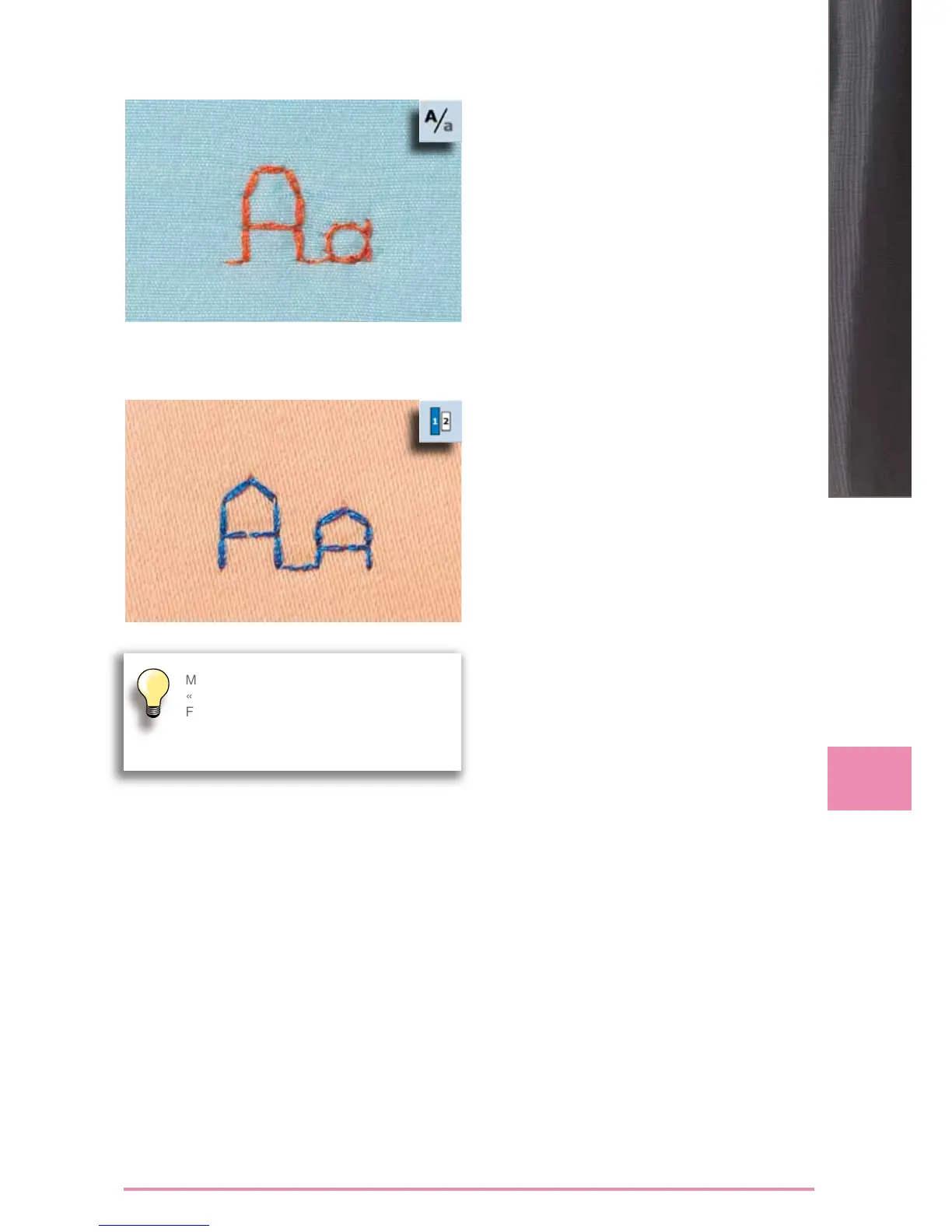
► touch the «Upper Case/Lower Case» icon
► the lower case «a» is highlighted in black, the lower
case is activated
► touch the «Upper Case/Lower Case» icon again, the
capital «A» is in black
► upper case is activated again
Select Lower Case
Change Size
► touch the «Alphabet Size» icon; number 2 is highlighted
blue
► the letter is reduced to approx. 6 mm
► touch «Alphabet Size» again; larger size is activated
again (number 1 is highlighted blue)
More functions are described in the chapter
«Combining Decorative Stitches with
Functions», pages 62 – 63.
Creating Combinations, see page 81.



 To Next Page