82
Long Term Memory
Deleting Stitch Patterns
Deleting patterns in steps
► the stitch pattern above the cursor is deleted
► touch «Delete» as many times as required until the
Stitch Altering Area is empty
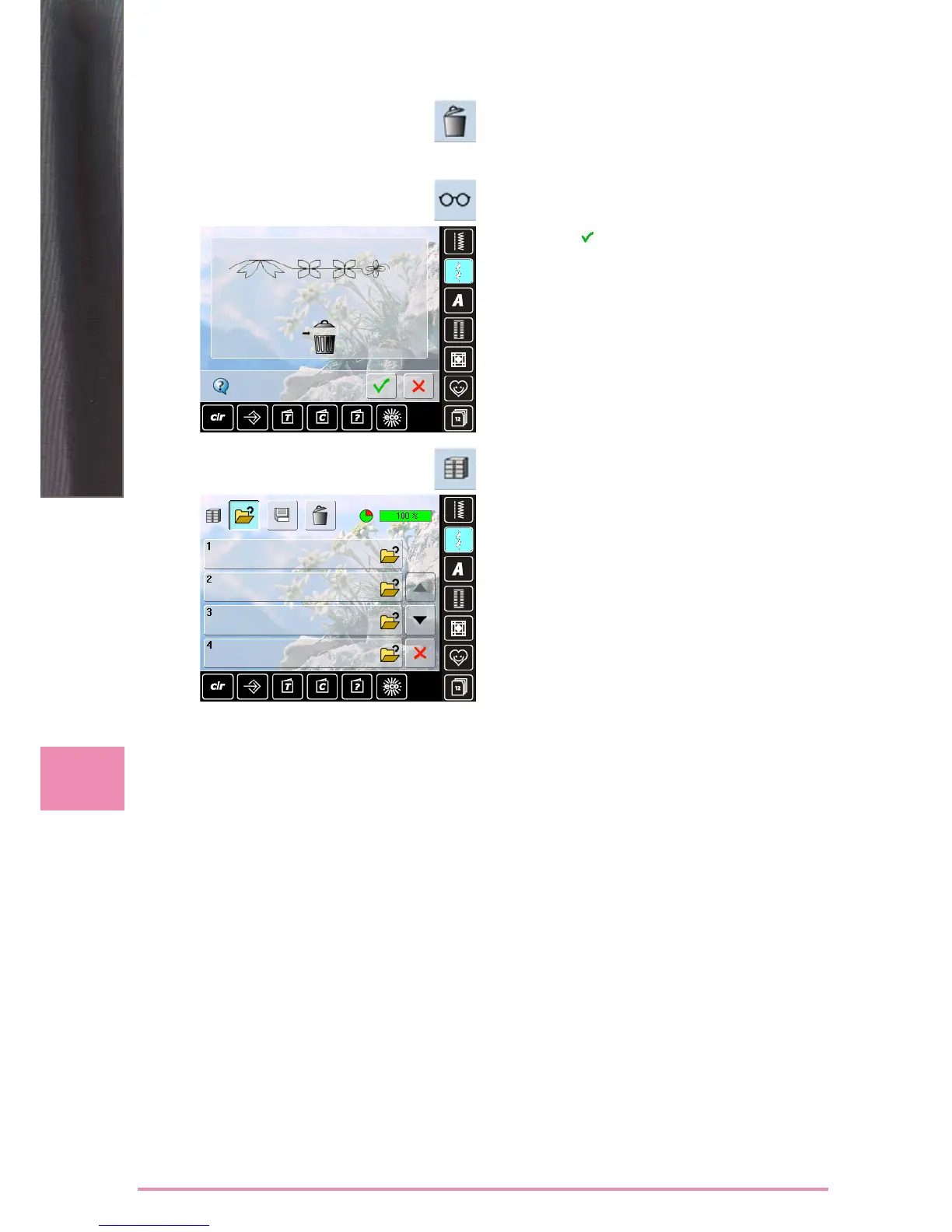
Deleting a Combination
► touch the «Multifunction» icon
► touch «Delete»
► confirm with
Opening Empty File Drawers
► touch the «File Drawers» icon
► Drawers screen appears
► touch «Open» in the top row
► select an empty Drawer



 To Next Page