81
Long Term Memory
Long Term Memory Description
In the memory stitch patterns, lettering and numbers can be combined and saved.
In the memory each «Drawer» can store a maximum of 70 stitch patterns as long as there
is sufficient free space (capacity) available.
The memory is long-term, i.e. contents are kept until they are deleted. A power cut or
switching off the sewing computer does not have any effect on the stored contents.
Creating Stitch Combinations
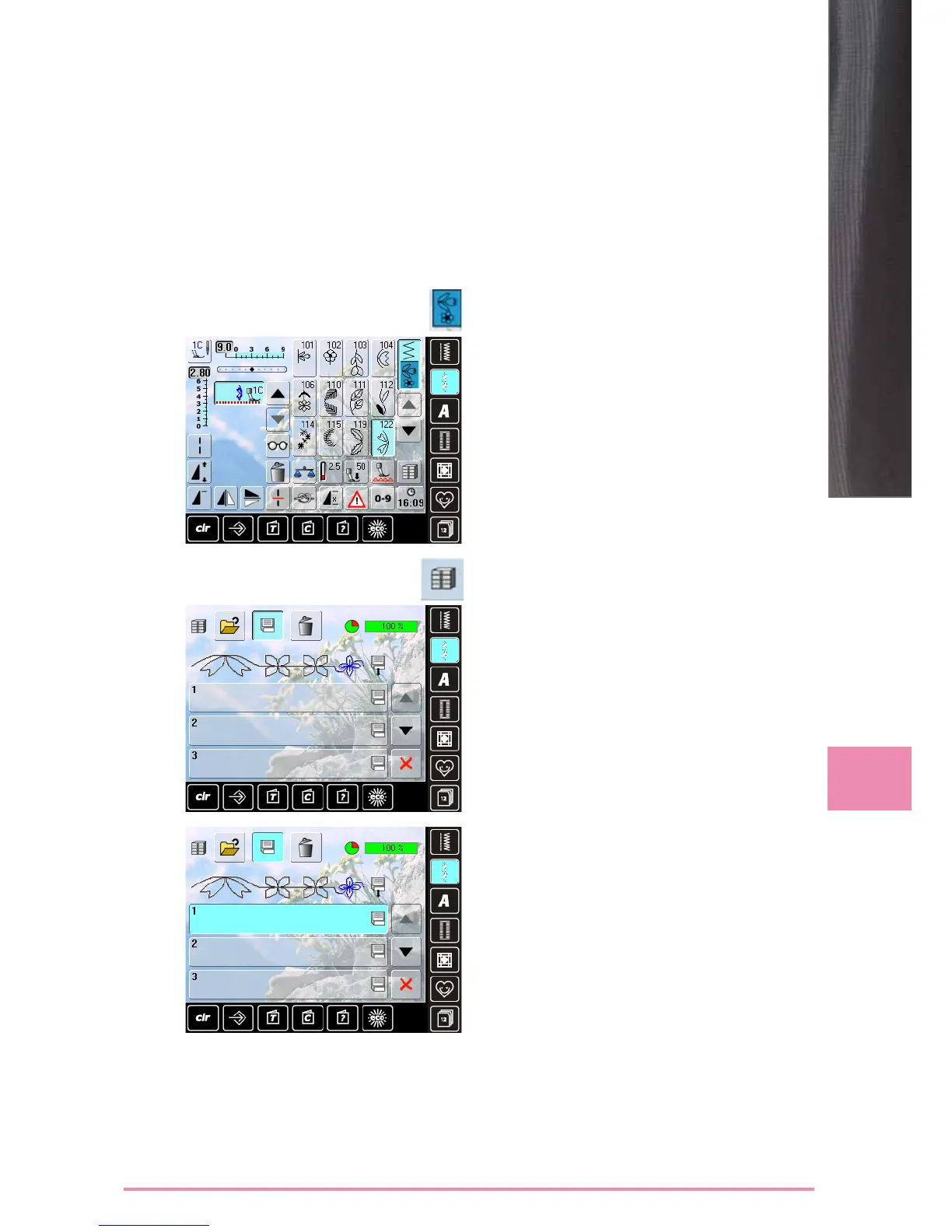
Programming and Saving
► select «Combi Mode»
► the Stitch Altering Area and the respective function
fields appear
► select the desired stitch pattern directly or type in the
number
► make any necessary changes such as stitch length,
stitch width, needle position and add functions such as
mirroring, etc.
► select further stitch patterns
► touch the flashing «File Drawers» icon
► the «Save» icon is activated
► the System Memory Capacity is shown in percent (%) in
a bar in the top right
► select the Drawer where you wish to save the stitch
combination



 To Next Page