85
Long Term Memory
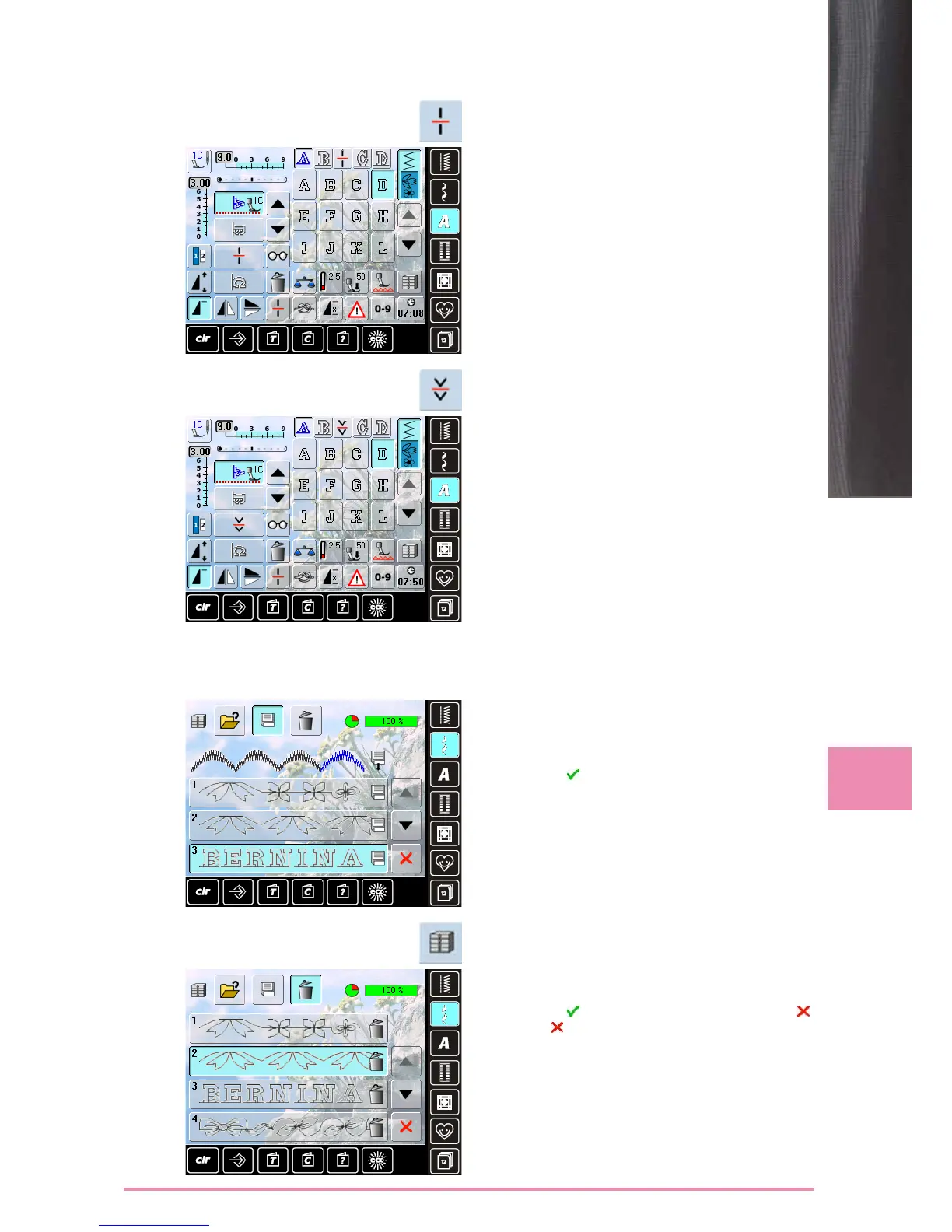
Combination Subdivider 1
► a combination can be subdivided into several sections
with the «Subdivider 1» function
► only the section where the cursor is positioned is sewn
► to sew the next section, the cursor must be placed in the
respective section
Combination Subdivider 2
► touch the «Multifunction» icon
► a combination can be split into various sections using
the «Combination Subdivider 2» function
► sew the first section, the sewing computer stops
automatically when it reaches the programmed function
► reposition the fabric, press the foot control = the next
section is sewn etc.
Deleting a Stitch Combination
Overwriting
► program a new stitch combination
► touch the «File Drawers» icon
► select the Drawer which you want to overwrite
► confirm with
Deleting
► touch the «File Drawers» icon
► a summary of the saved combinations appears
► touch the «Delete» icon
► select the Drawers to be deleted
► confirm with ; deleting will be stopped by touching
► touch the icon – File Drawers summary closes



 To Next Page