45
Setup Program
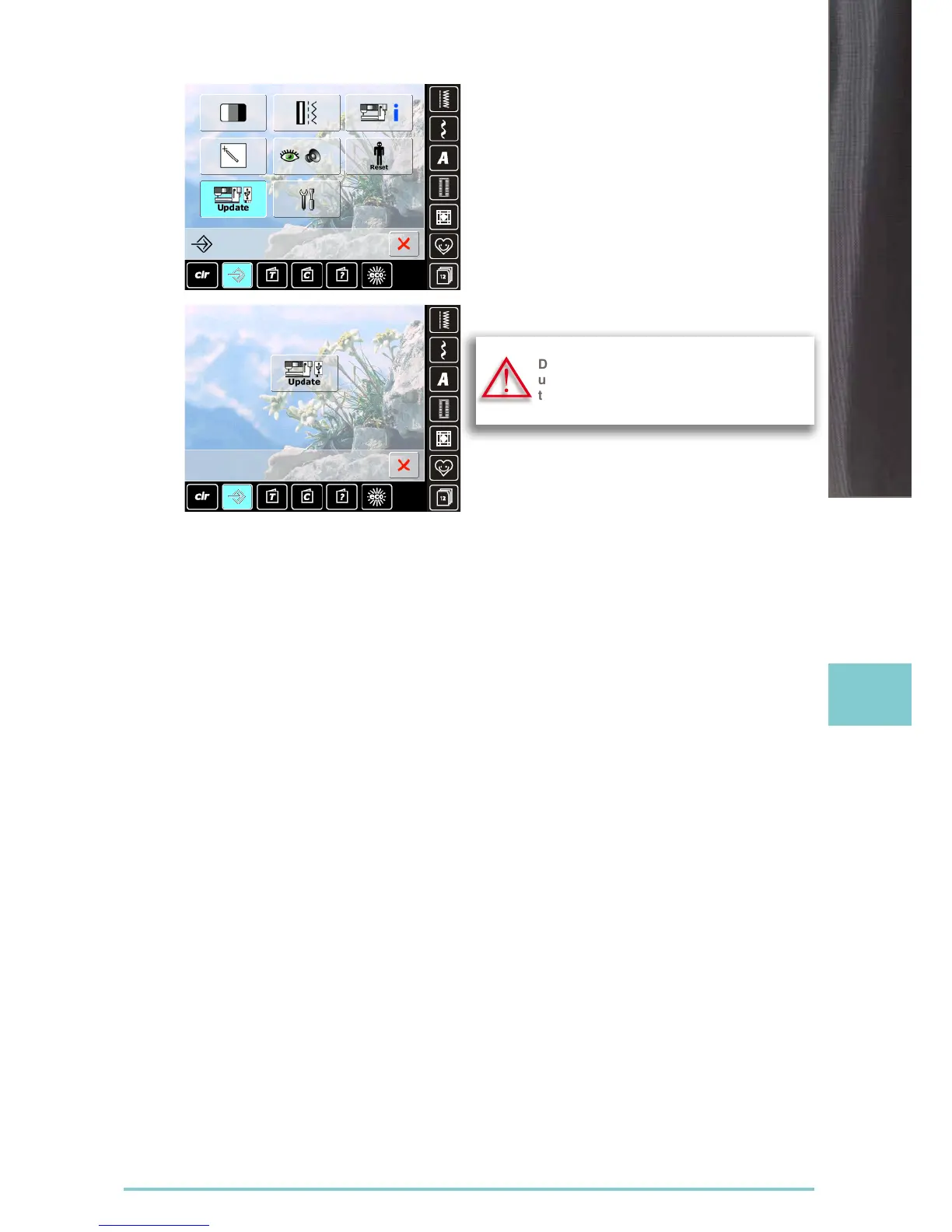
Updating
► insert BERNINA USB stick with the new software
version
► touch «Update»
► touch «Update» again to start the process
► it is then determined if:
‣ a BERNINA USB stick is inserted
‣ there is enough free space available (at least 10MB)
‣ the correct software version is on the stick
► the data and settings are accepted
► if the update was successful, a message appears and
the sewing computer is ready to sew again
► if the update cannot be started or if there are problems
during the update process, an error message appears
Do not remove the BERNINA USB stick
until there is a message which indicates
the end of the update.
Update



 To Next Page