66
Alphabets
Combining Lettering
► individual letters and rows of the same letter of the
same alphabet are sewn in Single Mode
► letters for names, addresses, words, etc. are combined
and sewn in Combi Mode
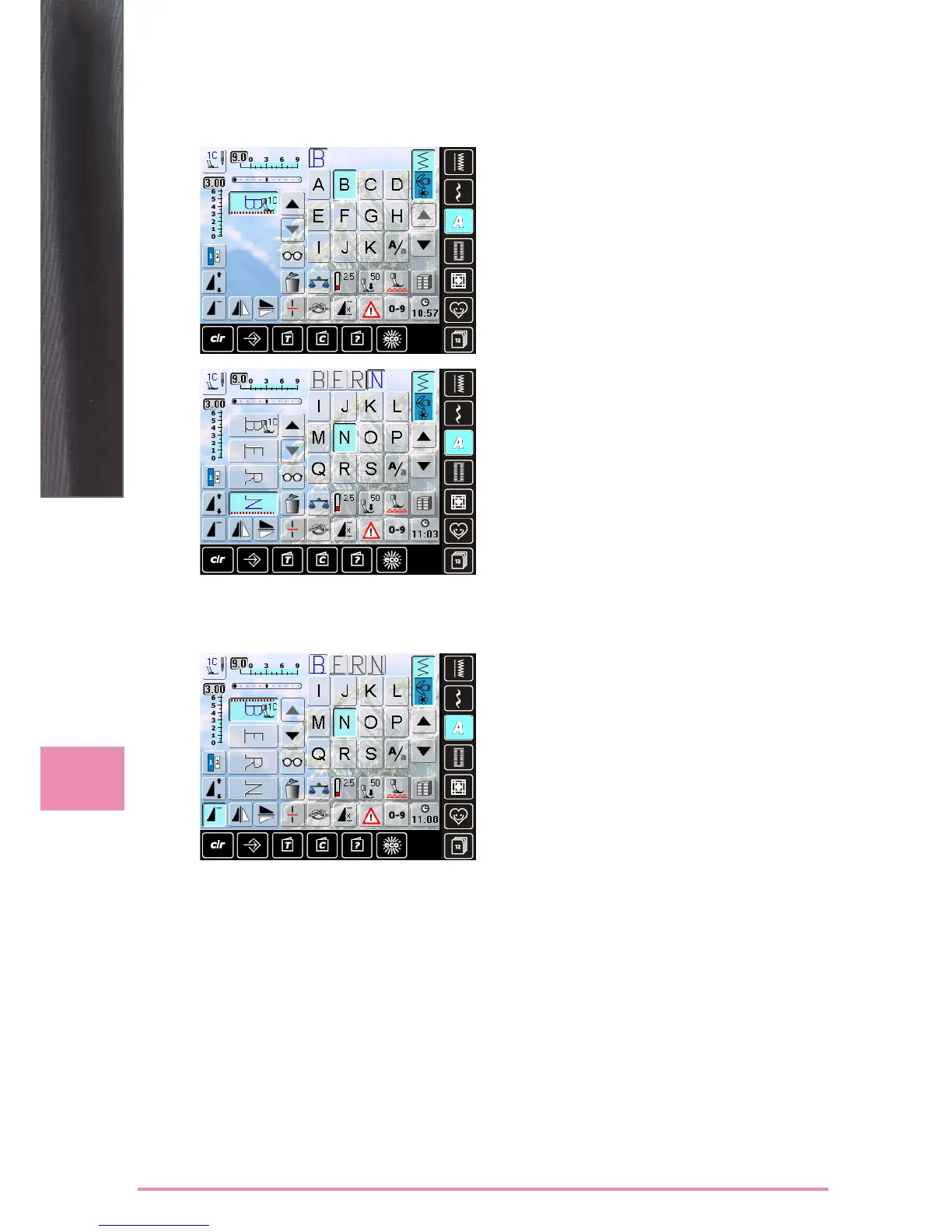
Combinig Letters
► open Combi Mode
► select desired letter
► letter appears in Stitch Altering Area and on bar above
Alphabet menu
► cursor is below the letter
► select next letter by touching required button
► second letter appears in Stitch Altering Area, etc.
Inserting Letters
► a letter is always inserted above the cursor
► cursor must be scrolled up (arrow) to insert an additional
letter at the beginning of lettering
► activate desired place by selecting required letter in
Stitch Altering Area or scroll to it
► select new letter
► letter is inserted above cursor
Deleting Letters
► a letter is always deleted above the cursor
► activate desired place by selecting required letter in
Stitch Altering Area, or scroll to it
► touch «Delete»
► letter is deleted
► saving and deleting combinations see pages 81 – 85
Alphabets
Correcting Combinations



 To Next Page