Density Meter LB 444 SECTION 2. SYSTEM DESCRIPTION
13
2.4.1.4 Display
The illuminated display field of the instrument comprises 4 lines; the first three
lines show the menu titles, the currently selected parameters or the current
measurement value. The bottom line shows the current function of the softkey
button located below or, when a measurement is running, the status “
run
“.
2.4.1.5 Keypad Function
The Density Meter is operated via the softkeys and function keys de-
scribed below; which select the desired operating level within a menu
structure in order to select a function or enter parameters. The menu
guidance is illustrated in the quick overview of the menu structure
(see next page) and from tables (see Appendix).
Softkeys
Softkeys are used to select different menu groups and operating lev-
els within the menu structure. Depending on the current position in
the menu structure, functions are assigned to these keys, as shown
on the display above the respective key.
<
sk1
>
and
<
sk2
> switch to the indicated menu (Figure 9 a).
<
more
> switch to the next menu group.
<
done
> shows the end of the menu and takes you back to the
menu group.
<
^^^
> text: scrolls through the various selection options (Figure
9 b)
numerical values: increments the number marked by the
cursor by 1.
<
!!!
!!!!!!
!!!
> moves the cursor to the left and at the end of the input
field again to the start position (Figure 9 c).
<
+
> and
<
-
> scrolls forward / back in the submenus (Figure 9 d).
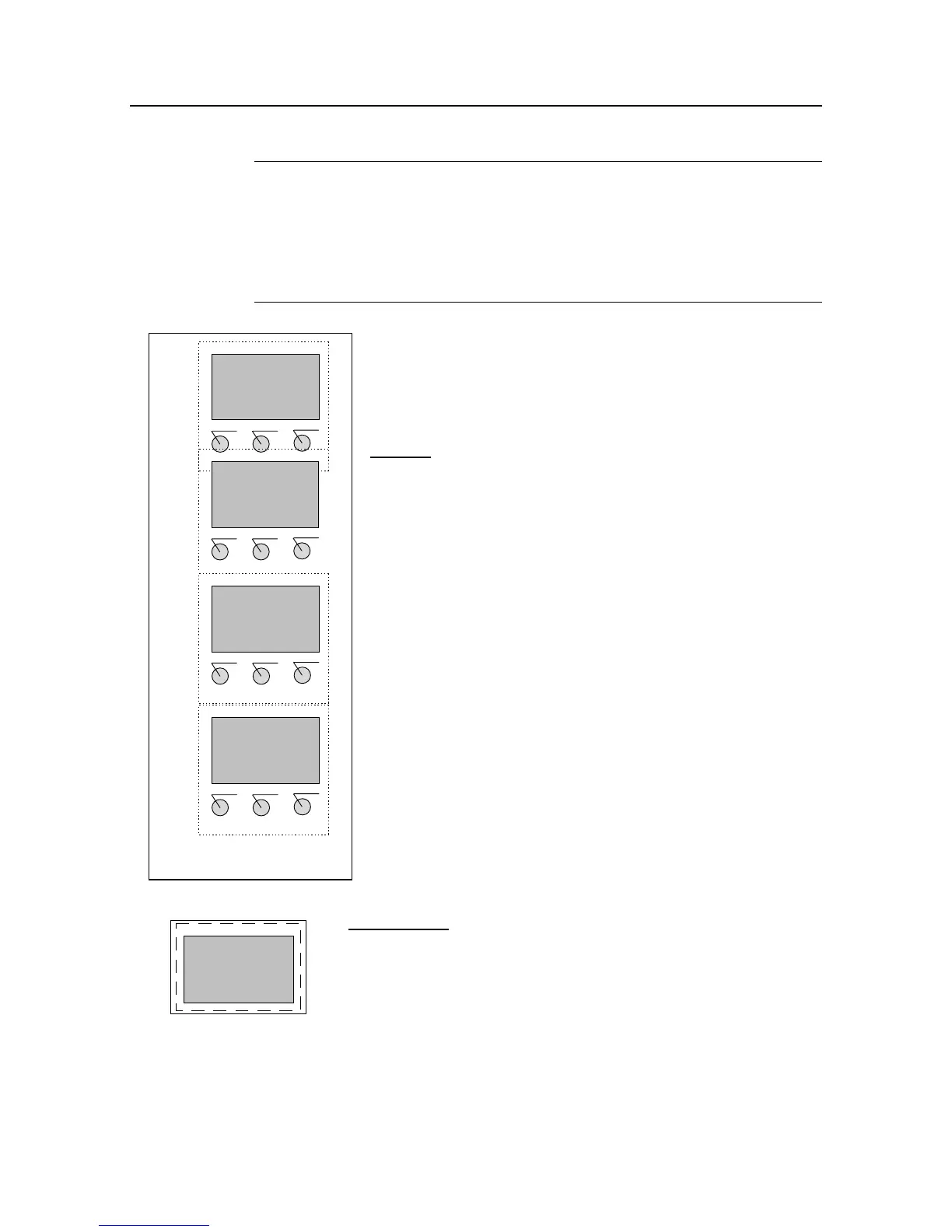
Figure 9: Softkeys functions
Function Keys
<
enter
> accepts the entry and moves the cursor to the next input
field or toggles between two input fields.
<
clear
> clears the numerical value.
Figure 10: Live display
sk1: general
sk2: operating
sk1 sk2 more
a)
Product select
[extern/intern]
^^^ done
intern
b)
time constant
more
value: 20.000
←
←←
←←
←←
←←
←←
←
∧∧∧
∧∧∧∧∧∧
∧∧∧
c)
HV (500): 112 cps
+ - exit
HV (560): 116 cps
HV (620): 122 cps
d)
LB 444
Density = 1.5g/cm³
+ - RUN more
<
run
> starts or ends a measurement or leads directly back to
the display and at the start of a measurement automati-
cally changes to the measurement value display.









 To Next Page