Density Meter LB 444 SECTION 5. GETTING STARTED
40
Getting Started
Proceed as follows to take the instrument into operation:
Turn on the power supply of the instrument
. Then the manufacturer’s name,
versions number and instrument type is displayed (Figure 8)
Opening the Radiation Exit Channel
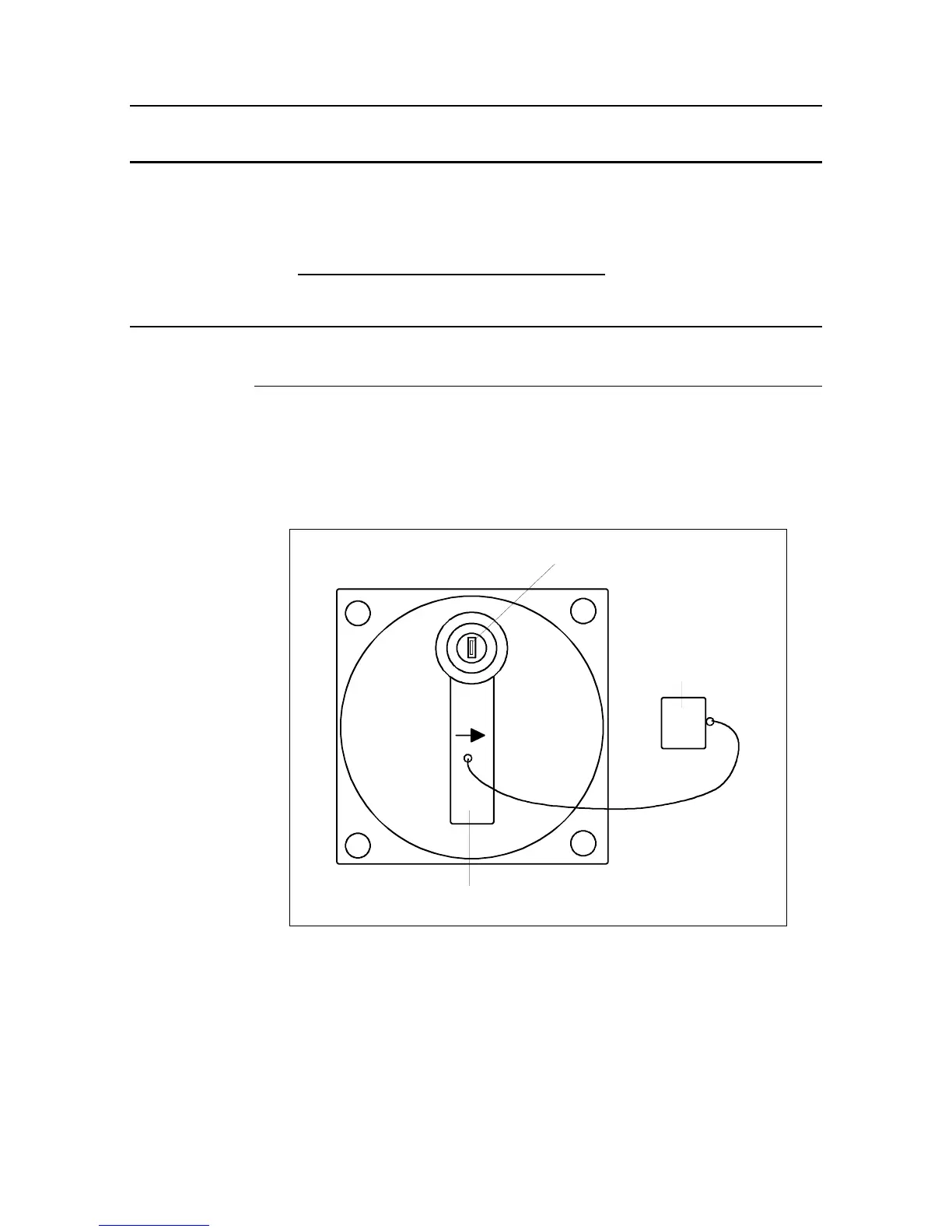
5.1.1.1 Shielding Container Type LB 744.
• Insert key in cylinder lock and turn it to the right to release the catch of lock-
ing handle.
• Turn handle by 180° so that the arrow is pointing towards “OPEN”.
OFFEN
OPEN
ZU
CLOSED
Locking handle
Protection
cap
Figure 23: Rear view of shielding container type LB 744.
• Remove key and arrest locking using the bolt provided. Note: the shielding
MAY NOT BE LOCKED IN THE OPEN CONDITION!









 To Next Page