C (E3) 08/2015 page 22/93
Permitted shelf loads:
Maximum load on one single shelf: 10 kg / 22 lb
Maximum total load on all shelves: 30 kg / 66 lb
4.2 CO
2
sensor
4.2.1 Connecting the CO
2
sensor
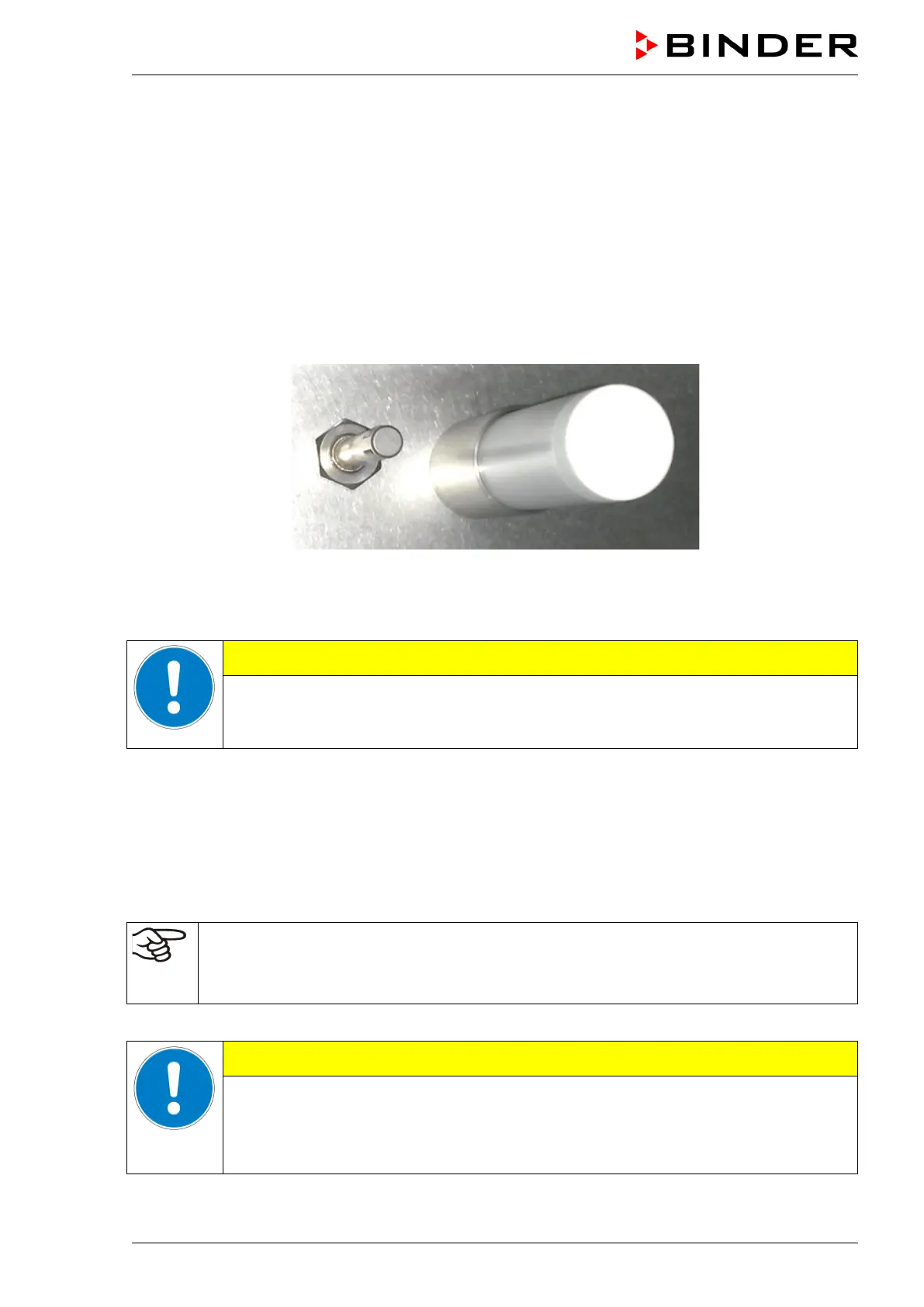
Turn off the unit. Open the door of the inner chamber and plug the CO
2
sensor (4) into the permanently
installed holding tube located in the upper part of the rear of the inner chamber.
Figure 10: Plugged-in CO
2
sensor (right) and gas mixing head for CO
2
The sensor must click in correctly and sit tightly in the connection socket.
Connecting or removing the CO
2
sensor during operation.
Damage to the CO
2
sensor.
Connect or remove the CO
2
sensor only with the unit turned off.
4.2.2 General notes
Connect or remove the CO
2
sensor without rotating and only when the incubator is turned off. Remove
the CO
2
sensor before removing or replacing its filter cap. The PTFE filter of the CO
2
sensor prevents dirt
and humidity from intruding into the measuring cell. It is available as a spare part. Replace it whenever it
is damaged or soiled.
The accuracy of the indicated values of CO
2
depends on the ambient air pressure (approx.
0.08 vol.-% per 10 mbar / 0.15 psi). In order to compensate this effect when measuring the
CO
2
concentration, the altitude of the installation site above sea level can be entered into the
controller (chap. 8.1).
The CO
2
sensor is temperature resistant up to a maximum temperature of 60 °C / 140 °F.
CAUTION
Excess temperature.
Damage to the CO
2
sensor.
∅ Do NOT autoclave the CO
2
Sensor.
∅ Do NOT expose the CO
2
sensor to hot-air sterilization.



 To Next Page