C (E3) 08/2015 page 41/93
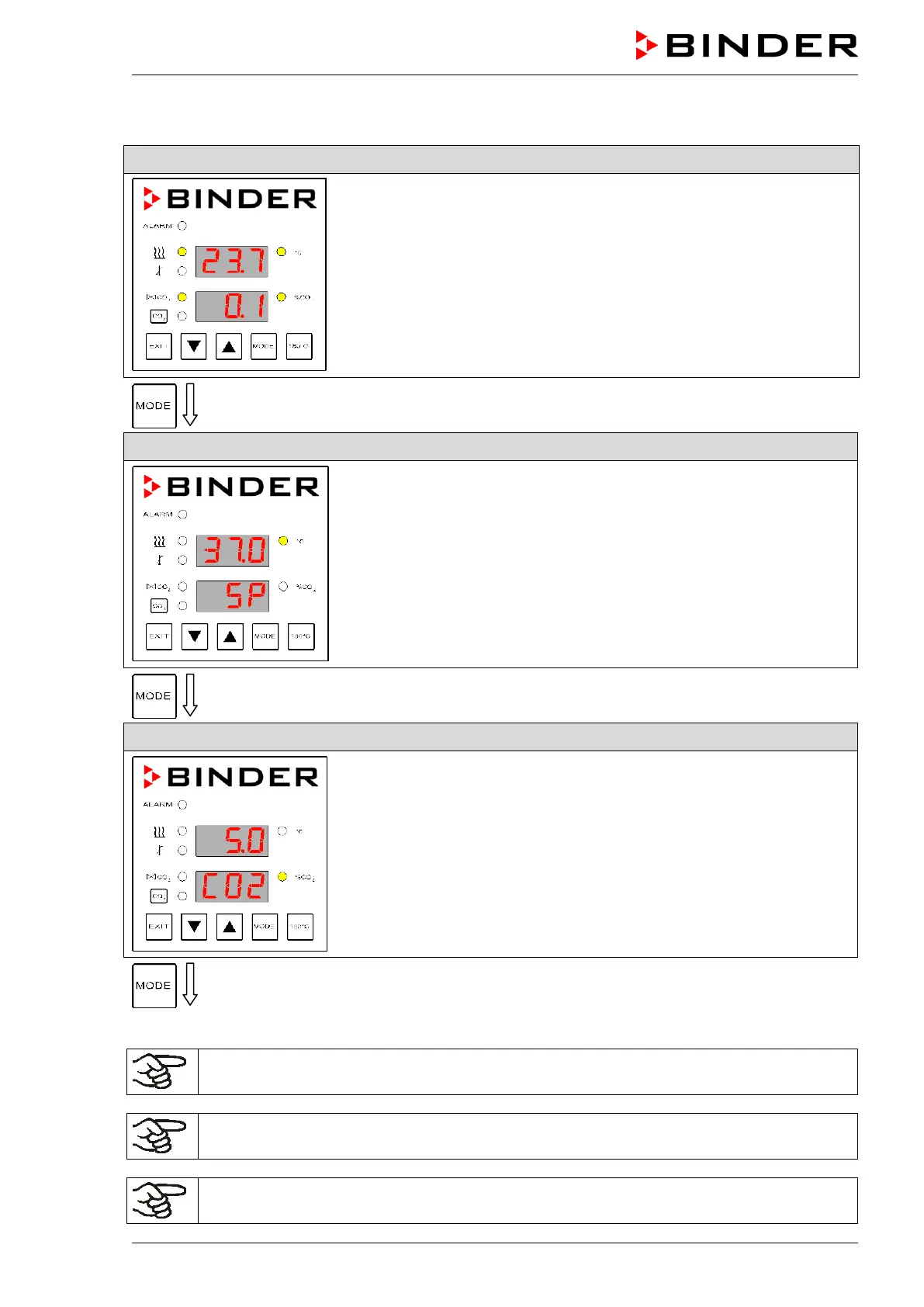
8.2 Entering the set points of temperature and CO
2
Normal Display
Entry of temperature set point
Entry of temperature set point with arrow keys.
Entry of CO
2
set point
Entry of CO
2
set point with arrow keys.
After 30 seconds the controller reverts to Normal Display automatically.
When setting a lower temperature set point, in order to save time, we recommend cooling
down the unit by turning it off and opening both doors of the unit.
When setting a lower CO
2
set point, the CO
2
gas must be able to escape first. Open both
doors of the unit for this purpose.
If the CO
2
concentration is indicated as “-0.4”, the CO
2
sensor is defective. Please contact
BINDER Service.



 To Next Page