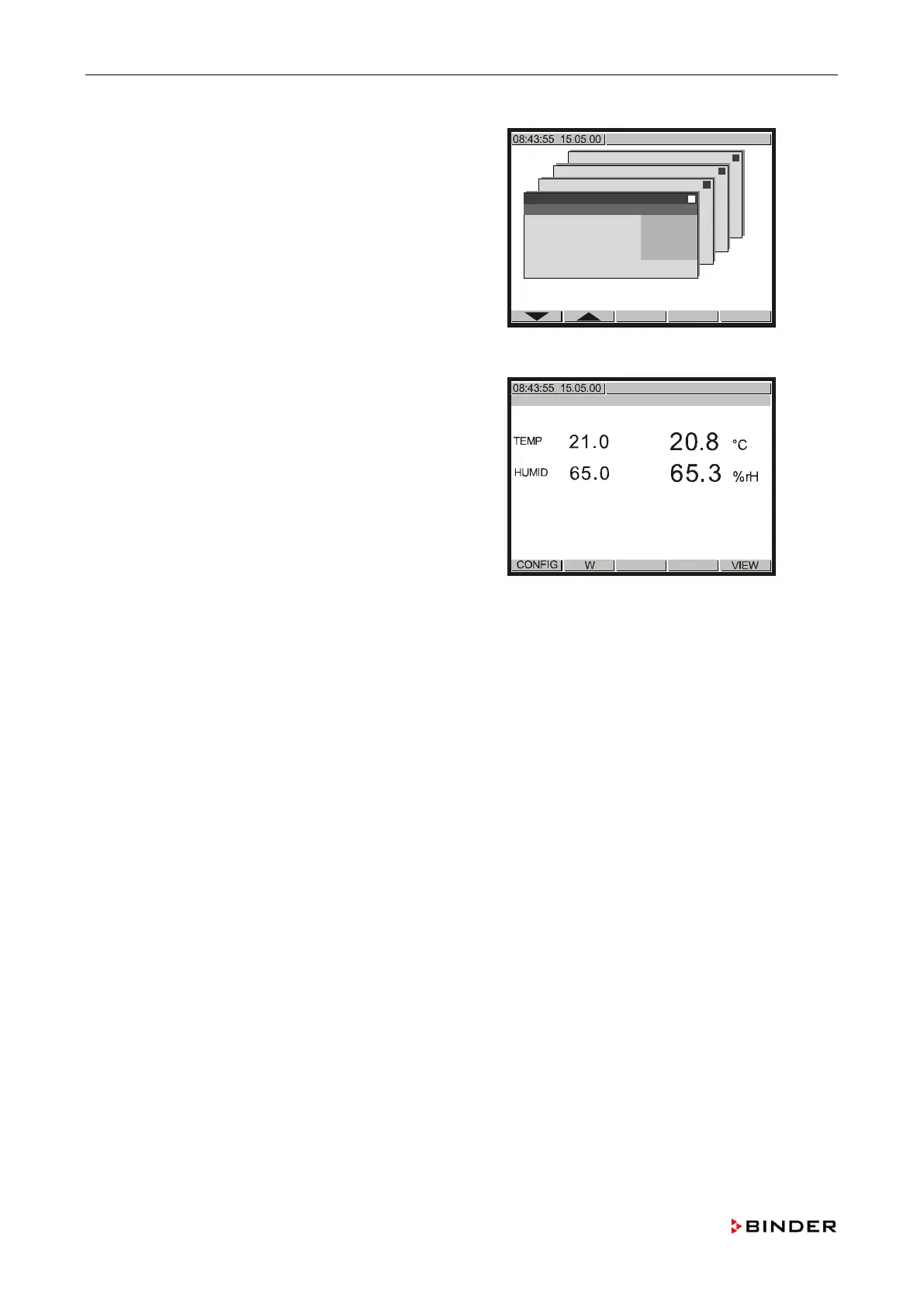
Calibrating and adjusting the temperature and humidity control
Use the buttons or to select a menu item and confirm
with <ENTER>.
For each menu item a submenu will be opened.
, , and to key in the values given
below and confirm with <ENTER>.
State: Off
Start value X: 0.0
Start value W: 0.0
End value X: 1000.0
End value W: 1000.0
Configuration 2
Analogue inputs
Analogue outputs
Limit comperators
Donor-functions
Controller
Service Level
Service Level
Inp.Val. correct.
Analogue input 1
Analogue input 2
Analogue input 3
Analogue input 4
Analogue input 5
Safety controller
Safety controller
State Off
Start Value X + 0.0
Start Value W + 0.0
End Value X +1000.0
End Value W +1000.0
Push <EXIT> four times to return to the controller’s
n
ormal display.
124 Service Manual KBF (E5.2) 04-2015



 To Next Page