KBF-S / KBF-S-UL (E6) 11/2021 page 35/95
If the function “Language selection at restart” has been activated (chap. 11.5, factory setting ON), the fol-
lowing settings are checked upon start up:
• Menu language (chap. 11.1):
Use the arrow buttons to select the desired language, confirm with the OK button
• Temperature unit (chap. 11.2):
Use the arrow buttons to select the desired temperature unit, confirm with the OK button.
• Current date (chap. 11.3), format DD MM YYYY:
Use the arrow buttons to set the day, continue with the OK button.
Use the arrow buttons to set the month, continue with the OK button.
Use the arrow buttons to set the year, confirm with the OK button
• Current time (chap. 11.4), format HH:MM:
Use the arrow buttons to set the hours, continue with the OK button.
Use the arrow buttons to set the minutes, confirm with the OK button
7. Temperature and humidity set-point entry
Required access level: “User”.
Setting ranges Control ranges
Temperature
-5 °C / 23 °F up to 70 °C /
158 °F.
0 ºC / 32 °F up to 70 °C / 158 °F without humidity
10 °C / 50 °F up to 70 °C / 158 °F with humidity
Humidity 20 % r.h. up to 80 % r.h.
20 % r.h. to 80 % r.h.
See climatic diagram, chap. 19.
For the control range of temperature and relative humidity, see the temp. / humidity diagram chap. 19).
With safety controller mode “Limit”, adapt the safety controller always when you changed the
temperature set-point. Set the safety controller value by approx. 2 °C to 5 °C above the tem-
perature set-point (chap. 10.2).
Recommended setting: safety controller mode “Offset” with safety controller value 2 °C.
When operating without humidity by activated function “Humidity off” (chap. 8), set the humid-
ity tolerance range to “0” in order to avoid tolerance range alarms (chap. 12).
7.1 Temperature set-point entry
Path: Normal display Setpoints Temperature
Press the OK button to enable the setting.
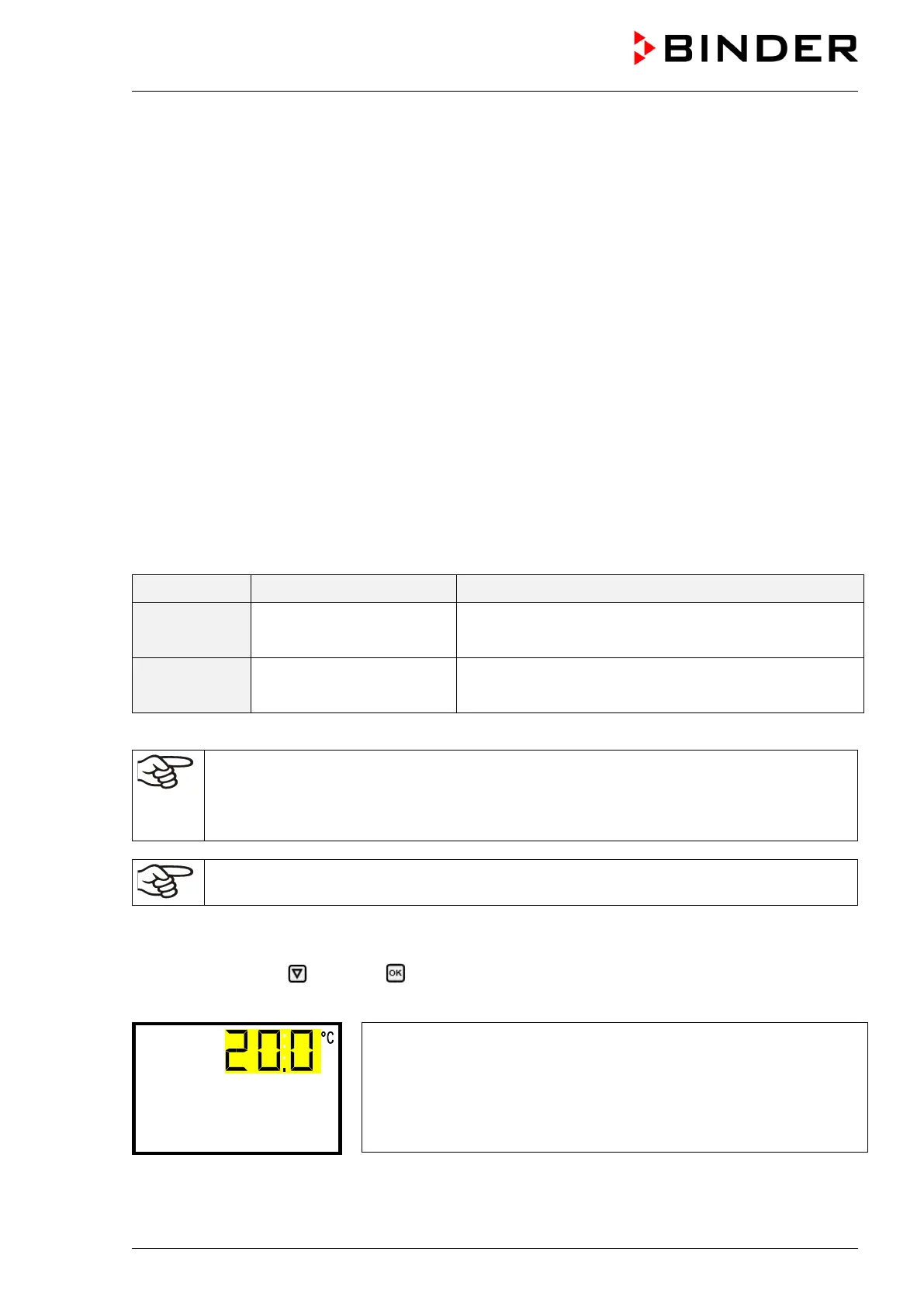
Temperature setting.
The current setting flashes. Enter the desired set-point with the arrow
buttons.
Confirm the entry with the OK button.
With the arrow-down button you can continue with the humidity set-point entry (chap. 7.2).
With the Back button you can go back to the “Setpoints” submenu and, repeatedly pressing it, to Normal
display.








 To Next Page