KBF-S / KBF-S-UL (E6) 11/2021 page 45/95
11.7 Display brightness
Required access level: “Admin”.
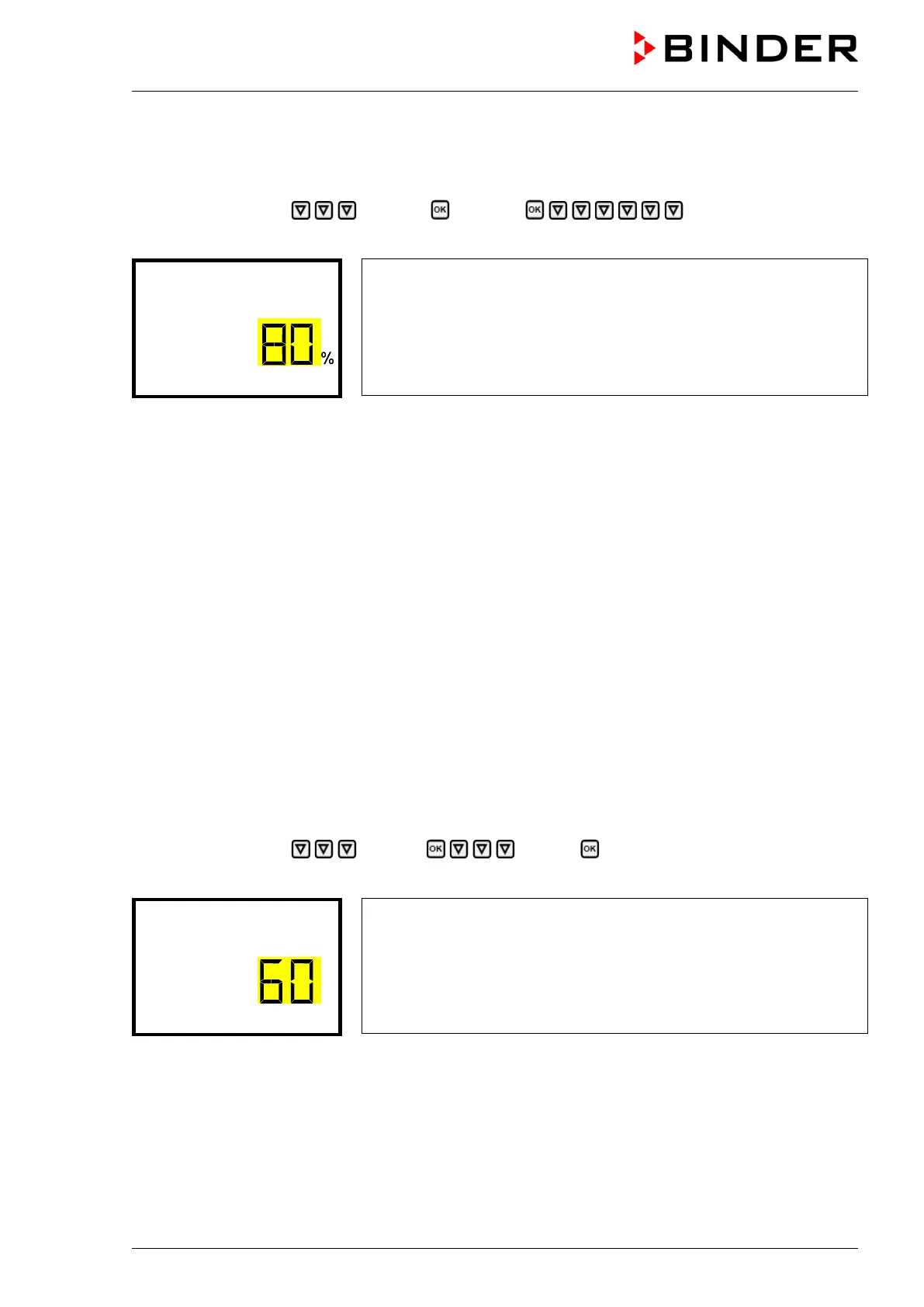
Path: Normal display Settings Chamber Brightness
Press the OK button to enable the setting.
Setting the display brightness
The current setting flashes. Enter the desired value with the arrow but-
tons. Setting range: 10% up to 100%
Confirm the entry with the OK button.
With the arrow-down button you can now change to the next parameter (audible alarm, chap. 13.2).
With the Back button you can go back to the “Chamber” submenu and, repeatedly pressing it, to Normal
display.
12. Tolerance range settings
In this menu you can define for temperature and humidity the deviation between the actual value and set-
point, which that shall cause a tolerance range alarm. The entered value defines the limit of permitted
deviations from the set-point (exceeding and falling below). Reaching this limit triggers tolerance alarm.
In addition, you can specify a delay time for this alarm.
If there are any actual values outside the tolerance range, after the configured alarm delay time the alarm
message “Temperature range” and / or “Humidity range” is displayed in Normal display (chap. 13.1). If the
alarm buzzer is activated (chap. 13.2) there is an audible alert.
This function only activates after the set-point has been reached once.
Required access level: “Admin”.
12.1 Setting the delay time for tolerance range alarm
Path: Normal display Settings Various Range alarm delay (min)
Press the OK button to enable the setting.
Setting the tolerance range alarm delay.
The current setting flashes Use the arrow buttons to enter the desired
time after which the range alarm shall be triggered. Entry range: 1 up
to 300 minutes. Factory setting: 60 minutes.
Confirm the entry with the OK button.
With the arrow-down button you can now change to the temperature tolerance range setting.
With the Back button you can go back to the “Various” submenu and, repeatedly pressing it, to Normal
display.








 To Next Page