KBF-S / KBF-S-UL (E6) 11/2021 page 46/95
12.2 Setting the temperature tolerance range
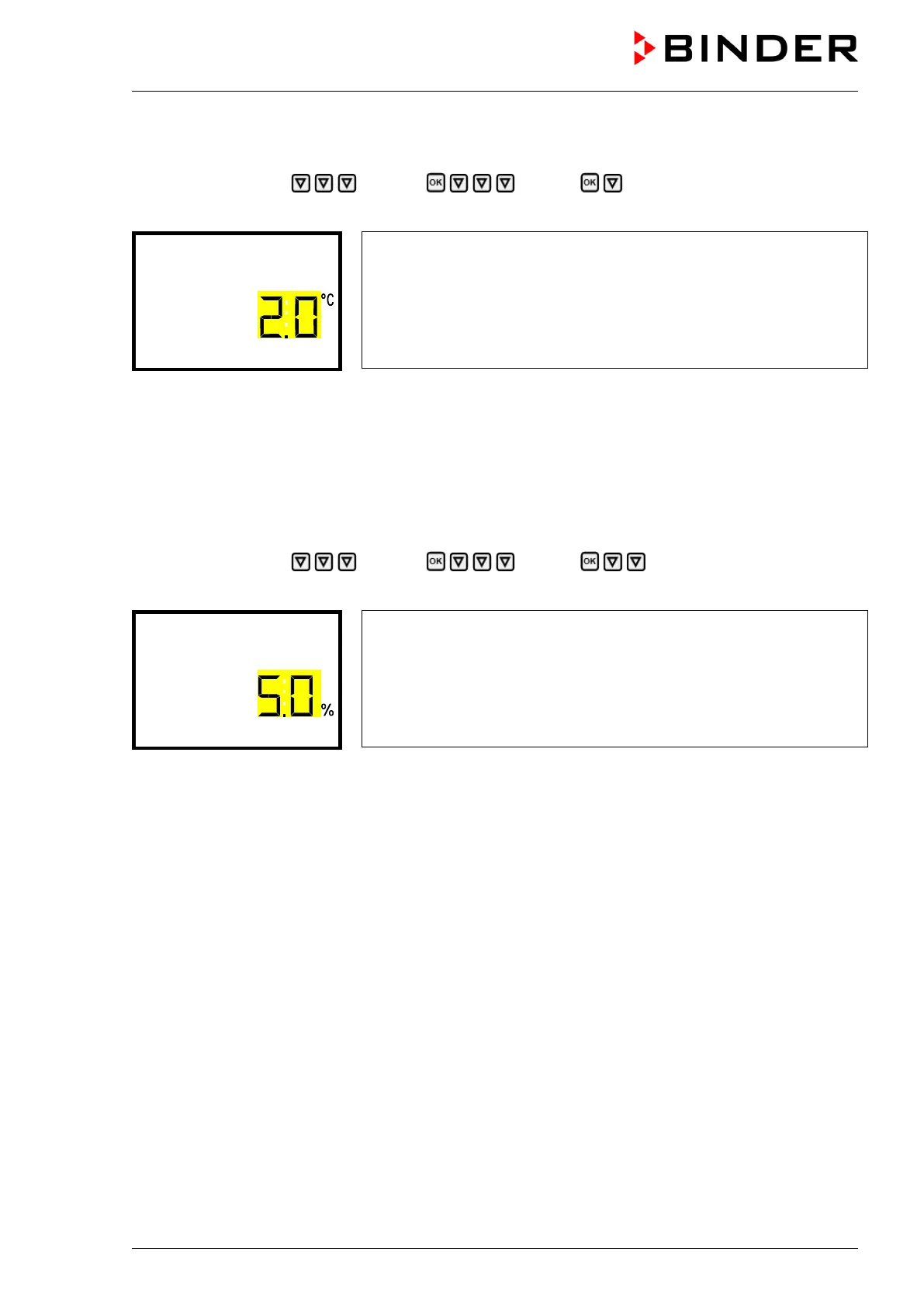
Path: Normal display Settings Various Temperature range
Press the OK button to enable the setting.
Setting the temperature tolerance range
The current setting flashes. Enter the desired temperature range with
the arrow buttons. Entry range: 1.0 °C up to 10.0 °C
Confirm the entry with the OK button.
With the arrow-up button you can go back to the tolerance range alarm delay setting.
With the arrow-down button you can now change to the humidity tolerance range setting.
With the Back button you can go back to the “Various” submenu and, repeatedly pressing it, to Normal
display.
12.3 Setting the humidity tolerance range
Path: Normal display Settings Various Humidity range
Press the OK button to enable the setting.
Setting the humidity tolerance range
The current setting flashes. Enter the desired humidity range with the
arrow buttons. Entry range: 2.0 % r.h. up to 20,0 % r.h.
Confirm the entry with the OK button.
With the arrow-up button you can go back to the temperature range setting
With the Back button you can go back to the “Various” submenu and, repeatedly pressing it, to Normal
display.








 To Next Page