KBF-S / KBF-S-UL (E6) 11/2021 page 37/95
Setting function 1 “Humidity off”.
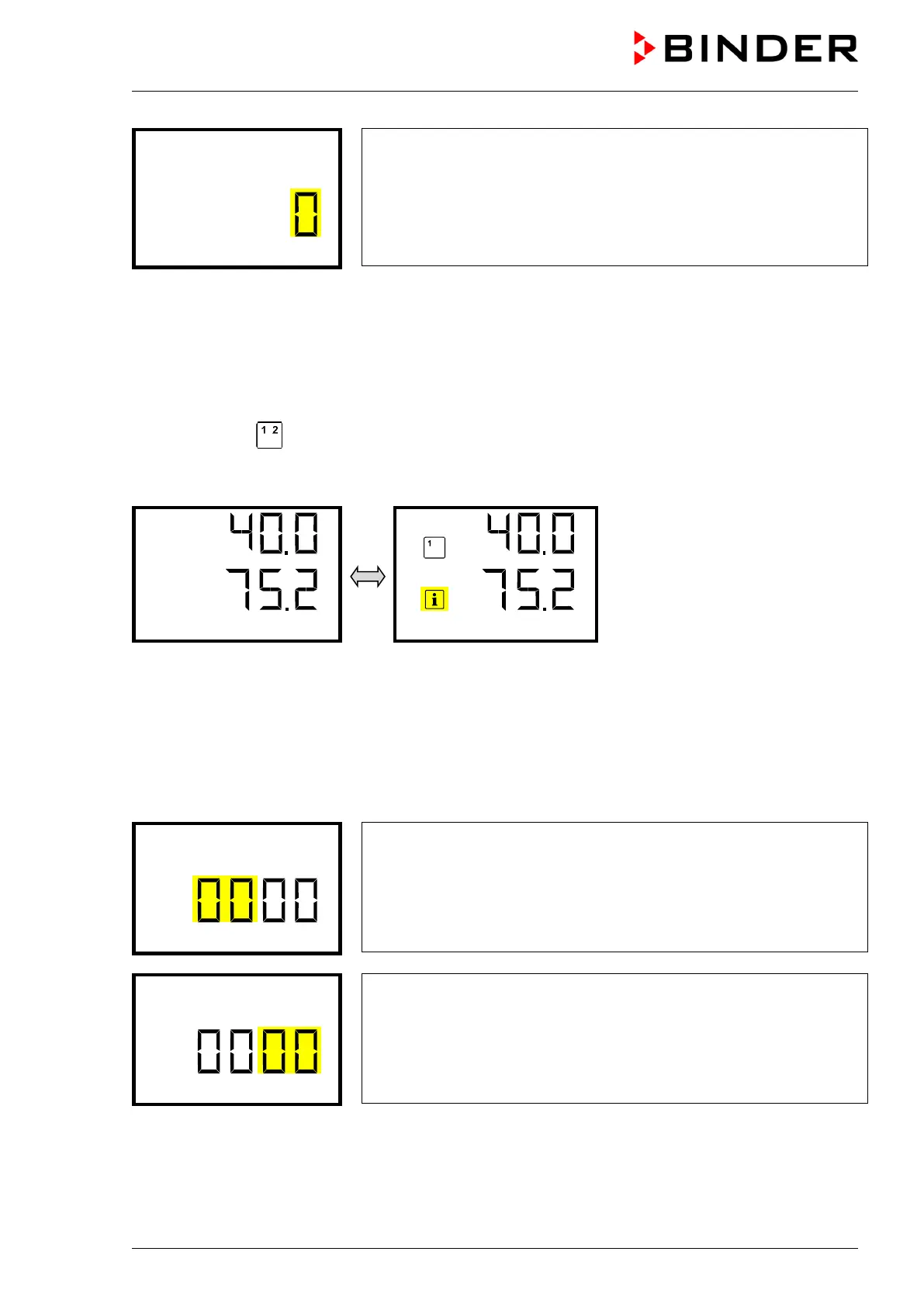
The current setting flashes. Use the arrow buttons to select between
0 (deactivated function) and 1 (activated function).
Confirm the setting with the OK button.
Press the arrow-down button to access the “Idle mode” function. Press the OK button to enable the
setting of the desired function and select the function’s switching state “1” (function activated) or “0” (func-
tion deactivated).
With the Back button you can go back to the “Functions on/off” submenu and, repeatedly pressing it, to
Normal display.
In Normal display the activated functions are indicated by an icon showing the number of the respective
function. If several functions are simultaneously active, the icon displays a combination of the correspond-
ing numbers, e.g.
In Normal display the activated functions are shown. The “Info” icon flashes slowly. While it is lit, the lower
text informs about the activated functions.
9. Password
9.1 Password request
To access menus for which access is restricted, you must enter the corresponding password.
After calling the appropriate menu function with the OK button the password request appears.
Password request.
The left two digits are flashing. Enter the desired numbers with the ar-
row buttons.
Confirm the setting with the OK button.
Password request.
The right two digits are flashing. Enter the desired numbers with the ar-
row buttons.
Confirm the setting with the OK button.








 To Next Page