KBF-S / KBF-S-UL (E6) 11/2021 page 42/95
11. General controller settings
The general settings can be accessed in the “Settings” submenu, which is available for users with “Service”
or “Admin” authorization level. It serves to enter date and time, select the language for the controller menus
and the desired temperature unit and to configure the controller’s communication functions.
The display of some network settings is available for all users in the “Chamber info” menu.
11.1 Selecting the controller’s menu language
The RD4 controller communicates by a menu guide using real words in German, English, French, Spanish,
and Italian languages.
Required access level: “Admin”. Following start-up of the chamber (chap. 6), it is “User”.
Path: Normal display Settings Chamber Language*
* Following start-up of the chamber: Sprache / Language / Langue / Idioma / Lingua, depending on the
language selected before turning off the chamber
Press the OK button to enable the setting.
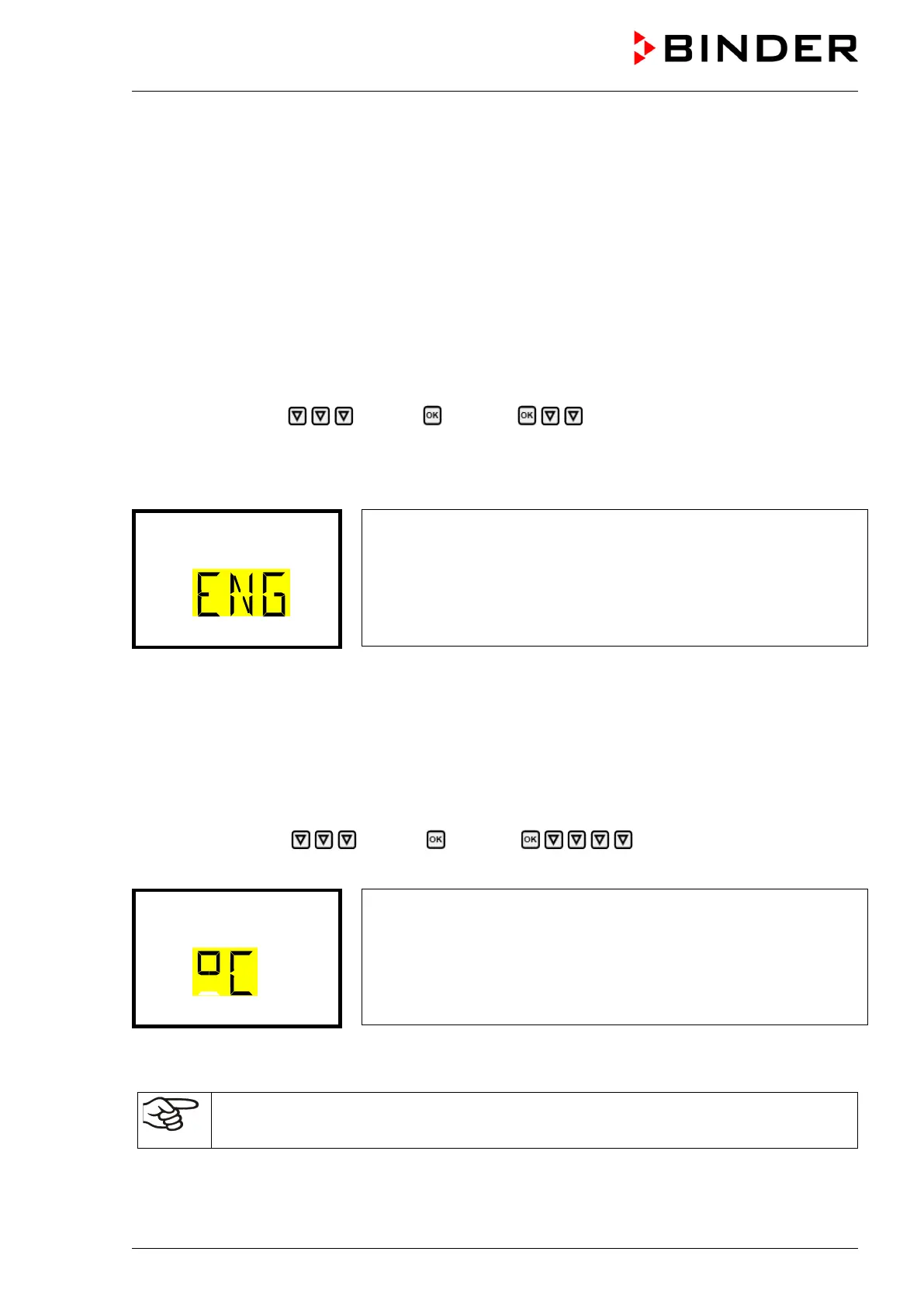
Setting the menu language (example: English).
The current setting flashes. Use the arrow buttons to select the desired
language.
Confirm the entry with the OK button.
With the arrow-down button (twice) you can now change to the temperature unit setting.
With the Back button you can go back to the “Chamber” submenu and, repeatedly pressing it, to Normal
display.
11.2 Selecting the temperature unit
Required access level: “Admin”. Following start-up of the chamber (chap. 6), it is “User”.
Path: Normal display Settings Chamber Temperature unit
Press the OK button to enable the setting.
Setting the temperature unit
The current setting flashes. Use the arrow buttons to select between
°C (degrees Celsius) and °F (degrees Fahrenheit).
Confirm the entry with the OK button.
You can change the temperature unit between °C and °F.
If the unit is changed, all values are converted accordingly
C = degree Celsius
F= degree Fahrenheit
0 °C = 31°F
100 °C = 212°F
Conversion:
[value in °F] = [value in °C] ∗ 1,8 + 32
With the Back button you can go back to the “Chamber” submenu and, repeatedly pressing it, to Normal
display.








 To Next Page