KBF-S / KBF-S-UL (E6) 11/2021 page 52/95
15.2 Changing the configuration of the network settings
Required access level: “Admin”.
The “Ethernet” submenu offers to subsequently or individually access the following settings:
• Selecting the type of assignment (automatic or manual) of the IP address, chap. 15.2.1
If automatic IP address assignment has been selected:
• Selecting the type of assignment (automatic or manual) of the DNS server address, chap. 15.2.2
If manual IP address assignment has been selected:
• Assigning the IP address, chap. 15.2.3
• Assigning the subnet mask, chap. 15.2.4
• Assigning the standard gateway, chap. 15.2.5
If manual IP address assignment or manual DNS server address assignment has been selected:
• Assigning the DNS server address, chap. 15.2.6
15.2.1 Selecting the type of IP address assignment (automatic / manual)
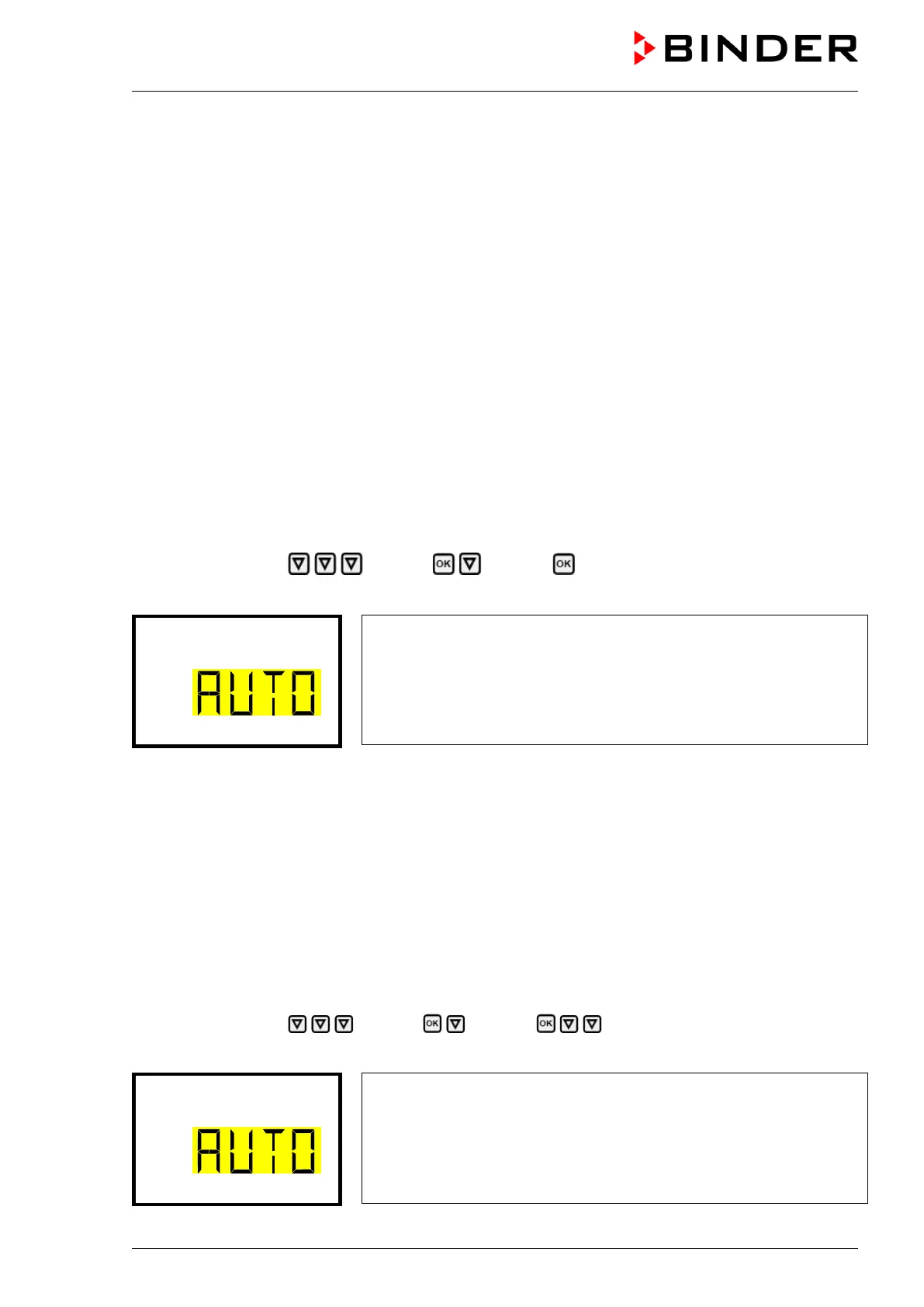
Path: Normal display Settings Ethernet IP address assignment
Press the OK button to enable the setting
Selection of the type of assignment of the IP address.
The current setting flashes. Use the arrow buttons to select between
AUTO (automatic) and MANU (manual).
Confirm the setting with the OK button.
With the arrow-down button you can now change to the next parameter.
• If manual IP address assignment has been selected: assign the IP address (chap. 15.2.3)
• If automatic IP address assignment has been selected: select the type of assignment of the DNS server
address (chap. 15.2.2).
With the Back button you can go back to the “Ethernet” submenu and, repeatedly pressing it, to Normal
display.
15.2.2 Selecting the type of assignment of the DNS server address (automatic / manual)
Access to this function is possible only if automatic IP address assignment has been selected (chap.
15.2.1).
Path: Normal display Settings Ethernet DNS server
Press the OK button to enable the setting.
Selection of the type of assignment of the DNS server address.
The current setting flashes. Use the arrow buttons to select between
AUTO (automatic) and MANU (manual).
Confirm the setting with the OK button.








 To Next Page