KBF-S / KBF-S-UL (E6) 11/2021 page 38/95
Upon entering an incorrect password, the message “Wrong password” is displayed.
Display “Wrong password”.
After 3 seconds the controller changes again to the password entry.
Enter the correct password.
Following correct password entry, you can access the desired menu function.
9.2 Assign and modify a password
In this menu you can assign and modify the passwords of the “User” and “Admin” access levels.
Required access level: “Admin”.
Keep the password well in mind. There is no access to the corresponding menu functions
without the correct password.
9.2.1 Assign and modify the User password
Path: Normal display Settings Chamber Password User
Press the OK button to enable the setting.
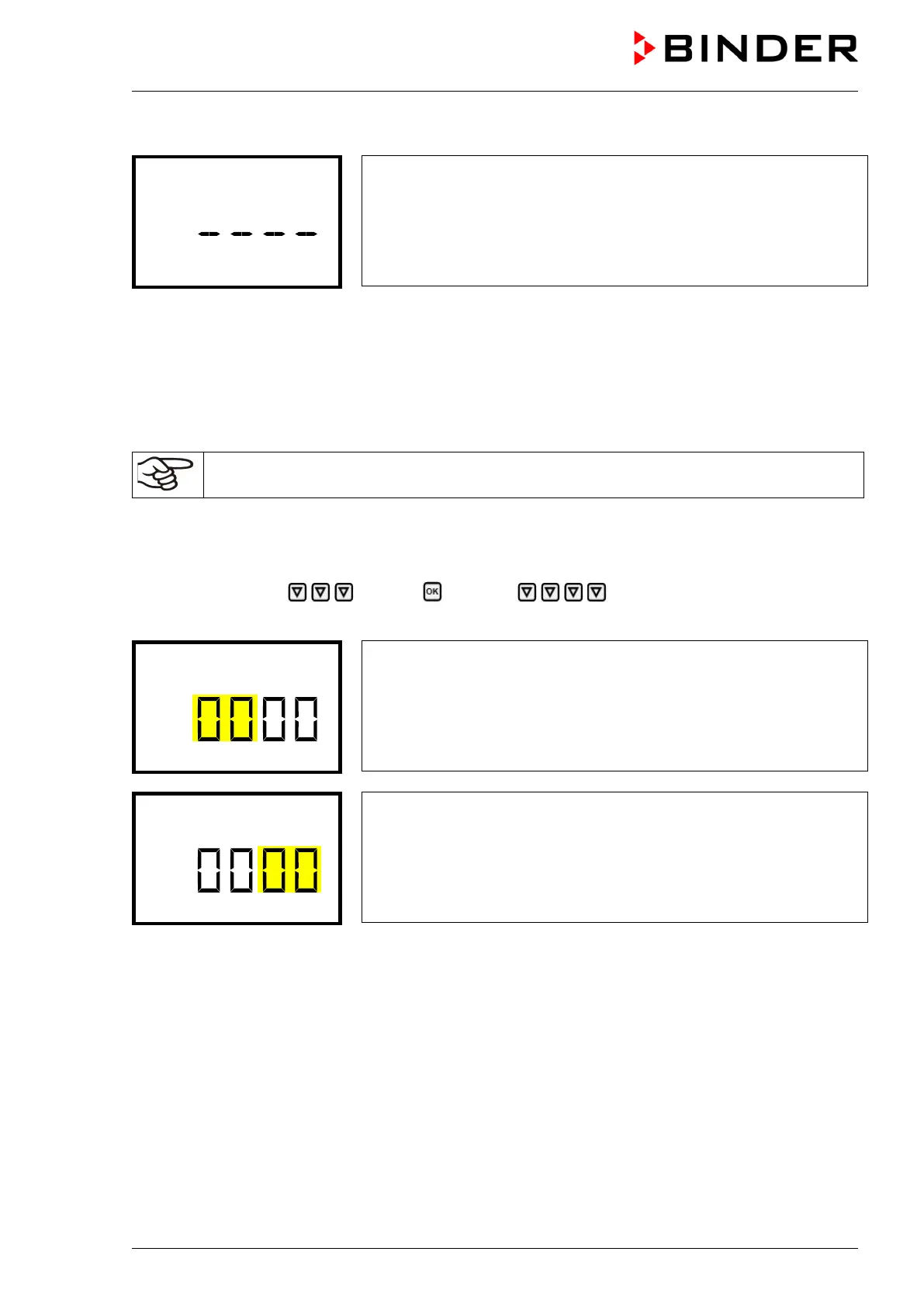
Setting the User password.
The left two digits are flashing. Enter the desired numbers with the ar-
row buttons.
Confirm the setting with the OK button.
Setting the User password.
The right two digits are flashing. Enter the desired numbers with the ar-
row buttons.
Confirm the setting with the OK button.
With the arrow-down button you can now proceed to enter the Admin password.
With the Back button you can go back to the “Chamber” submenu and, repeatedly pressing it, to Normal
display.








 To Next Page