KBF-S / KBF-S-UL (E6) 11/2021 page 49/95
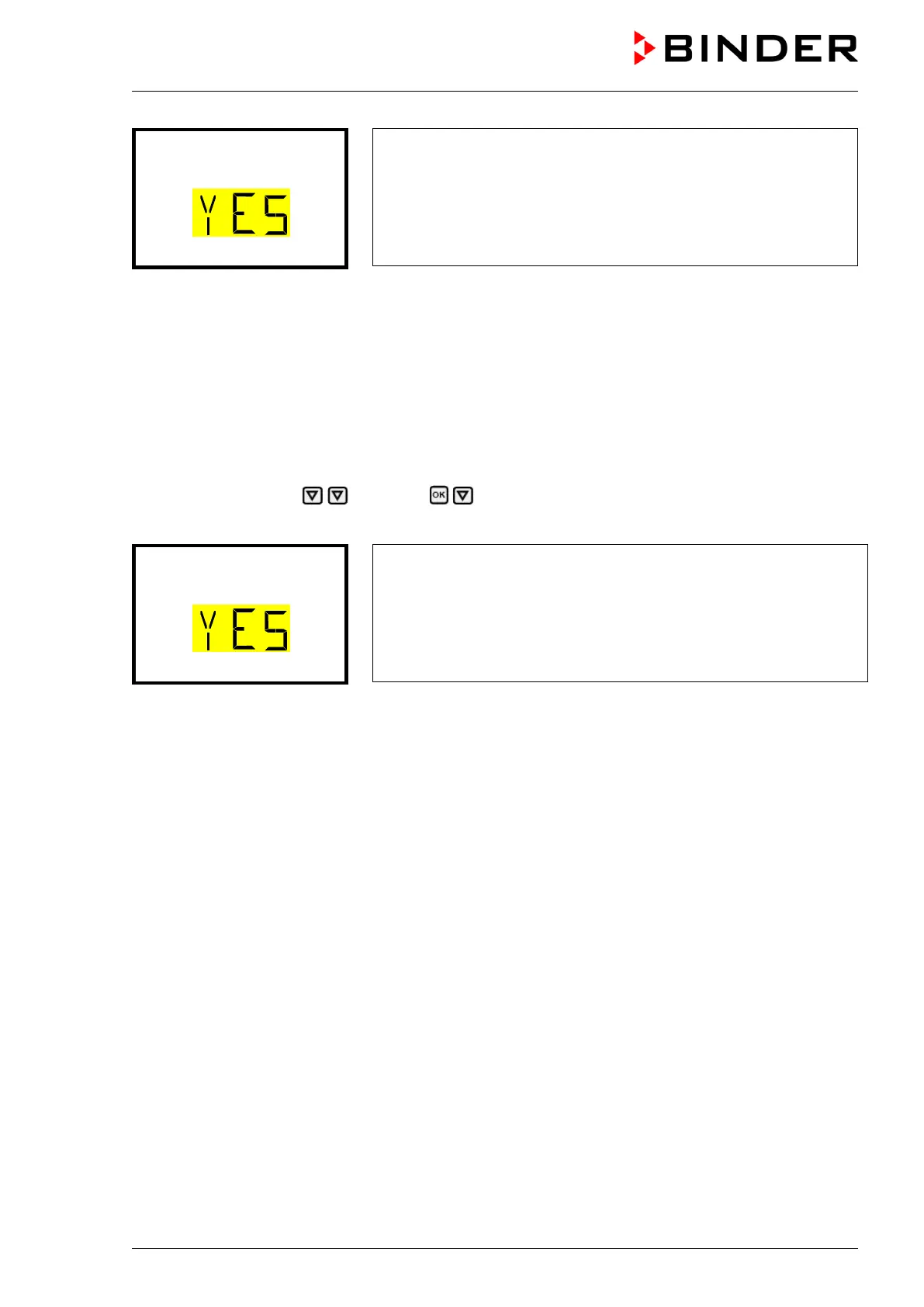
“Start week program” submenu
The current setting flashes. Select with the arrow buttons between
YES (start week program) and NO (do not start week program).
To start the week program, select “YES” and press the OK button
to confirm.
With the Back button you can go back to the “Programs” submenu and, repeatedly pressing it, to Normal
display.
After selecting “NO”: The controller changes back to Normal display.
After selecting “YES”: The week program starts, the controller displays the information “Program started”.
Press the OK button. The controller changes to Normal display. The information “Week program active” is
displayed alternately with “Temp. / Humidity”.
14.3 Stop program
Path: Normal display Programs Stop program
Press the OK button to activate the settings.
“Stop program” submenu
The current setting flashes. Select with the arrow buttons between
YES (stop program) and NO (do not stop program).
To stop the week program, select “YES” and press the OK button to
confirm.
With the Back button you can go back to the “Programs” submenu and, repeatedly pressing it, to Normal
display.
After selecting “NO”: The controller changes back to Normal display. The program continues.
After selecting “YES”: The program stops. Press the OK button. The controller changes to Normal display.
15. Ethernet network settings
The settings of this submenu are used for networking chambers with an Ethernet interface, e.g. to connect
them with BINDER’s APT-COM™ 4 Multi Management Software (option, chap. 21.1).
15.1 Showing the network settings
Required access level: “User”.
The “Ethernet” submenu offers to subsequently or individually access the following information:
• MAC address
• IP address
• Subnet mask
• Standard gateway
• DNS server address
• DNS chamber name








 To Next Page