KBF-S / KBF-S-UL (E6) 11/2021 page 40/95
You can set the safety controller mode to “Limit” or “Offset”.
• Limit: Limit value, absolute maximum permitted temperature value
This setting offers high safety as a defined temperature limit will not be exceeded. It is important to adapt
the safety controller value after each modification of the temperature set-point. Otherwise, the limit could
be too high to ensure efficient protection, or, in the opposite case, it could prevent the controller from
reaching an entered set-point outside the limit range.
• Offset: Offset value, maximum overtemperature above any active temperature set point. The resulting
maximum temperature changes internally and automatically with every temperature set-point change.
Example:
Desired temperature value: 40 °C, desired safety controller value: 45 °C.
Possible settings for this example:
Temperature set point Safety controller mode Safety controller value
40 °C
Limit Limit value 45 °C
Offset Offset value 5 °C
10.2.1 Setting the safety controller mode
Required access level: “User”.
Path: Normal display Setpoints Safety controller Mode
Press the OK button to enable the setting.
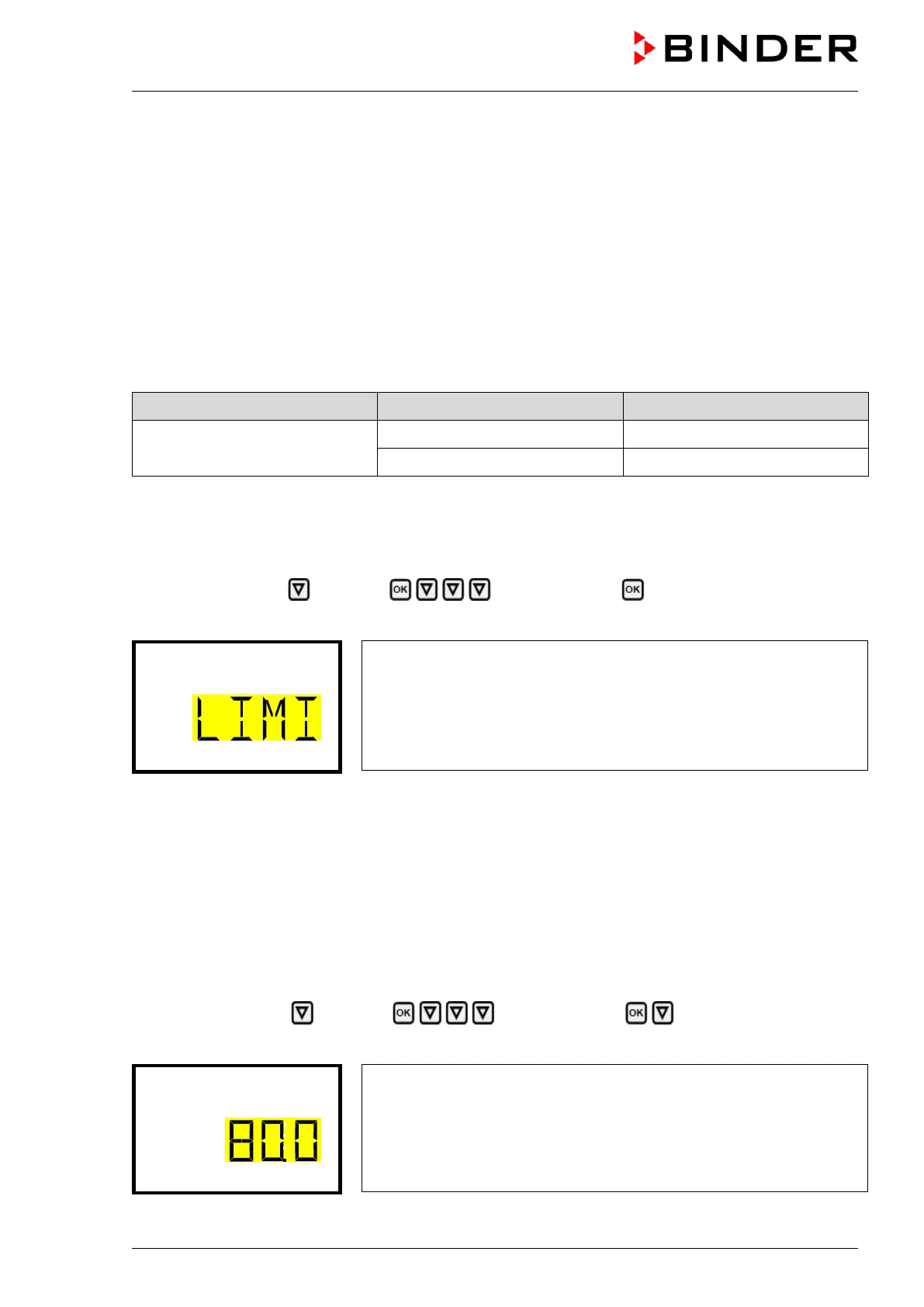
Setting the safety controller mode
The current setting flashes. Use the arrow buttons to select between
LIMI (Limit) and OFFS (Offset).
Confirm the setting with the OK button.
With the arrow-down button you proceed to setting the safety controller value (chap. 10.2.2)
With the Back button you can go back to the “Safety controller” submenu and, repeatedly pressing it, to
Normal display.
10.2.2 Setting the safety controller value
Required access level: “User”.
The desired safety controller mode must be selected first (chap. 10.2.1). Depending on the mode setting,
one of the following setting menus will appear.
Path: Normal display Setpoints Safety controller Limit or Offset
Press the OK button to enable the setting.
Setting the safety controller value with “Limit” safety controller mode.
The current value flashes. Enter the desired limit value with the arrow
buttons.
Confirm the entry with the OK button.
or








 To Next Page