KBF-S / KBF-S-UL (E6) 11/2021 page 36/95
7.2 Humidity set-point entry
Path: Normal display Setpoints Humidity
Press the OK button to enable the setting.
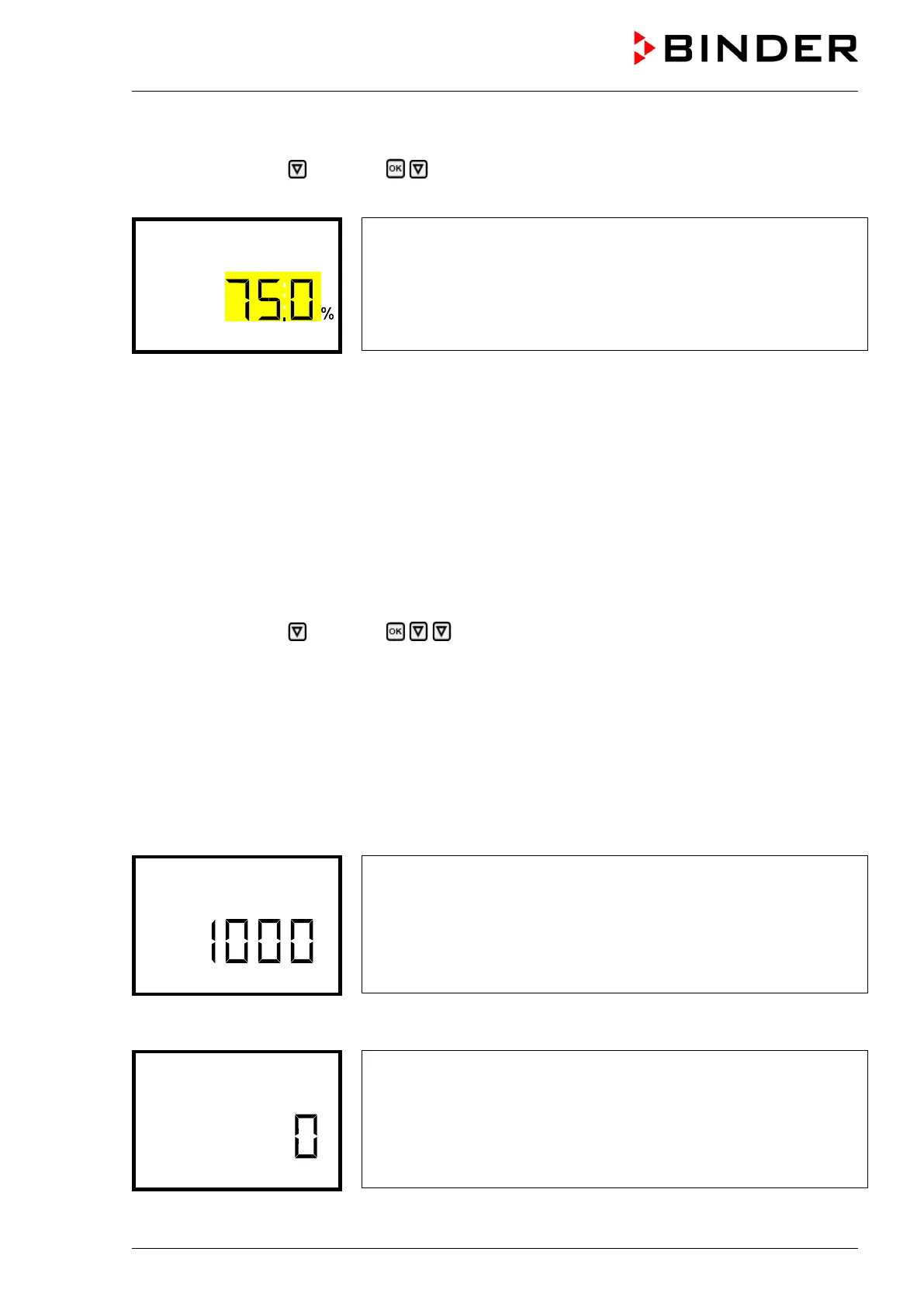
Humidity setting
The current setting flashes. Enter the desired set-point with the arrow
buttons.
Confirm the entry with the OK button.
With the arrow-up button you can go back to the temperature set-point entry (chap. 7.1)
With the arrow-down button you can now change to the special controller functions setting (chap. 8)
With the Back button you can go back to the “Setpoints” submenu and, repeatedly pressing it, to Normal
display.
8. Special controller functions – Turning off the humidity system,
Idle mode
Required access level: “User”.
In the “Functions on/off” menu, you can define the switching state of two controller functions.
Path: Normal display Setpoints Functions on/off
• Function 1 “Humidity off” serves to turn off the humidification and dehumidification system
Turning off humidity control in this menu is required when operating the chamber without water
connection in order to avoid humidity alarms. For further information see chap. 19.
• Function 2 “Idle mode” serves to deactivate all chamber functions except the controller. With operating
mode “Idle mode”, heating, refrigeration, humidification, dehumidification, and the fan are deactivated.
• With this chamber type the other controller functions are without function.
The functions are displayed from left to right.
Example: Function 1 “Humidity off” activated = 1000. Function 1 “Humidity off” deactivated = 0000.
Submenu “Functions on/off”.
This view shows the switching states of the four available functions.
Functions 1 and 2 are available with the present chamber type
“1” = Function activated
“0” = Function deactivated
Press the OK button to access the first individual function. With the arrow-down button you can proceed
to the subsequent functions.
Function 1 “Humidity off”.
The current switching state is shown (example).
Press the OK button to enable the setting.








 To Next Page