I-3Rev F
IntroductIon
I-3
The Triage MeterPro Meter User Manual is divided into five sections.
Section 1 – Introduction: Provides an overview of Triage MeterPro Meter.
Section 2 – Installation: Guides the user through first time setup.
Section 3 – Operation: Guides the user through running tests, recalling results and
deleting results.
Section 4 – Care & Maintenance: Total Quality Assurance, Warnings, Precautions
and Limitations, Service and Maintenance, Warranty.
Section 5 – Appendix: Troubleshooting, Sample Log Sheets, Index of Page Revisions,
Certificate of Conformity, Software Flowchart, Glossary
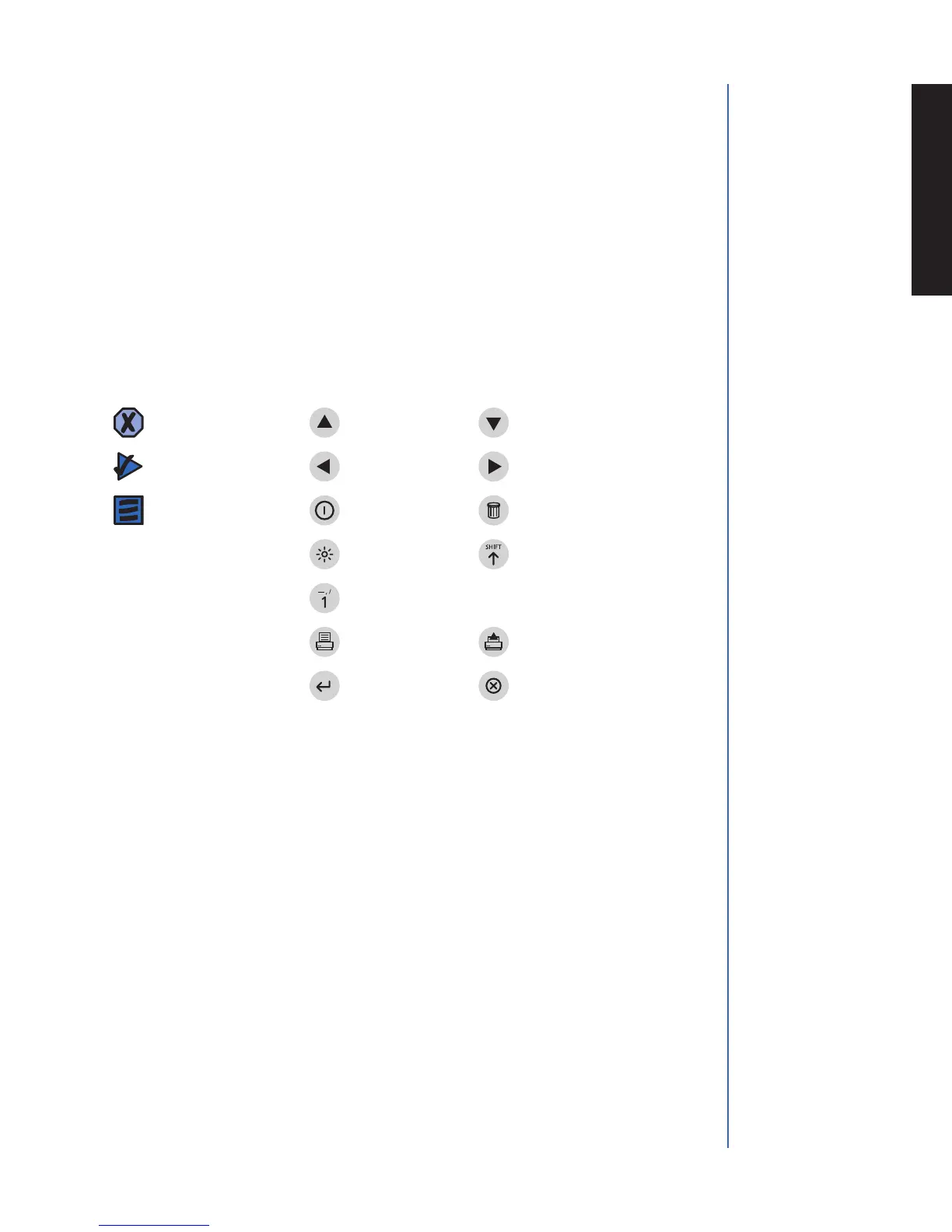
Symbols Meter Keys are indicated by
= Caution = Up key = Down key
= Important = Left key = Right key
= Note = On/Off key = Delete key
= Brightness key = Shift key
= Symbol key (used with Shift key)
= Print key = Paper Feed key
= Enter key = Exit key
Screen commands and options are indicated by a Bolded Font wIth Small capItal letterS
At the bottom of each page appears the page number and revision. A page revision chart is
located in the appendix and will be revised and included whenever a manual update occurs.
Use the Page Revision Chart to periodically verify presence of all pages. You may receive
an updated copy of this chart at any time by calling our Customer Service Department at
1-877-441-7440.



 To Next Page