O-7 Rev F
operatIon
O-7
patIent Sample
1. Press the key to power The Triage
®
MeterPro
®
Meter on.
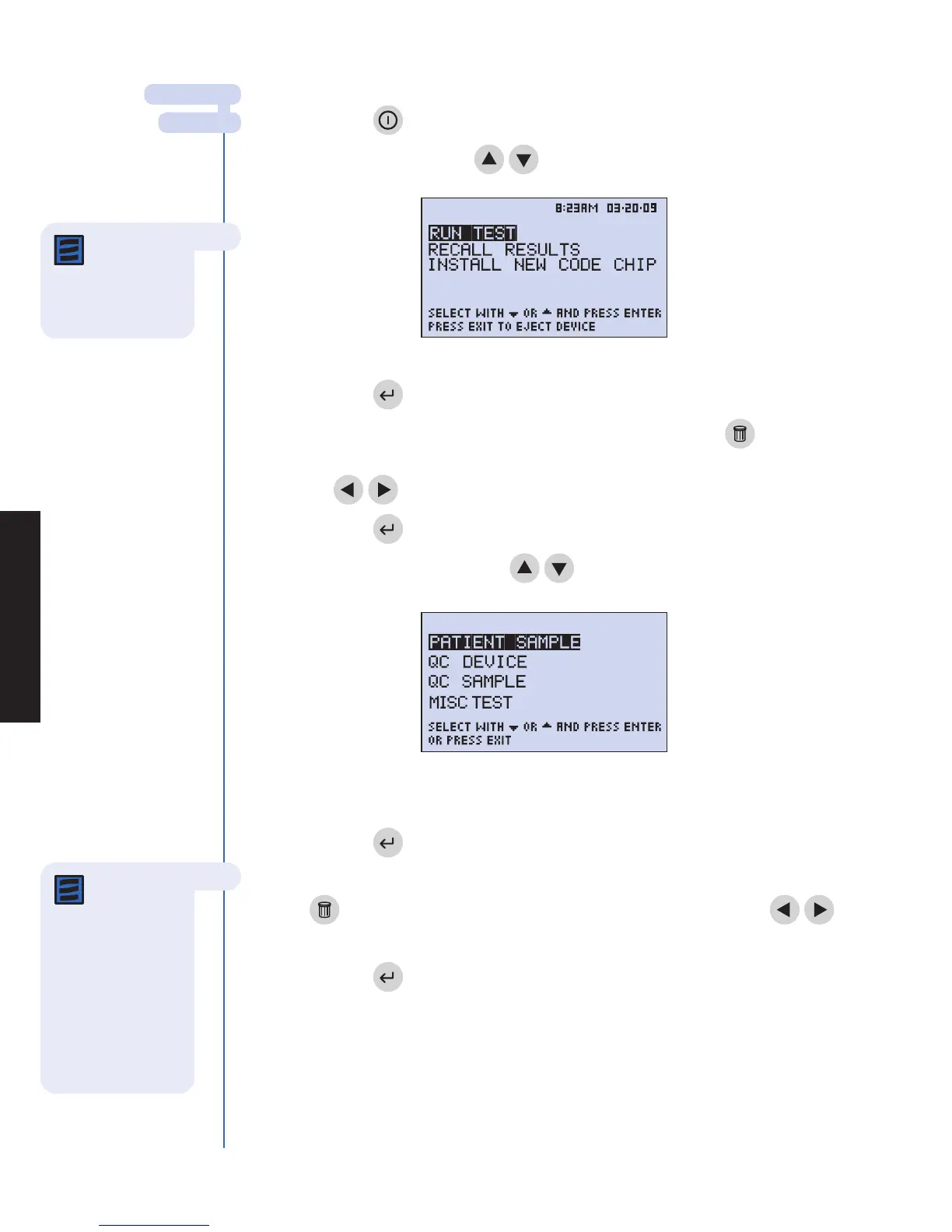
2. Select run teSt using the
keys.
3. Press the key.
4. Type or scan in your identification (User ID). To correct, press the key
to clear the entire ID, or select the incorrect character by using
the
keys. Then type in the correct ID.
5. Press the key.
6. Select patIent Sample using the
keys.
7. Press the key.
8. Type or scan the patient’s identification (Patient ID). To correct, press the
key to clear the entire ID or select the incorrect character using the
keys. Then type in the correct ID.
9. Press the key.
maIn menu
run teSt
Note: If the
Bar Code
Scanner is being
used, simply point the
scanner at the bar
code, press the
button on the scanner
handle and wait for
the beep. The ID will
appear on the display.
Note: If the
User ID bypass
is ON, the meter will
not ask you to enter a
User ID.
Menu screen as it looks when operator
selects Patient Sample.
The Main Menu



 To Next Page