O-8Rev F
operatIon
O-8
10. If the information is correct, press the key to confirm the Patient ID.
If the information is incorrect:
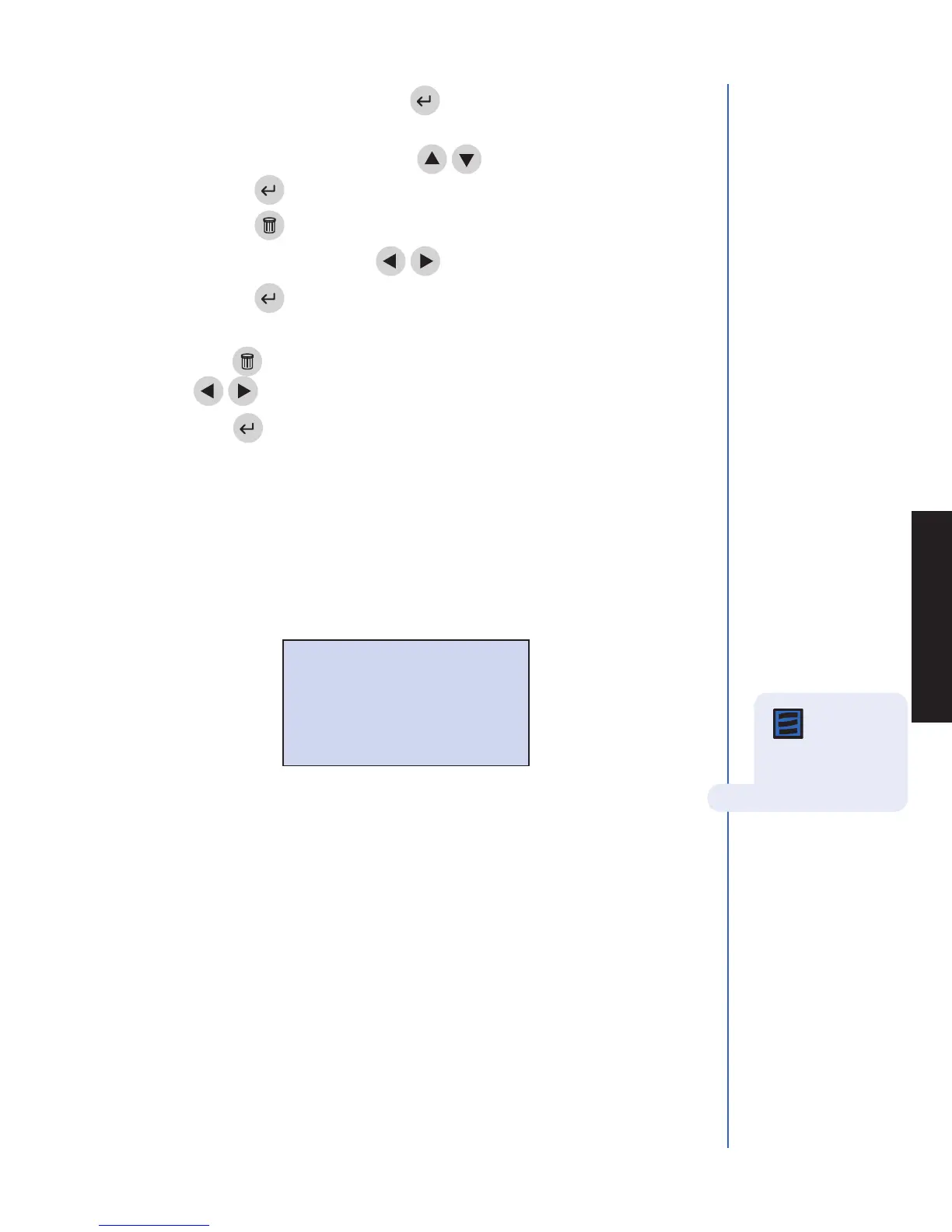
• Selectcorrect patIent Id using the
keys.
• Pressthe key.
• Pressthe key to clear the entire ID or select the
incorrect character using the
keys. Then type in the correct ID.
• Pressthe key.
11. If the Auxiliary ID feature is activated, type or scan in the ID. To correct,
press the key to clear the entire ID or select the incorrect character using
the
keys. Then type in the correct ID.
12. Press the key.
13. Prepare the test sample and perform the test in accordance to the instructions
provided in the package of test devices you are using.
14. If the testing facility has authorized an analyte to be selected or deselected at the
time of running a patient test, the user will be prompted to select desired analytes
or deselect undesired analytes. After the test device has been pulled into the meter,
the meter will display a message similar to the following:
A check mark 3 indicates tests which are selected. Example: 3 TNI
The absence of a check mark indicates which tests have not been selected.
Example: MYO
A number to the left of the test indicates tests which can be selected or deselected.
Example: 2 MYO indicates that MYO is currently not selected, but can be
selected by pressing 2 on the numeric keypad to display 2 3 MYO.
Example: 3 3 TNI indicates that TNI is currently selected, but can be deselected
by pressing 3 on the numeric keypad to display 3 TNI.
Pressing the number again toggles the test between select and deselect.
SELECT TESTS
CARDIAC
3 CKMB 2. MYO 3. 3 TNI
PRESS ^ TO PAUSE OR 0-9 FOR TEST
PRESS ENTER TO CONTINUE OR EXIT
Note:Atleast
one analyte
must be selected in
order to continue
testing.



 To Next Page