O-33 Rev F
operatIon
Delete Results
O-33
Purpose
The Delete function is used to remove patient test information from the Triage MeterPro
Meter memory. This becomes necessary when the meter memory becomes full.
Triage MeterPro Meter Memory
Within the Triage MeterPro Meter, Patient Result memory can hold 750 data sets, QC
Sample can hold 200 data sets, QC Device memory can hold 70 data sets and Misc.
Test can hold 250 data sets. When the memory is full, the oldest result is automatically
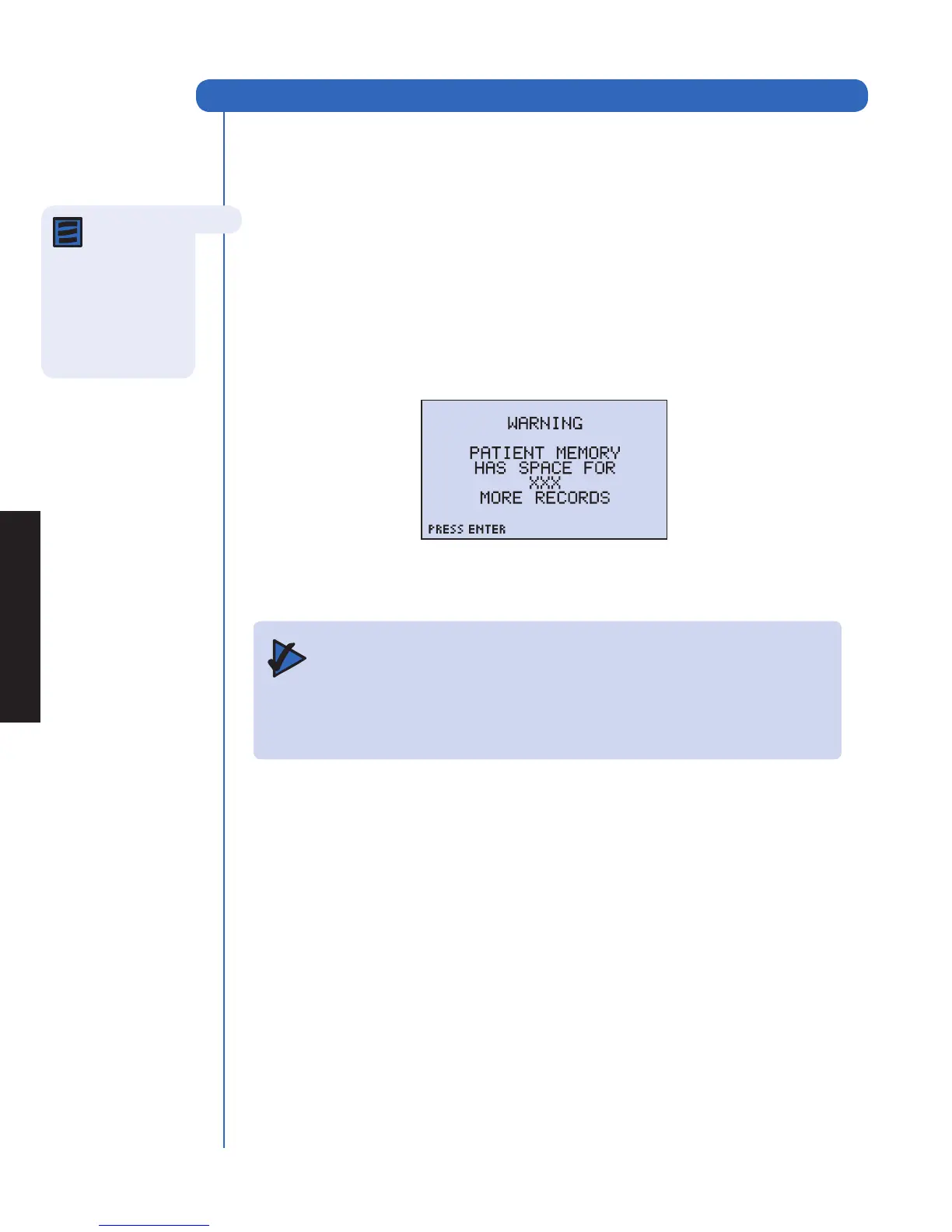
overwritten when a new result is added. The meter display alerts the user as the patient
memory becomes full.
The Memory Alert Screen
Important: The Delete function permanently removes all patient data from the meter
memory. Before continuing, you may wish to first print results (or upload
to your data management system/LIS).
QC or Misc. Test Results cannot be manually deleted.
Note: The
delete function
is available only when
the Supervisor Code
Chip is inserted in the
Triage MeterPro Meter
Code Chip module
Port.



 To Next Page