I-2 Rev F
IntroductIon
How to Use This Guide
I-2
This manual contains:
• InstructionsfortheoperationandmaintenanceoftheTriage
®
MeterPro
®
Meter, and;
• Basicinstructionsfortestingsamples
The Triage MeterPro Meter software has been designed to provide the user step by step
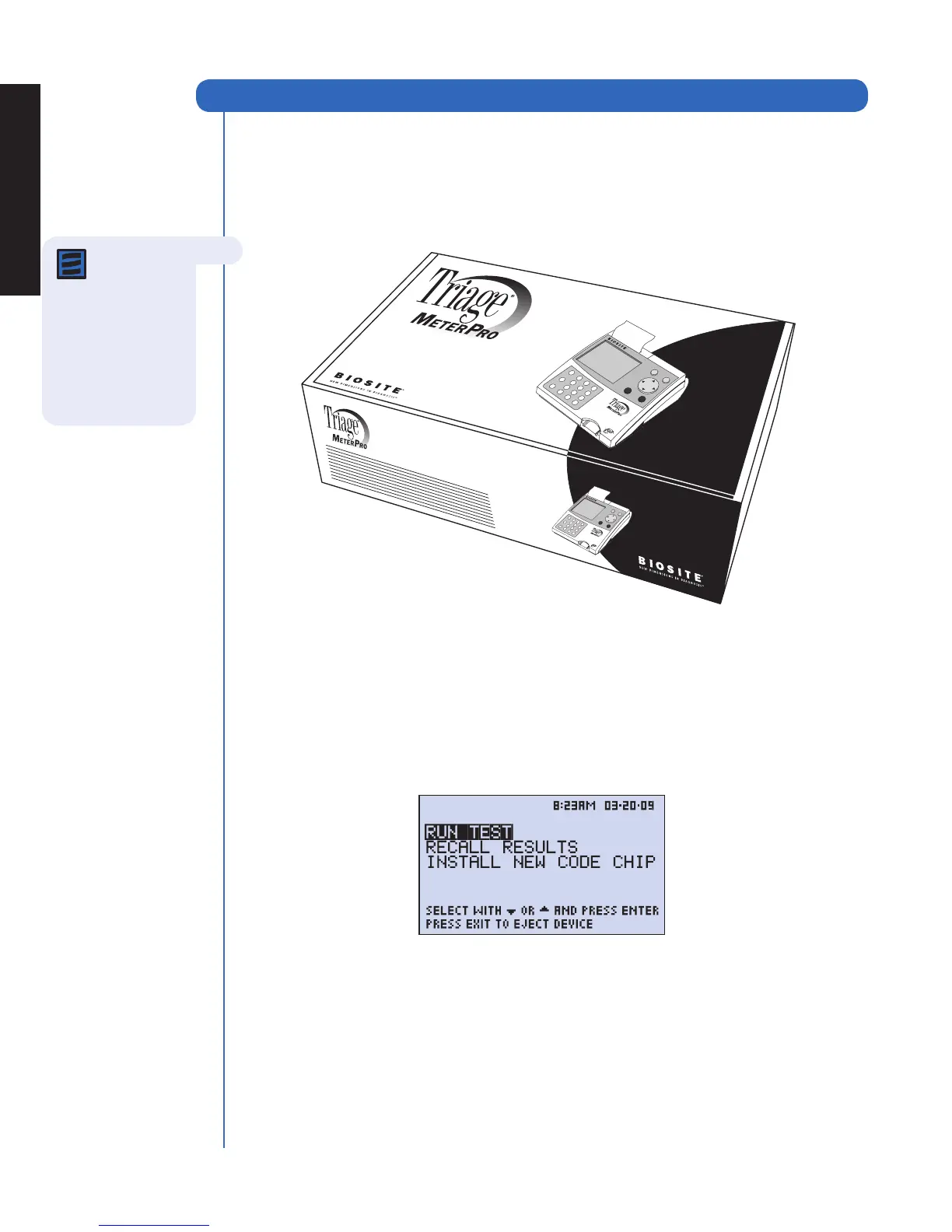
instructions. The meter displays test results and menu options in the upper half of the meter
screen. In smaller letters at the bottom of each screen, the meter displays instructions
pertaining to the task being performed.
Note: To run
specific tests,
such as the
Triage
®
Cardiac Panel,
you also will need
detailed information
contained in the
product-specific
package insert,
included in the test kit.
The display above is the Main Menu and
appears after the meter has been turned on
and completed an automatic self-test.



 To Next Page