N-4 Rev F
InStallatIon
N-4
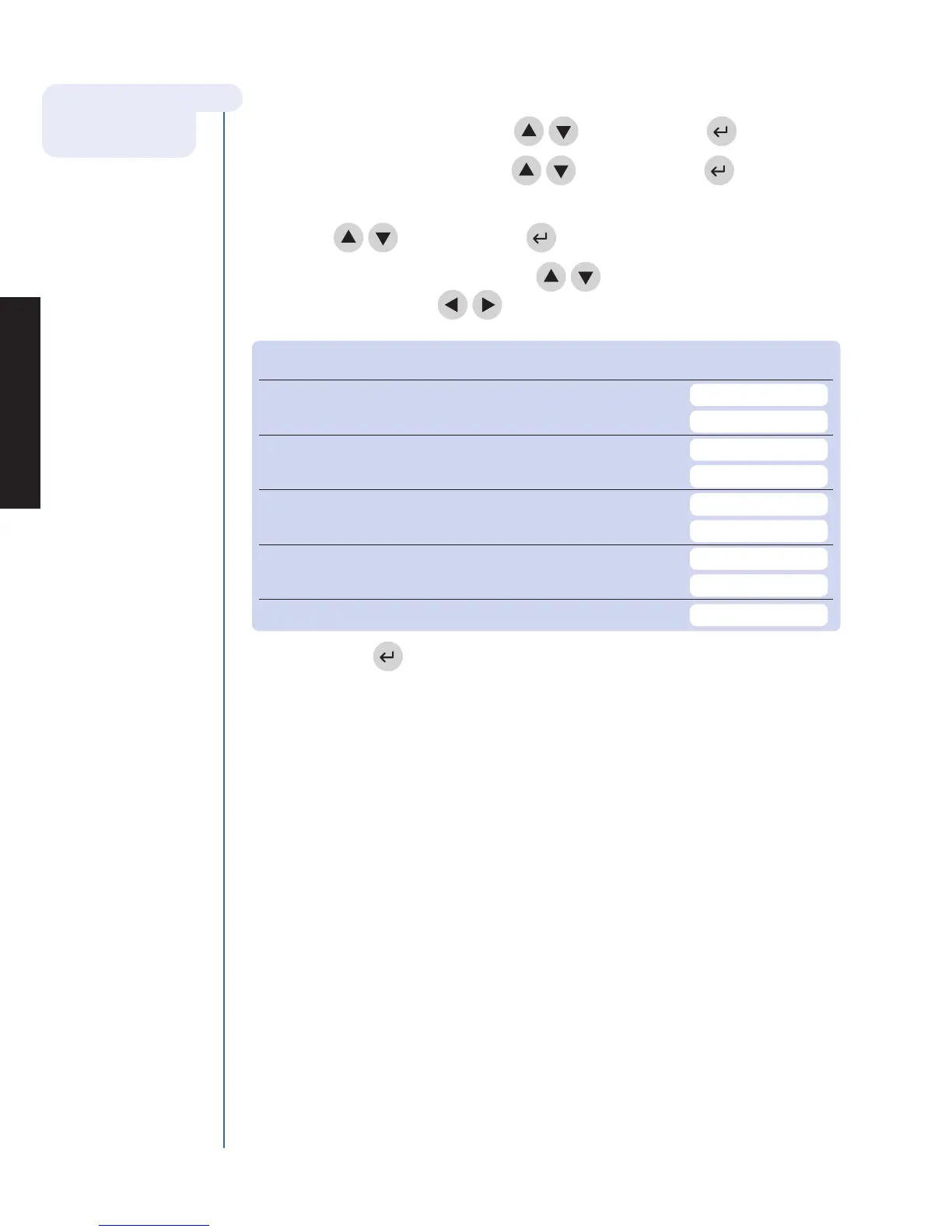
For reference, record your settings in the space provided.
For more details about
Meter Settings see
page N-11.
5. To Change Meter Settings:
a. Select Set parameterS using the
keys and press the key.
b. Select meter SettIngS using the
keys and press the key.
c. Select Id SettIngS, dISplay SettIngS or comm SettIngS using
the
keys and press the
key.
d. Select the desired setting using the
keys and change the value of the
setting by using the
keys.
ID SETTINGS Default Options New Setting
characterS uSer Id Min 1 1 - 16
Max 16 1 - 16
characterS pat. Id Min 1 1 - 20
Max 20 1 - 20
characterS aux Id Min 1 1 - 12
Max 12 1 - 12
characterS mISc Id Min 1 1 - 20
Max 20 1 - 20
aux. Id enaBle/dISaBle Disabled Disabled, Enabled
e. Press the key to save changes to ID Settings.



 To Next Page