N-5Rev F
Run Test
InStallatIon
N-5
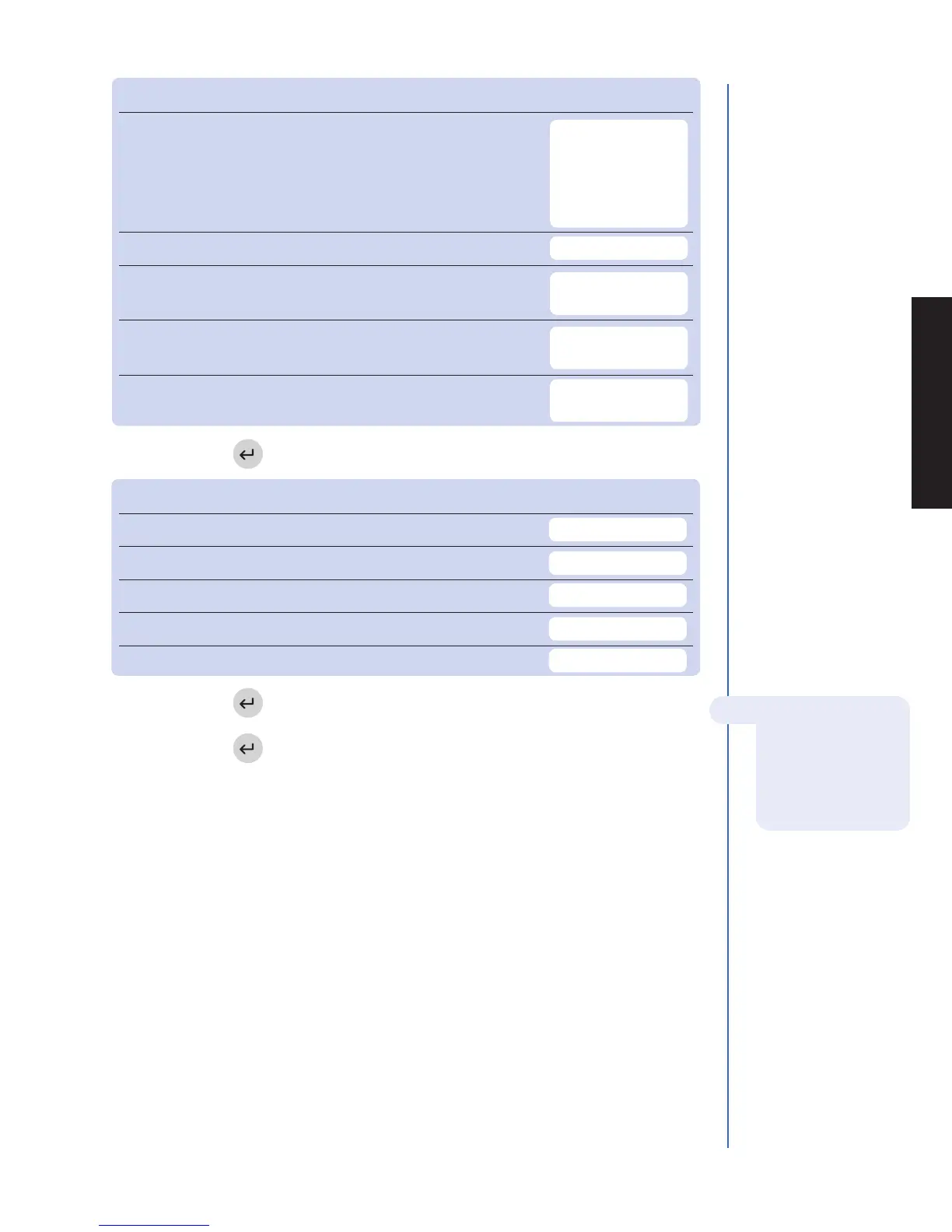
DISPLAY SETTINGS Default Options New Setting
language English English, French, Italian,
German, Spanish,
Portuguese, Greek,
Danish, Swedish,
Japanese
prInt mode Automatic Automatic, Manual
auto power-oFF 2 hour
1
/2 hour, 1 hour, 2 hour,
4 hour, None
dISplay contraSt 4 0 – 8
(8 = heaviest contrast)
prInter contraSt 4 0 – 8
(8 = heaviest contrast)
f. Press the key to save changes to Display Settings.
COMM SETTINGS Default Options New Setting
Baud rate 38400 9600, 38400
pat. reSult approval Disabled Enabled, Disabled
lIS enaBle/dISaBle Disabled Disabled, Enabled
Auto upload Disabled Disabled, Enabled
lIS paSSword
g. Press the key to save changes to Communication Settings.
h. Press the key to save changes to Meter Settings.
For reference, record your settings in the space provided.
For more details about
Communications,
including entry of a
Biosite provided, meter
specific password, see
page N-18.



 To Next Page