N-6 Rev F
InStallatIon
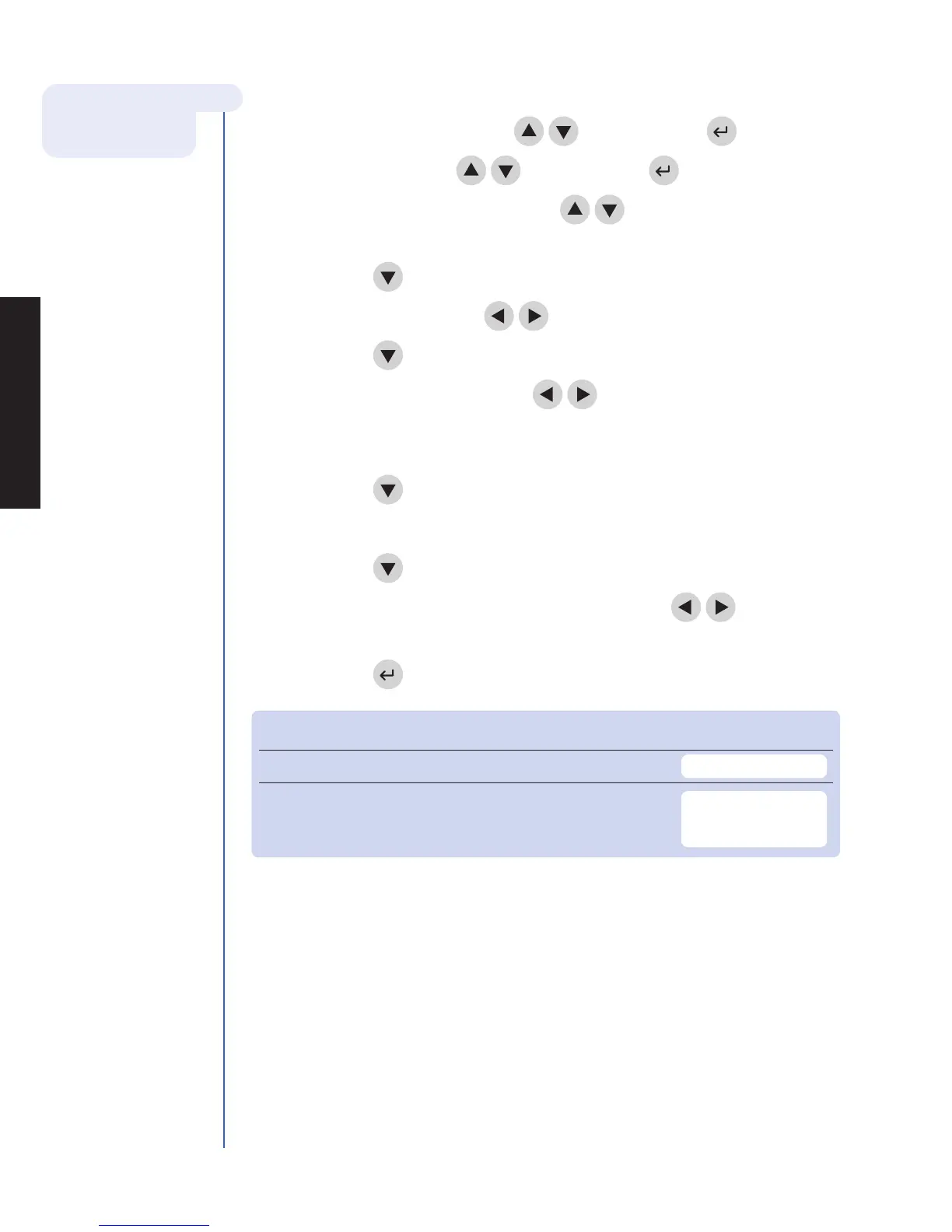
6. Change Clock:
a. Select Set parameterS using the
keys and press the key.
b. Select clock using the
keys and press the key.
c. Select the hour : mInute area using the
keys. Type in the correct time
using the number keys.
d. Press the key to move to am or pm.
e. Select am or pm using the
keys.
f. Press the key to move to tIme Format.
g. Select am/pm or 24 hr. using the
keys. If selecting 24 hr.,
the previously entered hour : mInute will change to a 24-hour format and
the am or pm will disappear.
h. Press the key to move to the date.
i. Type in the 6-digit date according to the date Format below it.
j. Press the key to move to the date Format.
k. Select mm-dd-yy, dd-mm-yy or yy-mm-dd using the
keys.
The previously entered date changes as the date Format changes.
l. Press the key to save changes.
Setting Default Options New Setting
tIme Format AM / PM AM / PM; 24HR.
date Format MM-DD-YY MM-DD-YY,
DD.MM.YY,
YY-MM-DD
7. Set User ID:
The Triage MeterPro Meter normally requires a User ID to be entered prior to running
a patient test or a QC test, or Misc test, and prior to recalling patient results. Refer to
page N-21 for instructions. Alternately, this feature may be bypassed. See page N-8.
N-6
For more details about
Clock Settings see
page N-21.



 To Next Page