FlightHawk RF Test Set
58
Marker List
1. Tap the Sensor Operation Menu .
2. Tap Marker List.
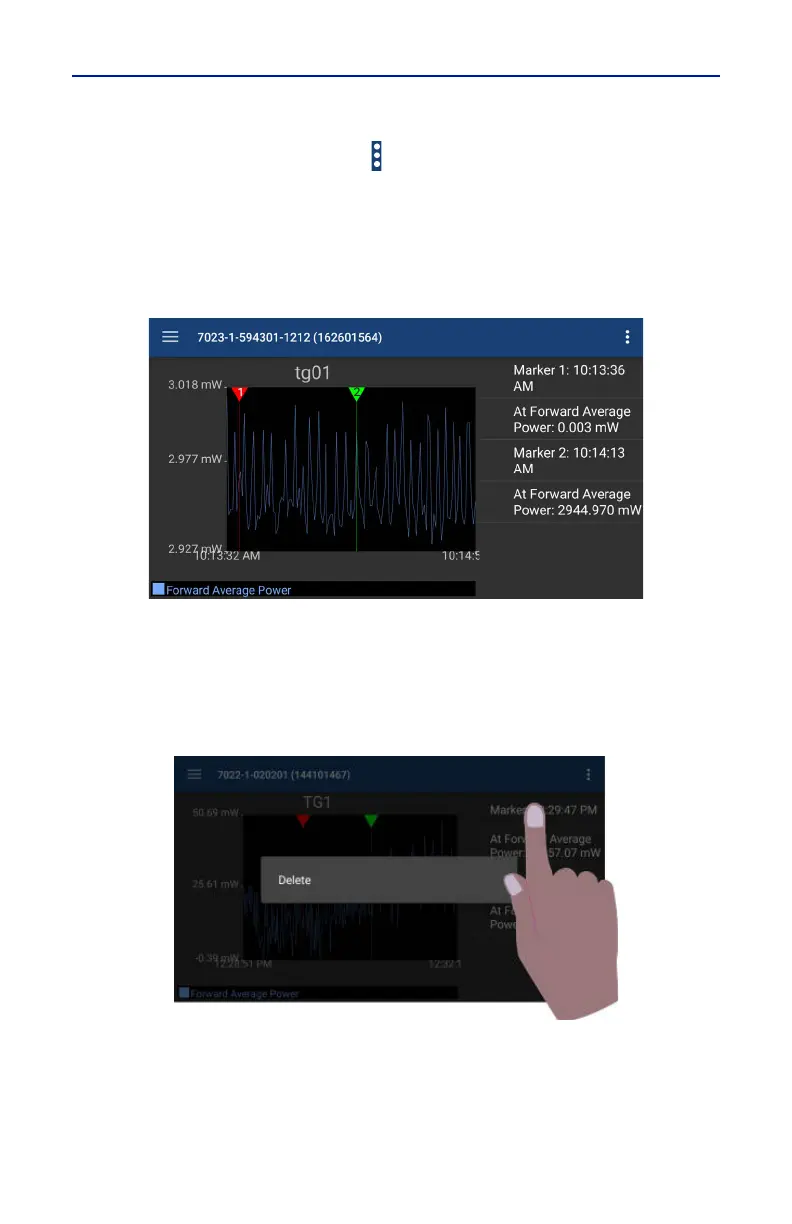
When Marker List is tapped, marker list is displayed on the screen to the right or
below the chart. The marker list is removed from the screen by tapping Marker
List a second time.
Figure 53 Marker List
Deleting Markers
Press the marker data in the marker list until Delete is displayed, then tap
Delete.
Figure 54 Delete Marker
Reset Zoom
when tapped, graph will be return to default view and the trace will update as
data is collected.



 To Next Page