Data Save and Export
45
Figure 42 Paste Files
13. Exit the File Manager.
14. Pull down the notification area at the top of the display screen. See
Figure 43
Figure 43 Eject USB Storage
15. Tap EJECT.
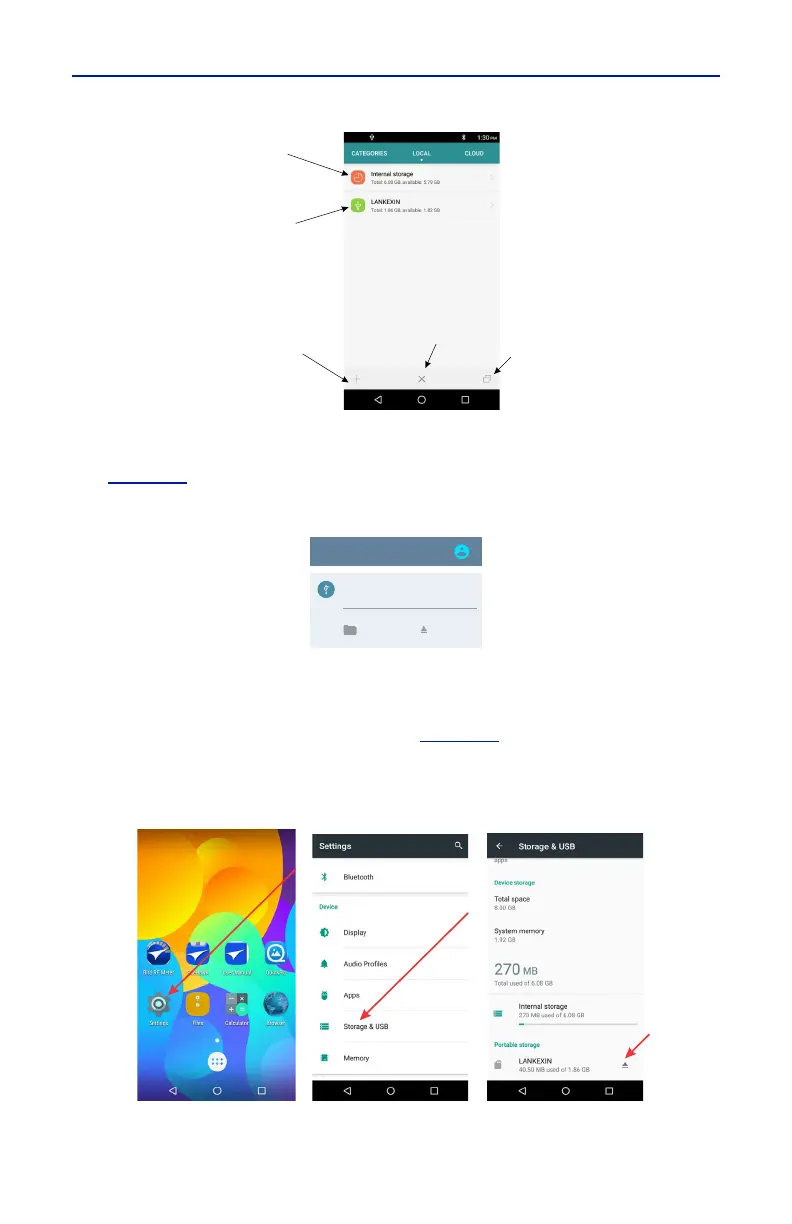
Ejecting USB Drive from Settings Menu
1. Tap Settings on the Home Screen. See
Figure 44
.
2. Tap Storage & USB.
Figure 44 Eject USB Storage
3. Scroll to Portable Storage, and tap the Eject icon.
!"#



 To Next Page