Data Save and Export
39
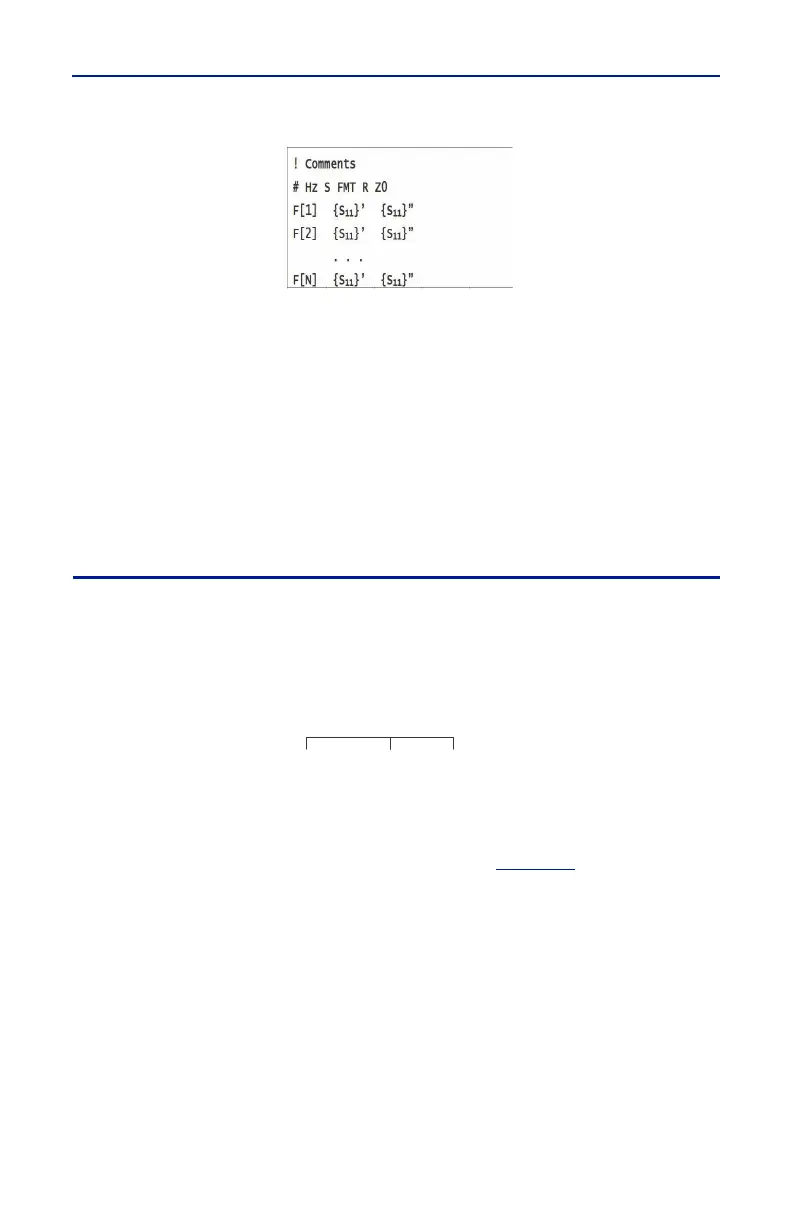
Hz——frequency measurement unit (kHz, MHz, GHz)
FMT—— Data Format
RI——Real part and Imaginary part
MA——Linear Amp and Phase
DB——Log Amp (dB) and Phase
Z0——reference impedance
F[n]——Frequency about point N
{…}’—— {(RI) |(MA) |(DB)}
{…}”——{(RI) |(MA) |(DB)}
Save Files on FlightHawk-AV
The FlightHawk-AV Analyzer automatically names files using a time-date format,
this can be changed during the save operation.
Figure 34 FlightHawk-AV File Names
Saving Files
1. Press the Menu icon.
2. Press the FILE icon to display the file menu. See
Figure 35
.
YYYYMMDD
DATE TIME
HHMMSS
20151017
092532
.S1p



 To Next Page