Data Save and Export
41
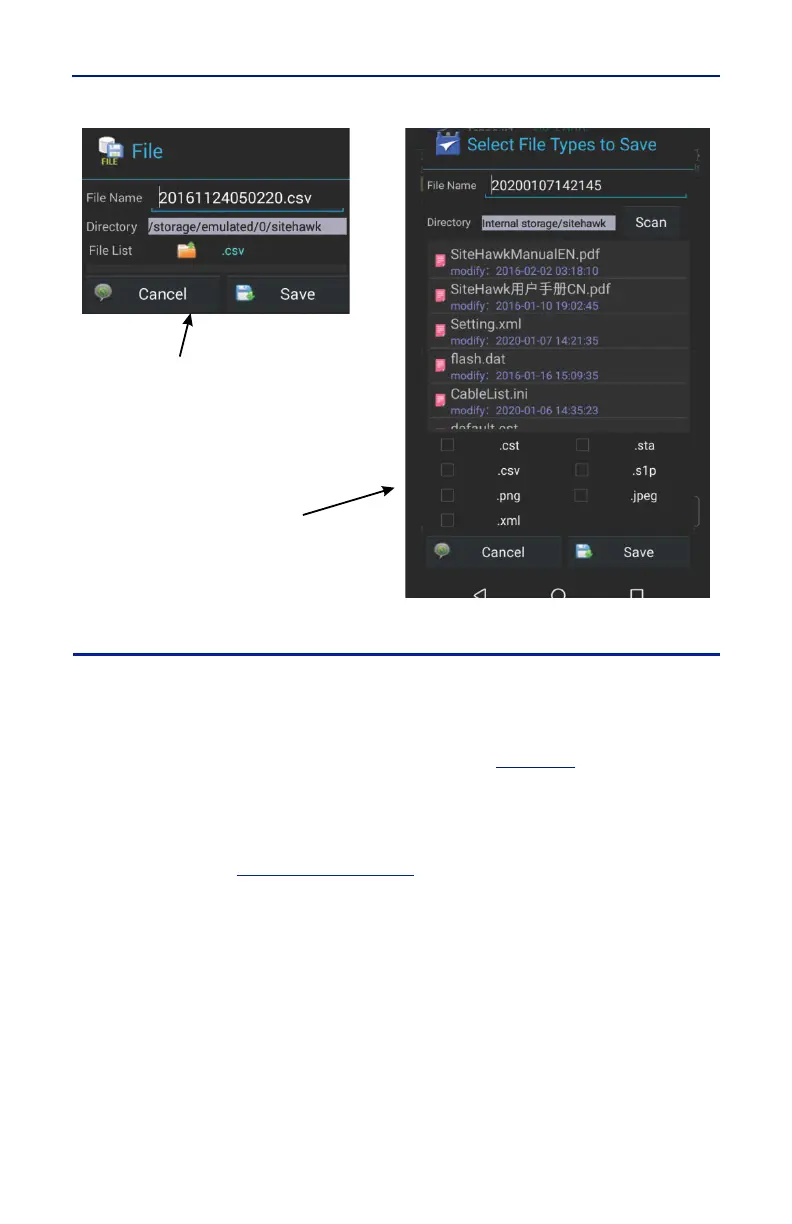
Figure 36 File Save Dialog
Recall Trace Data
Data in sta or cst data files can be recalled and displayed with the current data
trace.
1. Press the Menu icon.
2. Press the FILE icon to display the file menu. See
Figure 35
.
3. Press the Save Type to select file type STATUS+CAL (cst) or STATUS (sta).
4. Press Load.
5. Select the data file from the list.
6. Press Load. See
Figure 37 on page 42
.
Note: The active and the recalled trace data will be displayed together
in the sweep display area. In the example, Tr1 is the active trace, the
recalled trace data is indicated with OFF and the file name.



 To Next Page