Maintenance
77
Recall Cable List
Note: This procedure is used to load a Cable List different from the
Cable List currently displayed.
1. Press DTF icon.
2. Press CableList option to display the Cable List. See
Figure 65
.
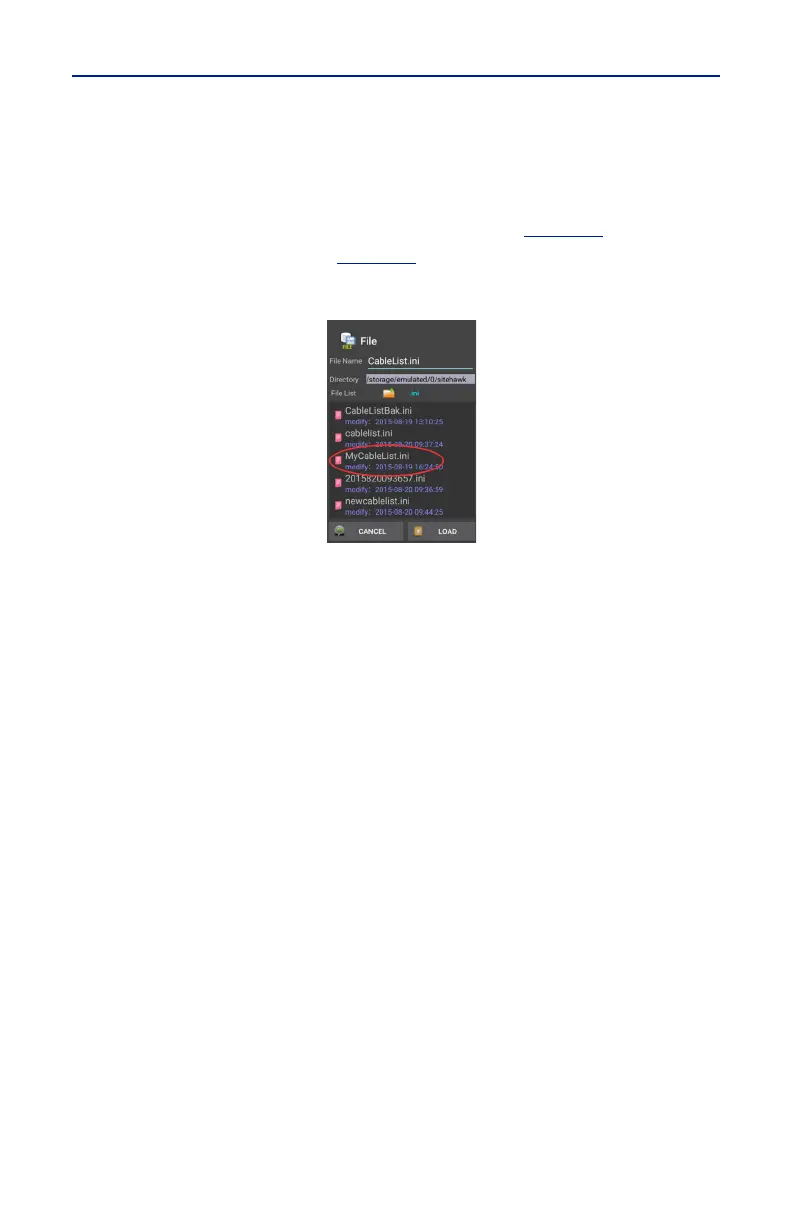
3. Press the Recall button. See
Figure 68
.
Figure 68 Recall Cable List Dialog Box
4. Select the Cable List to Recall.
5. Press LOAD.
6. Select a cable in the list and press OK.



 To Next Page