Maintenance
79
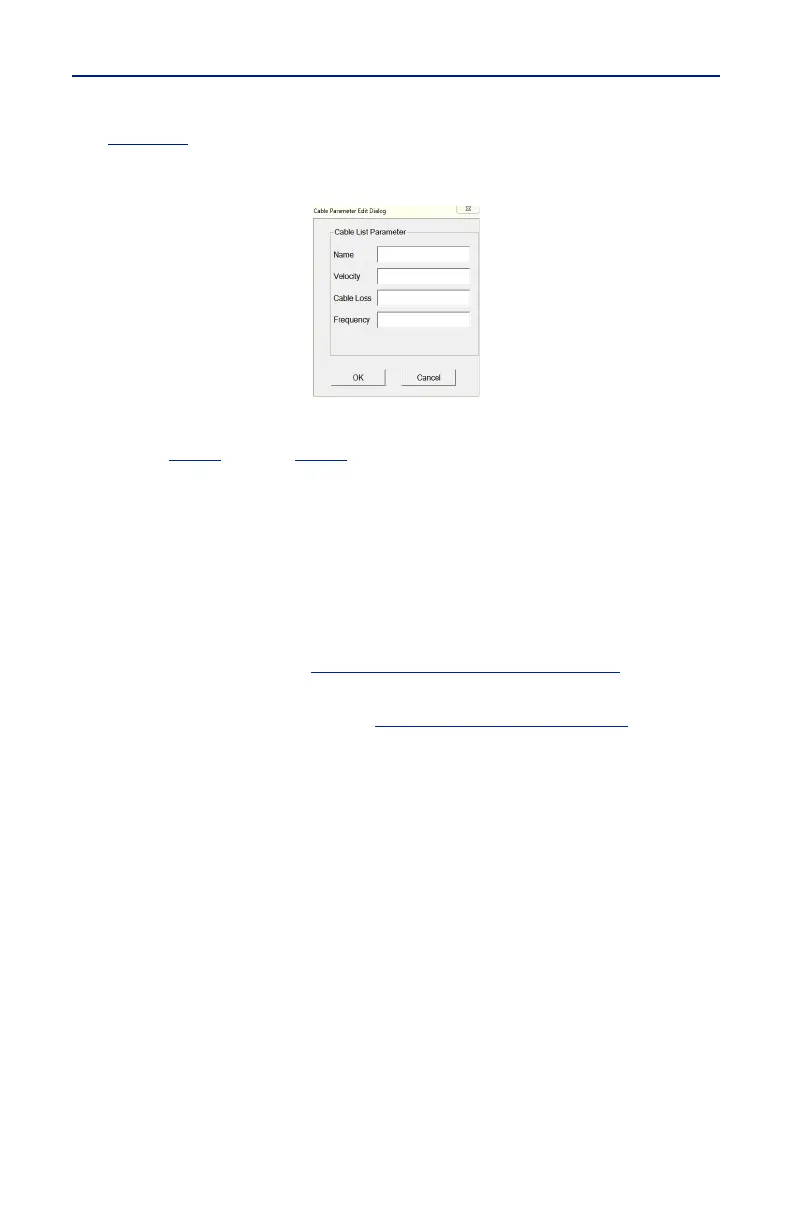
7. Enter the cable information into the Cable Parameter dialog box. See
Figure 71
.
Figure 71 Cable Parameter Edit Dialog
8. Click OK
9. Repeat
step 6
through
step 8
until all changes are complete.
10. Once all changes are complete click Export.
Note: The Cable List name can be the same as the default or may have
a unique name.
11. Name the Cable List and click Save.
12. Copy the updated Cable List to a USB drive.
13. Exit the SiteHawk App on the FlightHawk-AV Analyzer.
14. Copy the updated CableList.ini file to the FlightHawk-AV and save in the
original Cable List folder.
"Data Transfer Function" on page 43
.
15. Launch the SiteHawk App.
16. Load the updated Cable List. See
"Recall Cable List" on page 77
.



 To Next Page