29
1.8 7 7. 87 7. 2 2 6 9 BLACKBOX.COM
NEED HELP?
LEAVE THE TECH TO US
LIVE 24/7
TECHNICAL
SUPPORT
1.8 77.87 7.2269
CHAPTER 3: INSTALLATION
CONNECT AND LOGIN
Connecting to the RJ-45 Ethernet port.
Factory default IP: 192.0.2.1
Login with default account and password.
Username: admin
Password: (none)
3.11 CLI INITIALIZATION AND CONFIGURATION (OPTIONAL)
1. Connect to the RJ-45 Ethernet port.
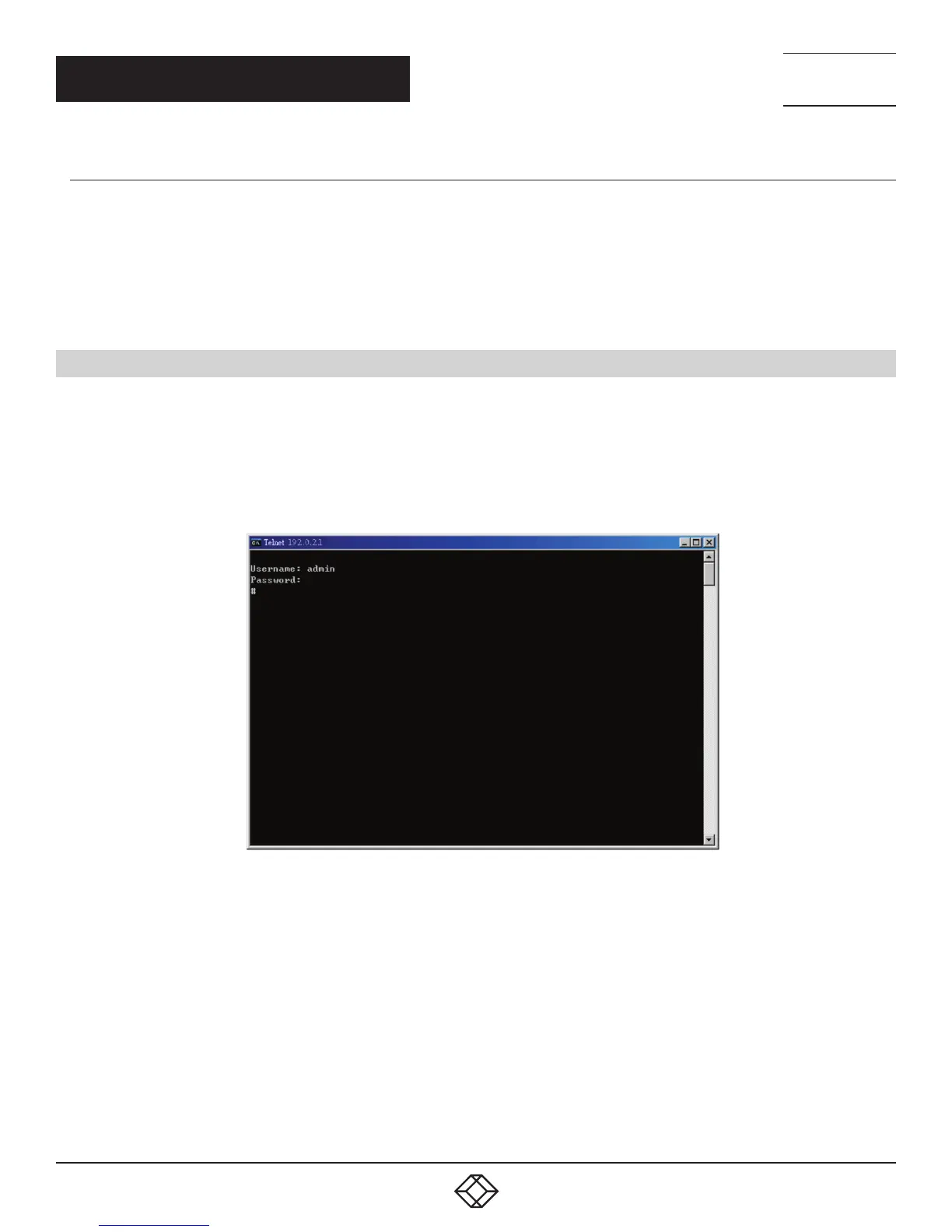
2. Type in the command under Telnet: telnet 192.0.2.1
3. Login with default account and password.
Username: admin
Password: (none)
FIGURE 3-13. LOGIN TO COMMAND LINE INTERFACE (CLI)
4. Change the IP with the commands listed below:
enable
configure terminal
interface vlan 1
ip address xxx.xxx.xxx.xxx xxx.xxx.xxx.xxx
exit
FIGURE 3-14. CLI COMMAND













 To Next Page