24
1.8 7 7. 87 7. 2 2 6 9 BLACKBOX.COM
NEED HELP?
LEAVE THE TECH TO US
LIVE 24/7
TECHNICAL
SUPPORT
1.8 77.87 7.2269
CHAPTER 3: INSTALLATION
3.5 CONNECTING THE ETHERNET INTERFACE (FIBER, SFP)
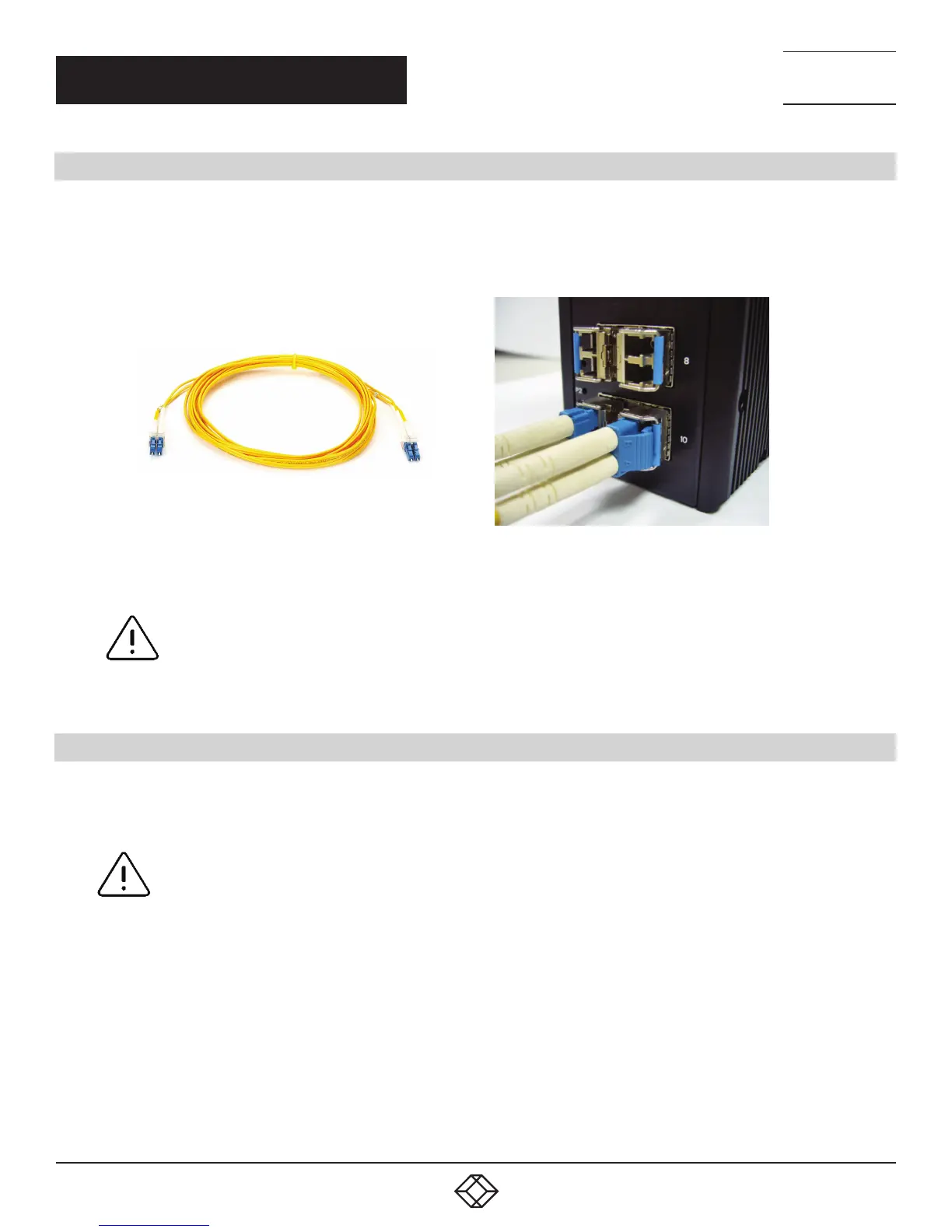
For both 100/1000 Mbps fiber speed connections, the SFP slots are available. The SFP slot accepts the fiber transceivers that
typically have an LC connector.
The fiber transceivers have options of multimode, single mode, long-haul or special-application transceivers.
FIGURE 3-5. FIBER OPTICS CABLE
WITH LC DUPLEX CONNECTOR
FIGURE 3-6. CONNECT THE OPTICAL FIBER
TO THE SFP SOCKET
DANGER:
Never attempt to view optical connectors that might be emitting laser energy.
Do not power up the laser product without connecting the laser to the optical fiber and putting
the cover in position, as laser outputs will emit infrared laser light at this point.
3.6 POWER CONNECTION
The switch can be powered from two power supplies (input range 12V – 58V). Insert the positive and negative wires into V+ and V-
contacts on the terminal block respectively and tighten the wire-clamp screws to prevent the wires from being loosened.
NOTE: The DC power should be connected to a well-fused power supply.













 To Next Page