83
1.8 7 7. 87 7. 2 2 6 9 BLACKBOX.COM
NEED HELP?
LEAVE THE TECH TO US
LIVE 24/7
TECHNICAL
SUPPORT
1.8 77.87 7.2269
CHAPTER 9: 802.1X AUTHENTICATION APPLICATION
CLI COMMAND
Configure ter
interface vlan 1
ip address 20.20.20.120 255.0.0.0
exit
exit
radius-server host 20.20.20.20 timeout 5 retransmit 3 key a1b2c3d4
dot1x re-authentication
dot1x system-auth-control
interface GigabitEthernet 1/1
dot1x port-control auto
CONFIGURATION
9
10
8
7
5 3
1
6
4 2
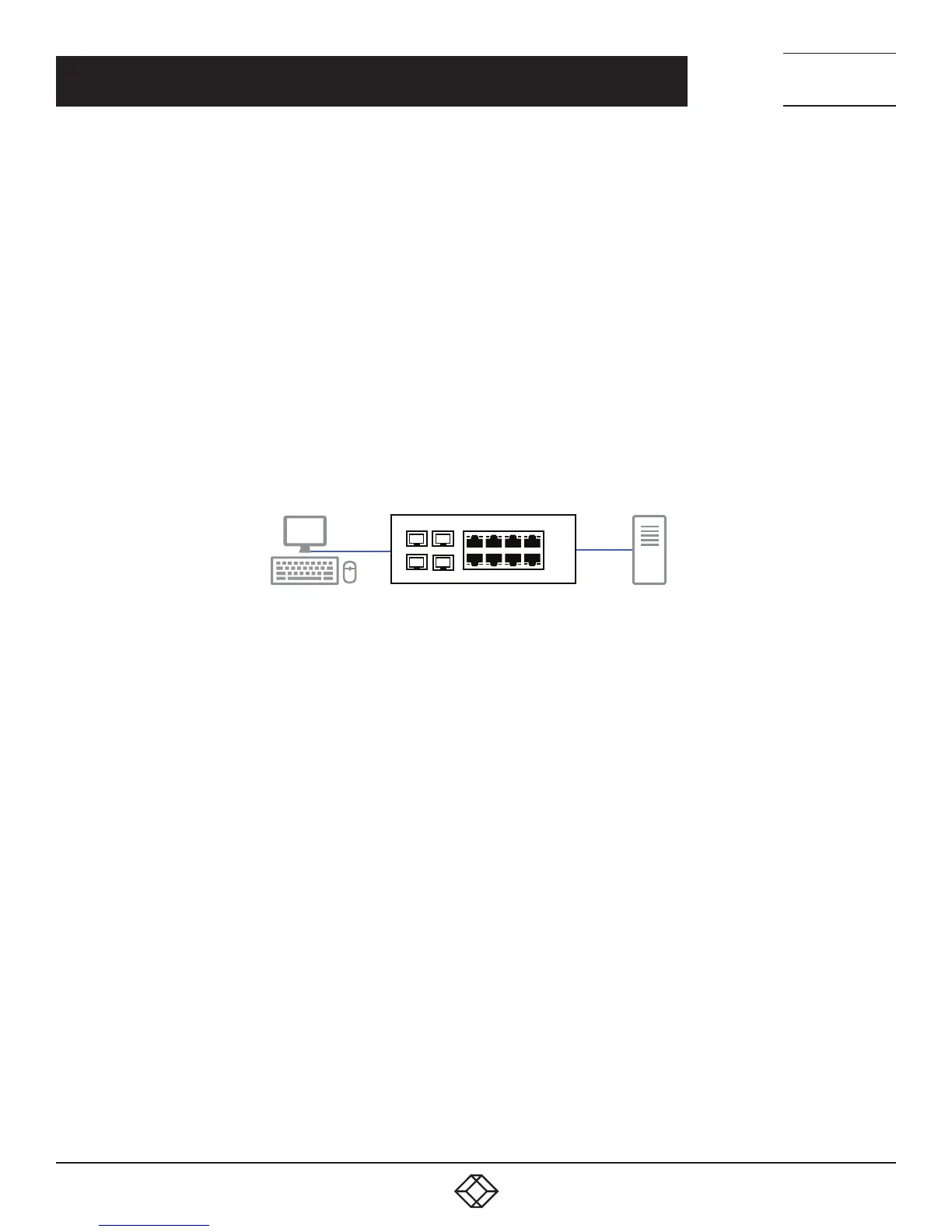
Supplicant
Static IP: 20.20.20.10
802.1x EAP
Management Switch
RADIUS server
Static IP: 20.20.20.20
RADIUS
Protocol
FIGURE 9-3. RADIUS SERVER CONFIGURATION
Supplicant’s NIC Setting
STEP 1: Configure a static IP address 20.20.20.10 and net mask 255.255.255.0 for supplicant. (If there is a DHCP server to assign IP
address for supplicant, this step can be ignored.)
STEP 2: Select the IEEE802.1x Authentication Enable check box, then configure the EAP type to MD5-Challenge.
After setting this function in the NIC, the supplicant should enter a correct pair of account and password to use this Ethernet port
service from the switch.













 To Next Page