Tips for Connecting SDI cables
The weight of copper-based SDI cables quickly adds up so it is advisable to use your
rack to support the cables so that the full cable weight does not place undue stress
on the BNC ports of your Videohub. This is particularly important with larger models
of Videohub due to the weight of many SDI cables. Tying cable harnesses to the rack
frame can provide support for large volumes of cabling.
It is also good practice to attach cables to the lowest BNC and optical fiber connectors
first and then work upwards. This will avoid having to push lots of cables out of the way
as you attach more cables in the future.
All Videohub models feature regular sized BNC ports, which make it easy to connect
toother SDI equipment using regular SDI cables.
If you’re connecting Videohub to SDI equipment that has miniature SDI connectors,
such as DIN 1.0/2.3, we recommend using SDI cables that are terminated with a
miniature connector at one end and a regular BNC at the other. Alternatively, an
adapter cable can be connected to a regular SDI cable but this could prevent you
from running long cables due to some loss of signal quality.
It’s easy to connect and disconnect SDI cables to and from your Videohub. However as
you attach more SDI cables, you might find it tricky to fit your fingers between the BNC
connectors. You can use an inexpensive BNC removal tool, from third party vendors,
tohelp make this task easy even when your Videohub has many cables connected.
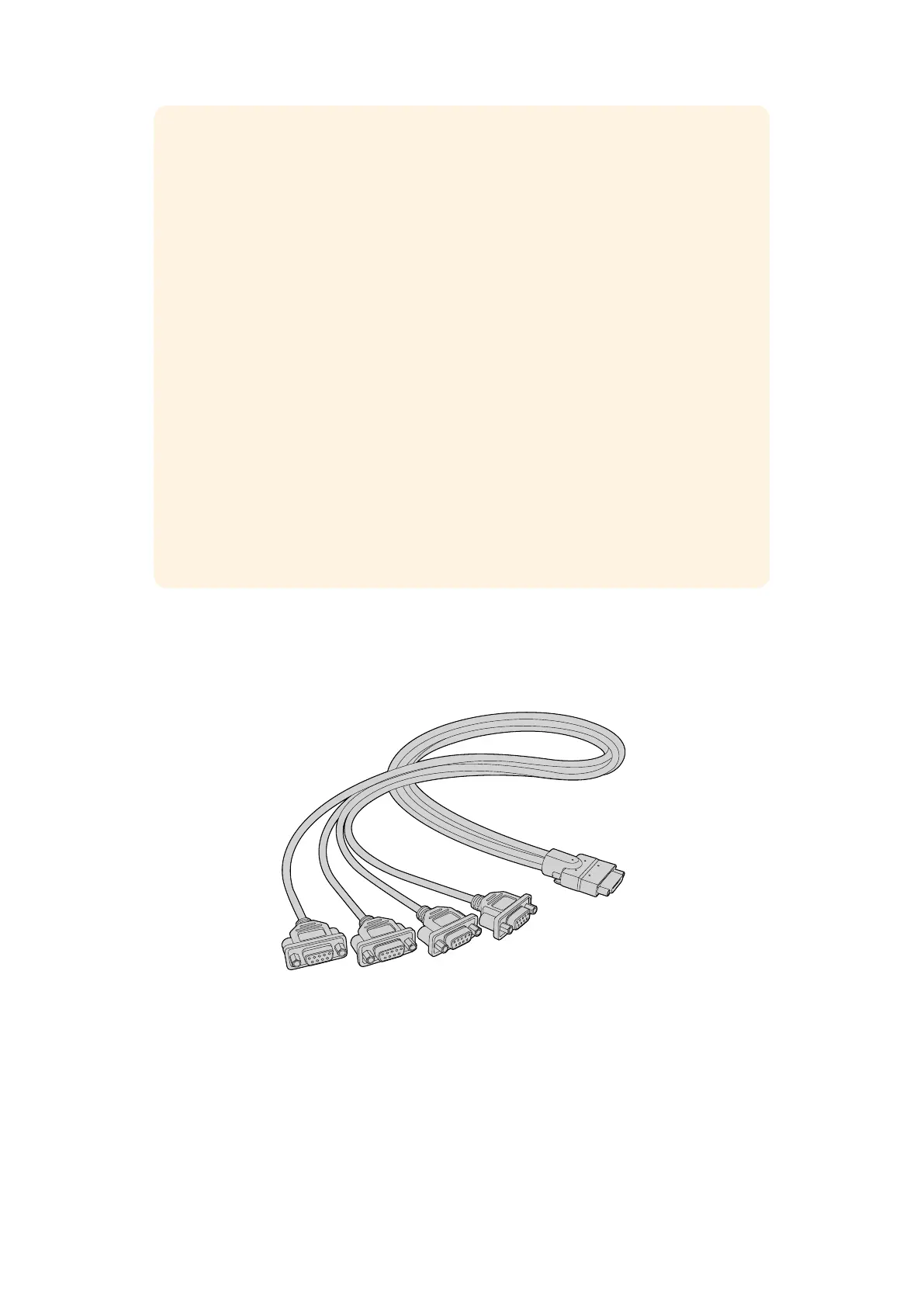
Universal Videohub Deck Control Cable
This cable features a single serial port at one end, for connection to both types of
SDI interface cards, and four RS-422 deck control ports at the other end.
Universal Videohub Deck Control Cable
29Universal Videohub Routers



 To Next Page