Network
The network settings let you set the unit to use DHCP for automatic network connection,
orstatic IP if you need to manually set an IP address.
The network settings can be changed when your Videohub is connected to a computer via USB.
To help limit the potential for accidental administration changes, Blackmagic Videohub Setup
can be set to only allow users to make settings changes via USB. To enable, select ‘via USB’.
Network settings are important for controlling your Videohub over a network using Videohub
Control software or an external hardware control panel, for example controlling a Universal
Videohub288 using Videohub Master Control Pro. Refer to the ‘connecting Videohub to a
network’ section for more information about network settings.
Reset
The factory reset button deletes all assigned macros and labels and restores the unit to its
original factory settings.
Updating your Videohub
Occasionally, the internal software in your Videohub will need to be updated. Updates to
internal software can provide new features, compatibility with new hardware and support for
new formats.
Please follow these steps to update your Videohub’s internal software:
1 Connect your computer to the Videohub’s USB 2.0 connector.
2 Launch Blackmagic Videohub Setup and it will automatically display any Videohubs that are
connected to your network.
3 Select your Videohub by clicking on either the picture or the configuration icon.
4 The utility will inform you if an update is required.
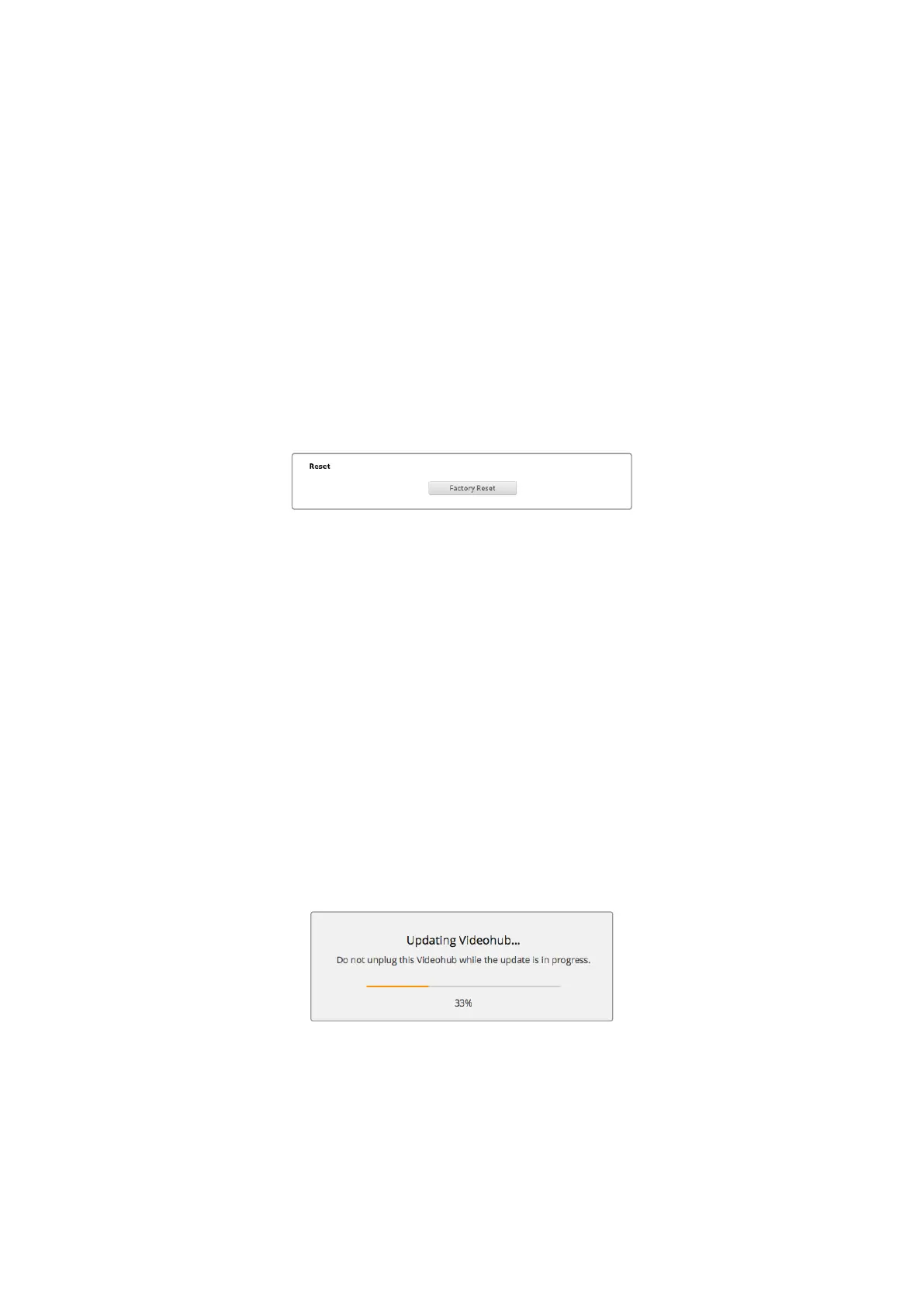
5 If an update is required, click the Update button and allow the software to install. Make sure
not to unplug the Videohub while the update is in progress.
6 Click the Close button when the update is finished.
Do not unplug the Videohub while the update is in progress
51Updating your Videohub



 To Next Page