Blackmagic Videohub Software
Blackmagic software includes three important software applications used to configure and
control your Videohub and Videohub hardware panels. Download the Blackmagic Videohub
Software from the Blackmagic Support Center at www.blackmagicdesign.com/support
Blackmagic Videohub software includes the following applications:
Blackmagic Videohub Setup. This is an administration utility for changing settings, configuring
your Videohub and updating the unit’s internal software.
Blackmagic Videohub Hardware Panel Setup. This utility is used to configure Videohub Master
Control Pro and Smart Control Pro hardware panels.
Blackmagic Videohub Control. This application is a software control panel that lets you control
your Videohub remotely via USB or over an Ethernet network.
Blackmagic Videohub Setup
Using Blackmagic Videohub Setup, you can label the inputs and outputs to identify sources
anddestinations, plus maximize the results of your Videohub’s filtering system when using the
shortcut buttons. You can also create macros, map shortcut buttons and more.
The first step is to download and install the Videohub software onto your Mac or Windows PC.
The software is freely available at www.blackmagicdesign.com/support
Once installed on your computer, connect your Videohub via USB then go to your applications
folder and launch Blackmagic Videohub Setup.
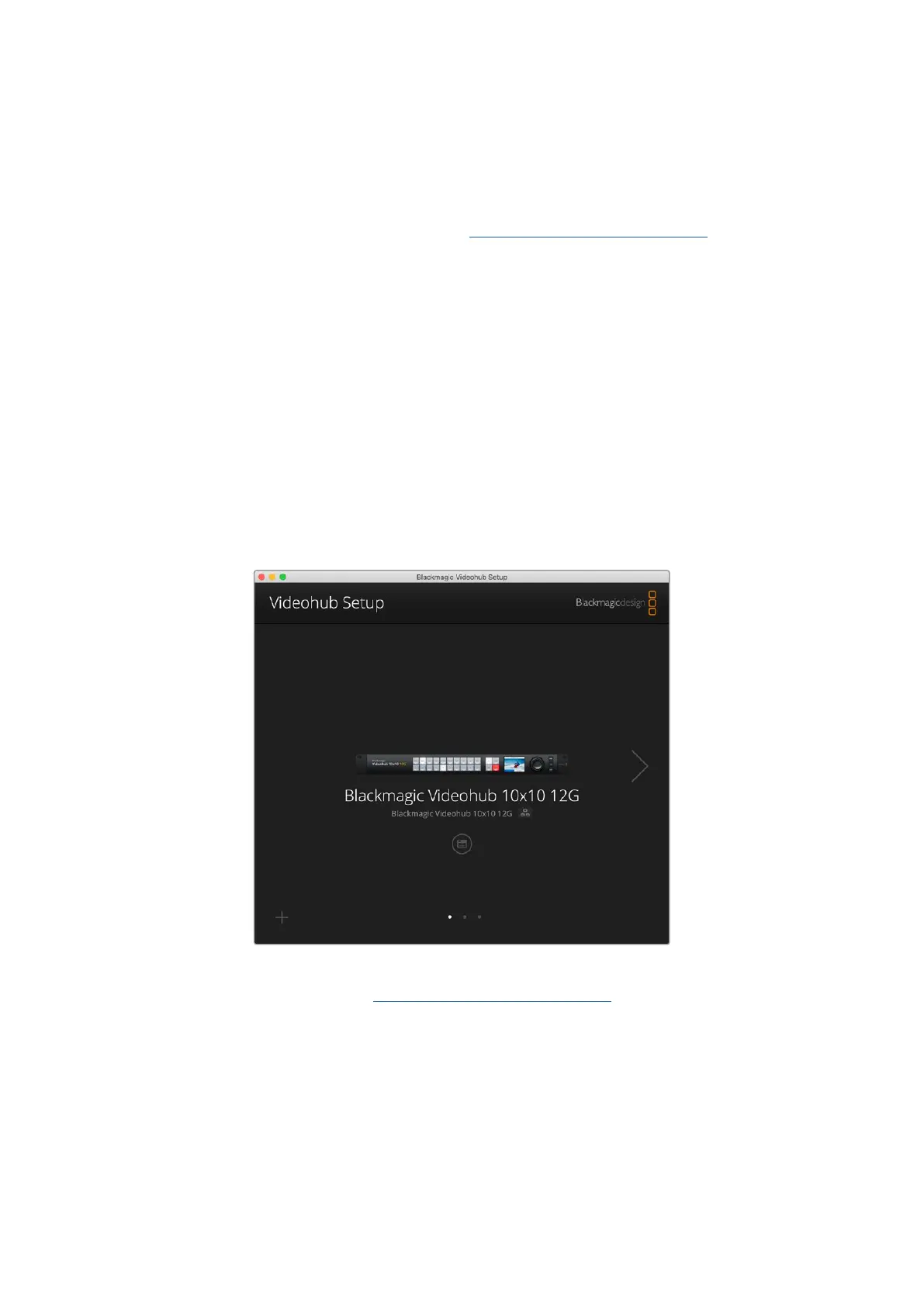
The first screen you will see is the home screen. This is where you can select your Videohub
if you have more than one unit connected. Simply click on the left and right arrows to move
through the units.
To open your Videohub’s settings, click on the settings icon under the image of your Videohub.
46Blackmagic Videohub Setup



 To Next Page