About Routing Levels
If your Videohub does not feature RS-422 remote deck control, Videohub Master Control will
always show ‘SDI’ on its LCD and you don’t need to read anything more about routing levels.
If your Videohub does include RS-422 remote deck control ports, you can use the LEVEL
button on Videohub Master Control to reduce the list of sources and destinations by
routing level.
Start by pressing the DEST button. Now press the LEVEL button to cycle through the
routing levels:
SDI 422
Choose this routing level to reduce the list of video equipment to devices with matching
labels for their remote and SDI ports. This level is commonly used with SDI capture cards
and VTR decks but cannot be used with cameras and monitors as they do not have RS-422
remote ports.
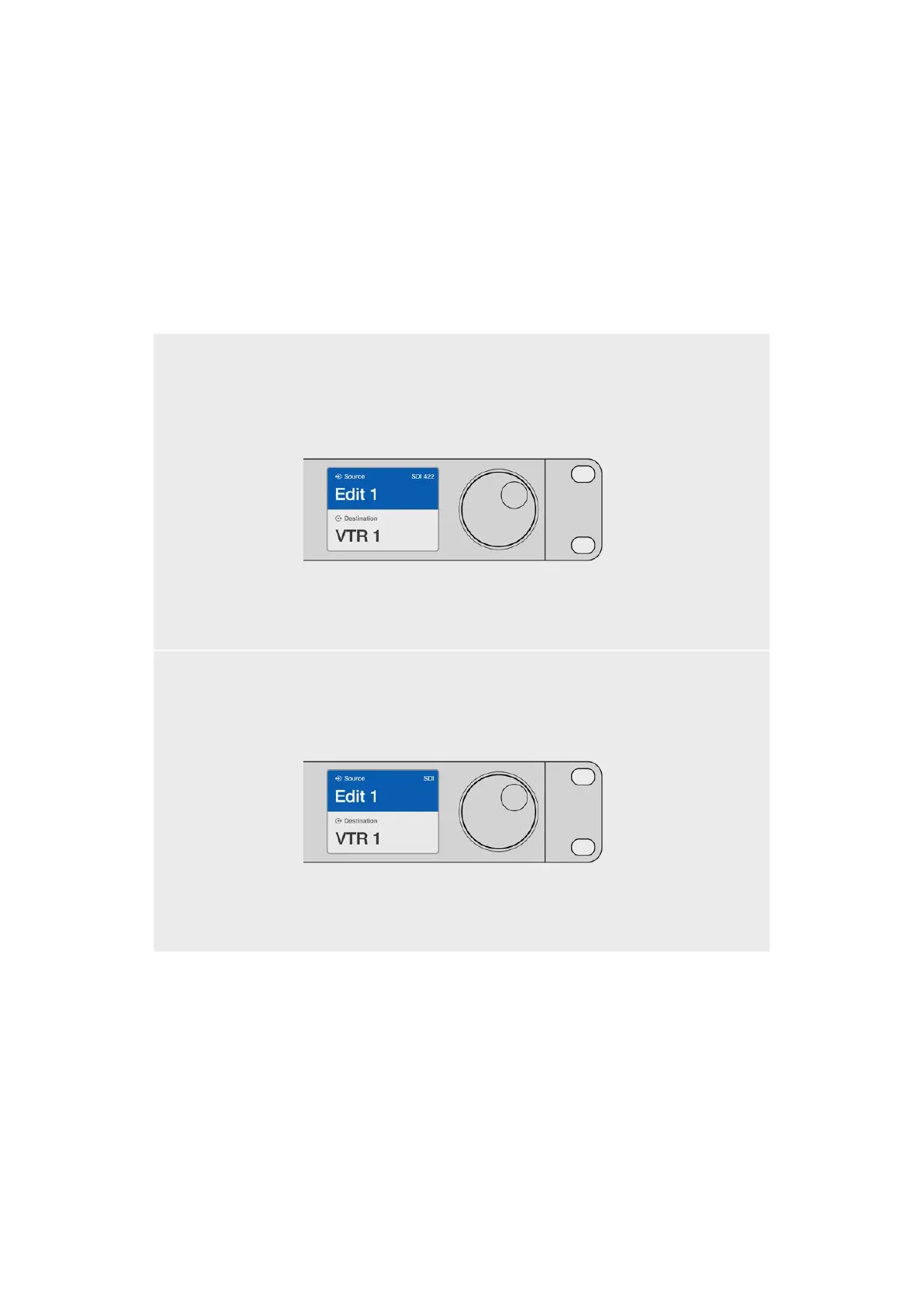
Choose the SDI 422 routing level if you only want to see
SDI video equipment with RS-422 deck control. In this
example, the capture card (Edit 1) and the deck (VTR 1)
are listed because they both have SDI and RS-422 ports.
SDI
Lists all SDI sources and destinations. Choose this routing level if you want to see all
SDI video equipment, i.e., cameras, monitors, capture cards and VTR decks, regardless
of RS-422 connections.
Choose the SDI routing level if you want to see
all SDI video equipment. In this example, the
capture card (Edit 1) and the deck (VTR 1) are
listed because they both have SDI ports.
34Videohub Hardware Control Panels



 To Next Page