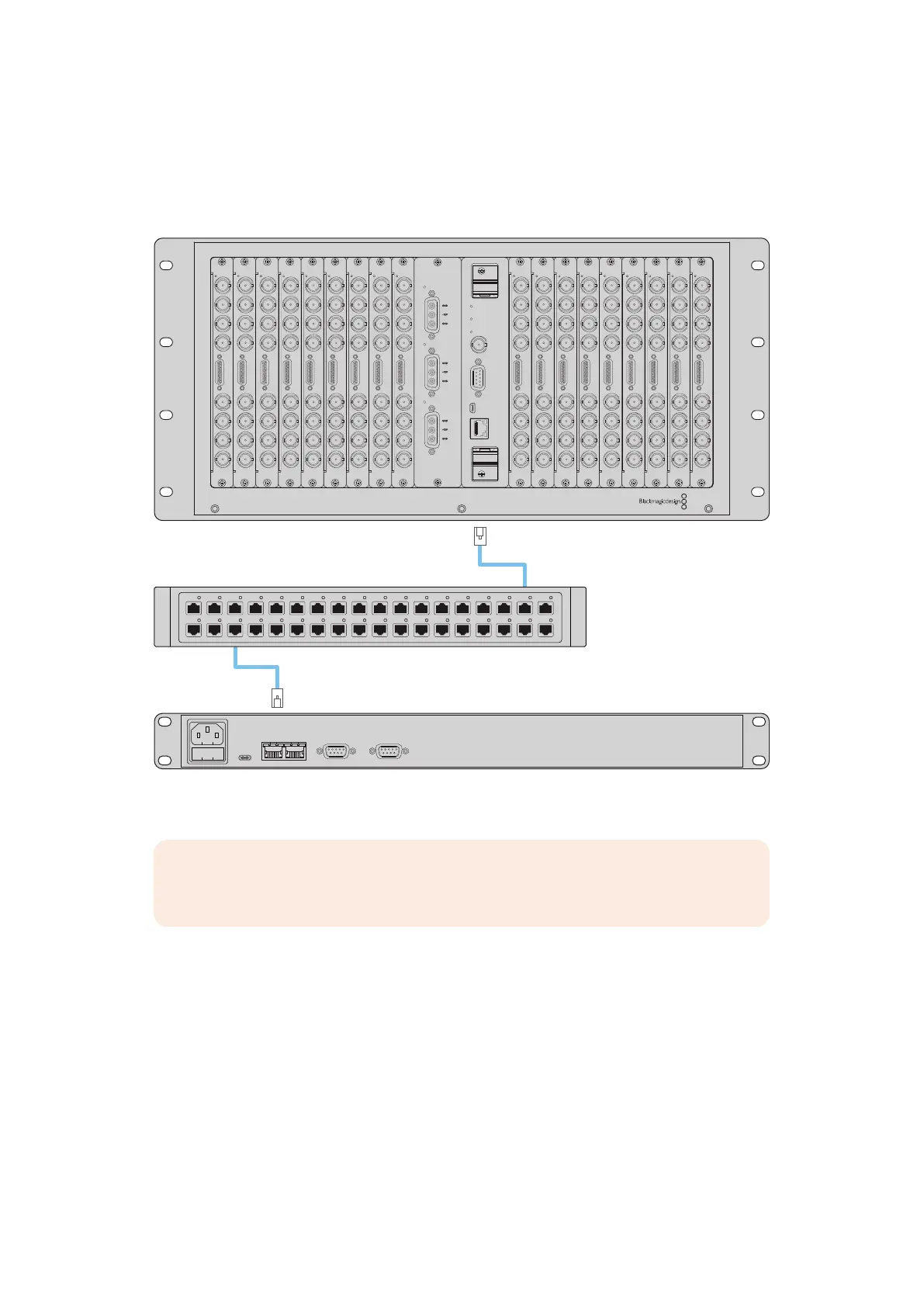
Connecting to an Ethernet Network
In most facilities, Videohub is usually shared via an Ethernet network switch so it can be
controlled by computers on the network as well as by Videohub control panels. Connect the
control panel to the network as you would any Videohub router.
Universal Videohub 72
Network Switch
Videohub Smart Control Pro
Ethernet
Ethernet
RS
-
422 INPoE+USB
-
C RS
-
422 OUT
MAIN POWER
+12V
150W
150W
150W
POWER OVERLOAD
ALARM
REF IN
RS-422
CONTROL
ETHERNET
USB DIAGNOSTIC
Videohub Smart Control Pro connected to a Universal Videohub72 via an Ethernet network switch
NOTE The second Ethernet port does not support PoE+ so a unit connected to the
second port will require its own power supply.
32Videohub Hardware Control Panels



 To Next Page